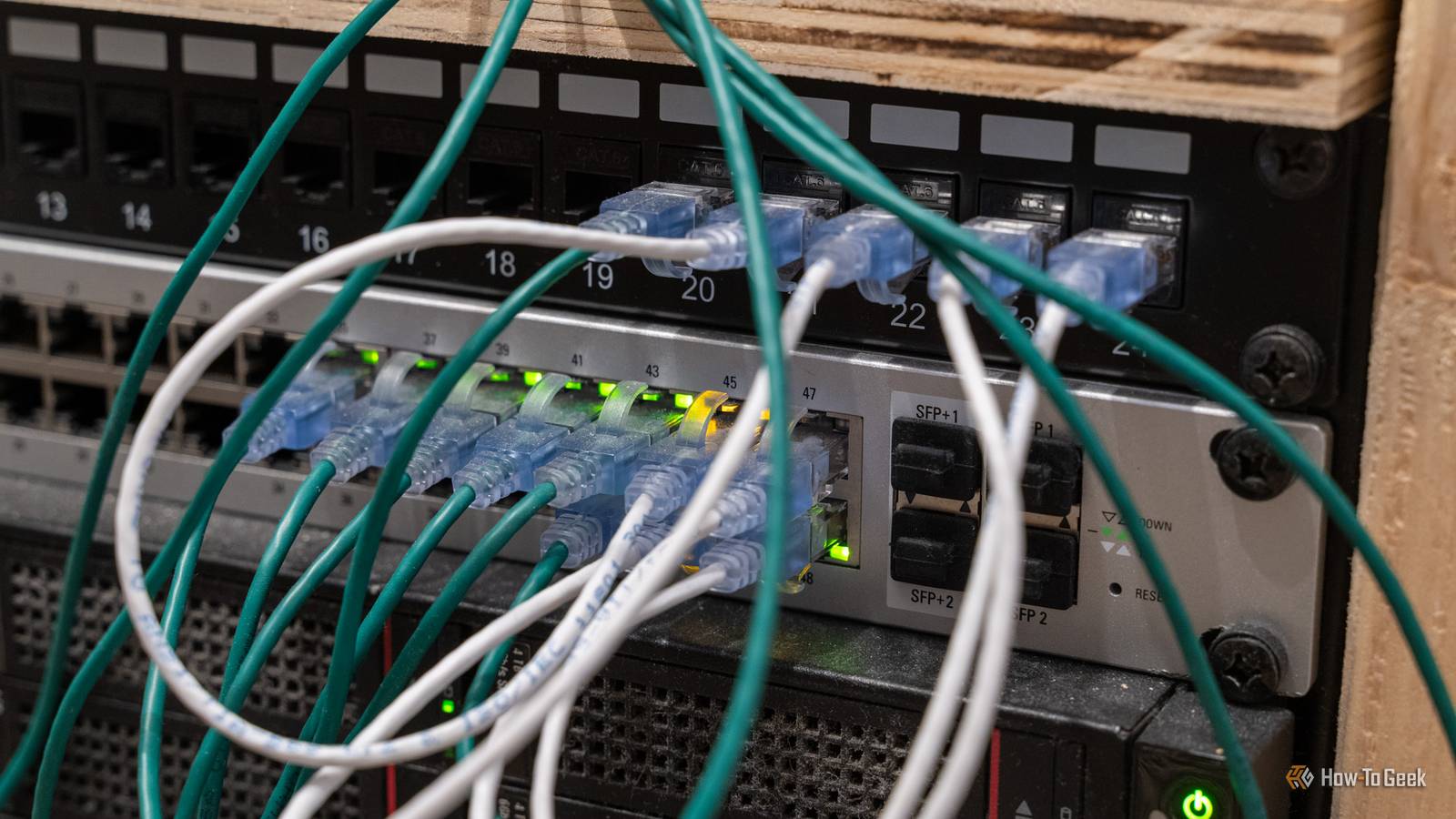
A simple $5 RJ45 coupler can often resolve persistent home networking issues more effectively than purchasing an expensive, high-end router. While many consumers believe that upgrading to a $600 mesh system or a flagship Wi-Fi 6E/7 router will solve connectivity bottlenecks, the root cause of a network failure is frequently a physical cable limitation or a damaged termination point. By using an inexpensive Ethernet coupler to bridge connections or extend a stable wired line, users can often bypass the need for costly hardware replacements that fail to address fundamental infrastructure problems.
According to networking standards set by the Telecommunications Industry Association (TIA), the integrity of a local area network (LAN) relies heavily on the physical layer of the OSI model. When a user experiences intermittent signal drops or localized “dead zones,” the issue is frequently a damaged Cat5e or Cat6 cable rather than a deficiency in the router’s radio frequency output. Replacing a malfunctioning cable segment with a $5 coupler to join two high-quality runs is a standard practice for maintaining signal throughput without the overhead costs of enterprise-grade routing equipment.
Why Physical Infrastructure Outperforms Hardware Upgrades
The common perception that a more expensive router inherently provides a better connection is often a misconception, as noted in technical documentation from the Institute of Electrical and Electronics Engineers (IEEE). Modern routers operate within strictly regulated power limits for Wi-Fi signals. Even a $600 router cannot “push” a signal through thick masonry or metal interference better than a lower-cost model if the physical environment is hostile to radio waves. In many cases, users are better served by using a coupler to hardwire a stationary device, such as a desktop computer or a smart TV, directly to the network.

Hardwiring devices via Ethernet removes the variables of signal interference, channel congestion, and packet loss inherent in wireless transmissions. By using an RJ45 coupler to extend an existing Ethernet run, a user can establish a stable backhaul for a wireless access point. This configuration, often referred to as a “wired backhaul,” is significantly more reliable than the wireless mesh systems marketed as “total home solutions,” according to performance benchmarks published by CNET.
Identifying When to Use a Coupler vs. Replacing a Router
Deciding between a hardware upgrade and a simple infrastructure fix requires diagnosing where the data bottleneck exists. If a user experiences slow speeds only on specific devices, the issue is likely the local connection or the cable itself. If the entire network is unresponsive, a router reboot or firmware update is the logical first step, as outlined in the Federal Communications Commission (FCC) consumer guide on internet speeds.

An RJ45 coupler is an ideal solution under the following conditions:
- When an existing Ethernet cable is too short to reach a high-traffic device, and running a new, continuous cable is physically impossible or cost-prohibitive.
- When a cable has a damaged head (the plastic clip is broken) and a coupler allows for a clean transition to a new patch cable without re-terminating the entire wall run.
- When creating a temporary bridge between two network segments during home office reconfiguration.
It is important to note that couplers must match the category of the cable being used. Using a Cat5 coupler on a Cat6 or Cat6a network will bottleneck the entire connection to 100 Mbps, as stated in the ISO/IEC 11801 standards for generic cabling systems. Always verify that the coupler is rated for the speed of the existing infrastructure to avoid performance degradation.
The Cost-Benefit Analysis of Networking Gear
The consumer electronics market often emphasizes “future-proofing” through the sale of high-priced routers that exceed the actual bandwidth provided by most Internet Service Providers (ISPs). According to data from Ookla’s Speedtest Intelligence, while average global broadband speeds continue to rise, the majority of home users do not require the multi-gigabit routing capabilities found in top-tier hardware. Investing in a $600 router often provides features—such as advanced traffic prioritization or complex VPN hosting—that the average user may never configure.

Conversely, the $5 coupler is a surgical fix that addresses physical connectivity without introducing unnecessary complexity. By focusing on the “last mile” of the connection—the cable running from the wall jack to the device—users can achieve near-theoretical maximum speeds for their service plan. This approach aligns with the principle of “keep it simple,” a core tenet of network administration that minimizes potential points of failure.
Next Steps for Network Optimization
For users looking to optimize their home networks, the next logical step is to conduct a wired speed test using an official tool like the Measurement Lab (M-Lab) test. If the wired speed matches the service plan but the wireless speed remains low, the issue is radio frequency interference, not the router’s routing capacity. In these instances, adding a dedicated wireless access point connected via a hardwired Ethernet line is more effective than replacing the main router.
Readers are encouraged to share their own experiences with network troubleshooting in the comments section below. Whether you have found success with simple physical fixes or believe that high-end hardware is essential for modern bandwidth demands, your feedback helps the global tech community make more informed purchasing decisions.
Keep reading