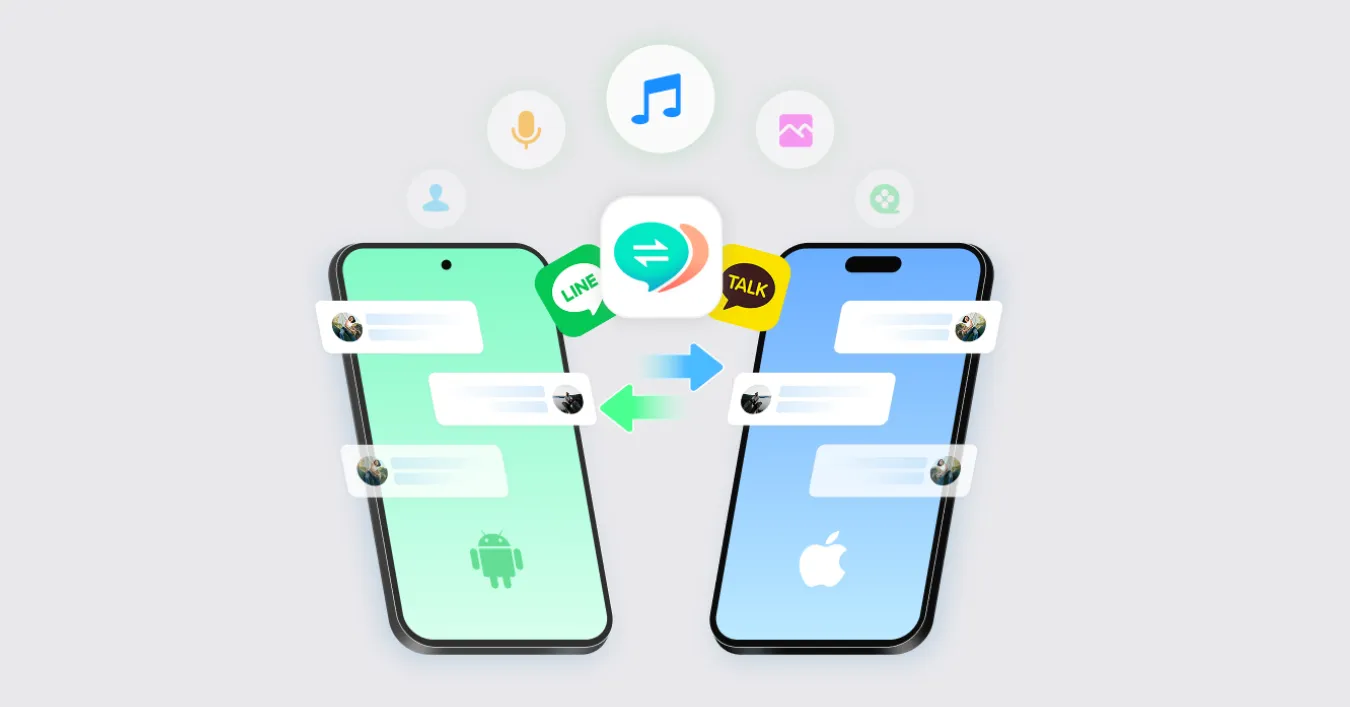
As smartphones remain the primary hub for daily communication, managing and transferring chat histories across different operating systems or devices presents a persistent challenge for millions of users worldwide. When it comes to the ubiquitous messaging platform LINE—particularly dominant across East Asia and parts of Southeast Asia—switching from an Android device to an iPhone or simply creating reliable backups can quickly become a complicated technical hurdle. Software solutions designed to bridge this gap, such as Tenorshare’s iCareFone for LINE, have drawn significant attention from consumers seeking streamlined data migration without relying strictly on native cloud limitations.
Evaluating tools like iCareFone for LINE requires a close look at what the software actually accomplishes, how its free and paid tiers function, and whether its features match up against official platform methods. In the realm of mobile utilities, software reviews and user feedback often highlight a tug-of-war between convenience and cost. Users frequently search for real-world testing results, operational tutorials, and active discount codes before committing financial resources to desktop backup applications. Understanding the software’s exact capabilities helps consumers decide if a third-party utility is necessary for their specific data management needs.
Core Features and Practical Testing of LINE Transfer Tools
Third-party data transfer applications typically target specific pain points that native applications leave unresolved. For LINE users, the primary difficulty historically involved moving chat logs directly between Android and iOS devices, as cross-platform transfers often lack straightforward, built-in solutions within the app itself. According to software documentation and tech-industry evaluations, utilities like iCareFone for LINE are engineered to facilitate direct device-to-device transfers, selective backups, and file restorations to a computer.
During practical testing environments, software utility performance generally hinges on connection stability, data integrity, and interface responsiveness. Users connect their mobile devices to a Windows PC or Mac via USB cables, authorize the connection, and follow on-screen prompts to initiate scans or transfers. Unlike standard cloud backups—which might overwrite existing data or restrict access based on storage tiers—desktop management software usually allows users to view, export, and manage specific chat attachments, photos, and conversation histories in formats like PDF or HTML.
Evaluating Free Versus Paid Tiers and Pricing Options
Most utility software operates on a freemium model, offering limited free functionality alongside comprehensive paid features. In the case of LINE management tools, the free version typically allows users to perform basic functions such as previewing certain data types or executing partial backups, while full cross-platform transfers and complete restores require a paid license subscription. Consumers evaluating these products often look for transparent pricing structures, renewal terms, and available promotional discounts.
Software developers frequently issue seasonal discount codes or coupon offers through partner review sites and official promotional campaigns. When considering a purchase, buyers must weigh the subscription cost—often structured as a monthly, annual, or lifetime multi-device license—against the value of the data being protected or migrated. Independent tech commentators routinely advise users to verify trial limitations thoroughly before entering payment details, ensuring the software supports their exact device operating system version and LINE application build.
Official Guidelines and Data Security Considerations
When utilizing third-party software for sensitive personal communications, data privacy and security remain paramount considerations. Major messaging platforms continuously update their security protocols, end-to-end encryption standards, and backup procedures. According to official platform guidelines issued by LINE Corporation, users should always rely on built-in backup features—such as Google Drive for Android and iCloud for iOS—whenever possible to maintain account security and compliance with terms of service.
Security experts emphasize that granting third-party desktop applications access to decrypted mobile device storage requires caution. Users must ensure they download software installers exclusively from official developer domains to avoid compromised downloads or malware vectors. Furthermore, maintaining local backups on a trusted personal computer provides an offline safeguard against cloud storage failures, provided the user exercises proper digital hygiene and secure file management practices.
As mobile operating systems evolve with new security patches and privacy frameworks, software developers must frequently update their utilities to maintain compatibility. Users planning a device migration should check the developer’s official release notes for compatibility updates regarding the latest iOS and Android versions before executing large-scale data transfers.
Keep reading