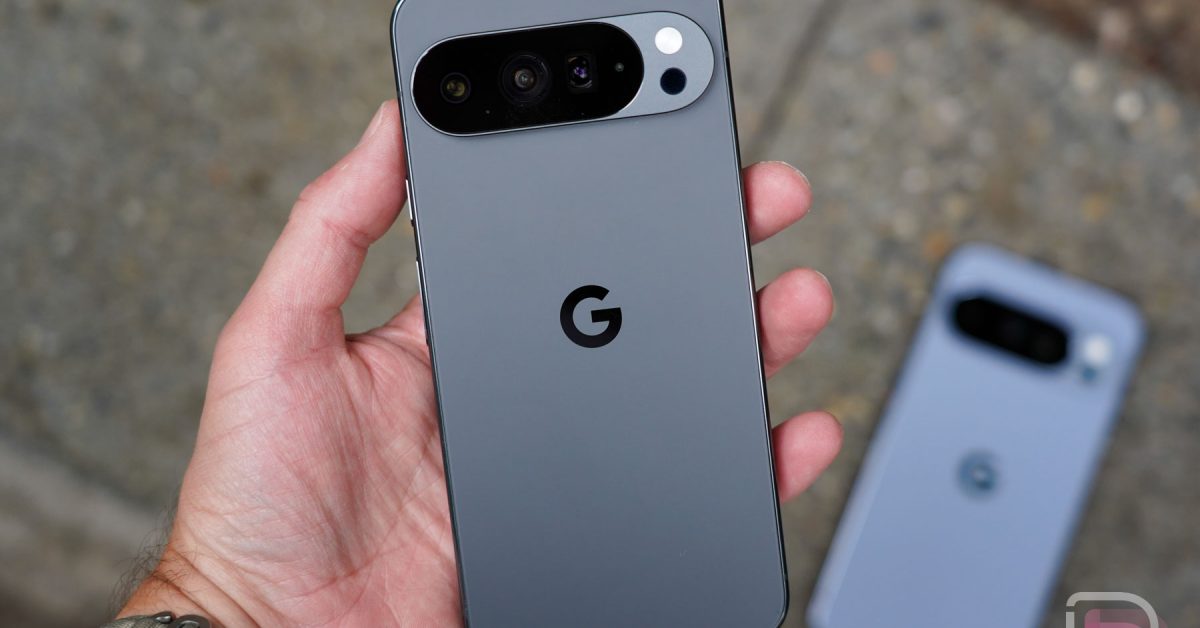
Android 16 QPR2 Beta 3: Update Re-Release, Bootloop Issue & What Pixel Owners Need to Know
Last week, Google temporarily pulled the Android 16 QPR2 Beta 3 update for Pixel devices. The culprit? A frustrating bootloop issue triggered when users enabled desktop Mode. If you’re a Pixel owner participating in the beta programme, you likely experienced some anxiety. But don’t worry – the update is now back,and here’s everything you need to know.
The Bootloop Bug & Why Google Pulled the Update
The initial release of Android 16 QPR2 Beta 3 contained a critical bug. Specifically, enabling Desktop Mode could send your Pixel into an endless cycle of restarting – a bootloop. This rendered devices unusable, prompting Google to swiftly remove the update to prevent widespread disruption.
Google confirmed the issue to Android Authority and immediately began working on a fix. Pulling the update was a necessary step to protect users from a potentially bricking experience. It’s a testament to Google’s commitment to a stable user experience, even within beta programs.
Update Re-Release: What You Need to Know
Good news! Google has re-released Android 16 QPR2 Beta 3. While an exact date wasn’t initially provided, the update became available on October 21st, 2025. The build number is BP41.250916.010.
This re-release includes all the previously promised bug fixes – a total of 16 – addressing a range of issues. Crucially, it should resolve the bootloop problem that plagued the initial release. Though, as with any software update, proceed with caution and ensure your device is backed up.
why This Update Matters: Key Bug Fixes
android 16 QPR2 Beta 3 isn’t just about fixing a bug; it’s about improving the overall Pixel experience. Here’s a glimpse of what the update addresses:
* System Stability: General improvements to system stability and performance.
* Connectivity: Fixes for Bluetooth and Wi-Fi connectivity issues.
* User Interface: Resolved UI glitches and inconsistencies.
* App Compatibility: Enhanced compatibility with various apps.
* Camera Performance: Improvements to camera functionality and image quality.
these fixes contribute to a smoother, more reliable experience for Pixel users actively testing the latest Android features.
How to Get the Update
If you’re enrolled in the Android Beta Program, the update should automatically appear as an over-the-air (OTA) update. Here’s how to check:
- Open your phone’s Settings app.
- Tap System, then System update.
- Select Check for update.
If the update is available, follow the on-screen instructions to download and install it. You can also manually flash the update using factory images or OTA files, but this is recommended for advanced users only.
* Factory Images: https://developer.android.com/about/versions/16/qpr2/download
* OTA Files: https://developer.android.com/about/versions/16/qpr2/download-ota
Is the Beta Program Right for You?
Participating in the Android beta Program allows you to experience the latest features before anyone else. Though, it comes with inherent risks. Beta software is, by definition, unstable and may contain bugs.
consider joining the beta program if:
* You’re pleasant troubleshooting issues.
* You have a backup of your notable data.
* You’re willing to provide feedback to Google.
It’s best to avoid the beta program if:
* You rely on your phone for critical tasks.
* You’re not tech-savvy.
* You prefer a stable,bug-free experience.
Android 16 QPR2: A Deeper Dive
Android 16 QPR2