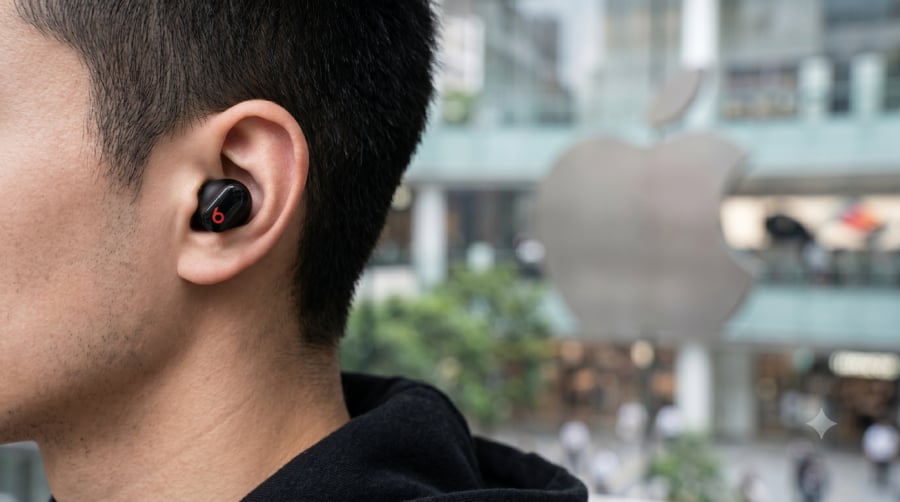
Apple has released a firmware update to resolve a security vulnerability in its Beats Studio Buds that could have allowed an unauthorized user to intercept audio via the microphone during the pairing process. The vulnerability, which was formally documented in a security advisory, affected the device’s implementation of the Bluetooth protocol, potentially exposing users to wiretapping if they were in close physical proximity to an attacker.
According to the official Apple security updates page, the flaw was addressed in firmware version 10M2155, which succeeded the previous iteration. By updating the device, users effectively patch the entry point that allowed a nearby malicious actor to gain unauthorized access to the microphone stream. This development highlights the ongoing security challenges inherent in consumer wireless peripherals that rely on proximity-based pairing mechanisms.
Understanding the Beats Studio Buds Security Flaw
The security vulnerability identified in the Beats Studio Buds stems from how the hardware handles Bluetooth pairing requests. In its original state, the device did not sufficiently authenticate the connection attempt during the initial pairing handshake. As detailed by security researchers, this technical oversight meant that if a user was in the process of pairing their buds, a nearby device could masquerade as a legitimate source or force a connection, potentially opening a channel to the microphone.

This type of vulnerability is categorized under Bluetooth security risks, where the “discovery” phase of a wireless connection can be exploited if the device does not require a secondary verification step. While such attacks require the perpetrator to be within the standard Bluetooth range—typically about 30 feet or 10 meters—the implications for user privacy are significant. The patch issued by Apple modifies the authentication requirements, ensuring that only verified devices can initiate or maintain a connection during the pairing sequence.
How to Verify Your Firmware Version
Users who own Beats Studio Buds should ensure their firmware is updated to the latest version to mitigate this risk. Because Beats products typically update automatically when connected to an iOS device, most users may have already received the fix without manual intervention. However, you can verify your current version by navigating through your iPhone settings.

To check your firmware status, navigate to Settings, select Bluetooth, and tap the “i” icon next to your Beats Studio Buds. If your device is running a version earlier than 10M2155, ensure your buds are inside their charging case, the case is open, and the buds are connected to your iPhone or iPad. The update process is managed by Apple’s background services and does not require user input once the device is in a charging state near a paired Apple device.
Broader Implications for Wireless Audio Security
The discovery and subsequent patching of this flaw serve as a reminder of the complexity behind modern wireless hardware. As we move toward an ecosystem of interconnected devices, the security of Bluetooth—a protocol designed decades ago—remains a focal point for manufacturers. Apple’s swift response follows a standard industry practice of issuing “over-the-air” (OTA) updates to address vulnerabilities discovered in the field.
This incident is not the first time wireless audio devices have faced scrutiny regarding privacy. Similar concerns have been raised in the past regarding various Bluetooth-enabled peripherals that lack robust encryption during the pairing handshake. For consumers, the best defense remains keeping devices updated and being cautious when pairing new hardware in crowded, public environments where unauthorized devices might be scanning for signals.
What Happens Next
With the release of firmware 10M2155, the specific vulnerability affecting the Beats Studio Buds is considered resolved. Apple has not announced any further actions related to this specific security advisory, and there have been no confirmed reports of the vulnerability being exploited in the wild for malicious purposes. The company continues to monitor its hardware ecosystem for similar risks as part of its ongoing commitment to product security.

For those interested in the technical details of Apple’s security posture, the company maintains a comprehensive list of security releases that tracks vulnerabilities across its entire product line, including Beats and AirPods. Users who encounter persistent connectivity issues or suspect unauthorized access should disconnect their device from their Bluetooth menu and perform a factory reset by holding the system button on the charging case for 15 seconds until the LED light flashes red and white.
Have you updated your Beats firmware recently? Share your experiences or questions regarding device security in the comments section below.
Worth a look