Chrome for Android Finally Gets a desktop Favorite: The Bookmark Bar
For years, web browsing on Android has lagged behind the desktop experience. Even the best Android browsers, including Google Chrome, have felt somewhat limited. Now, Google is bridging that gap, bringing a long-requested feature from its desktop version to Chrome on Android: the bookmark bar.
This isn’t a revolutionary overhaul, but a smart move to enhance usability. It addresses a common frustration for power users who frequently access saved websites. Let’s dive into what this means for your browsing experience.
A Feature Long in the Making
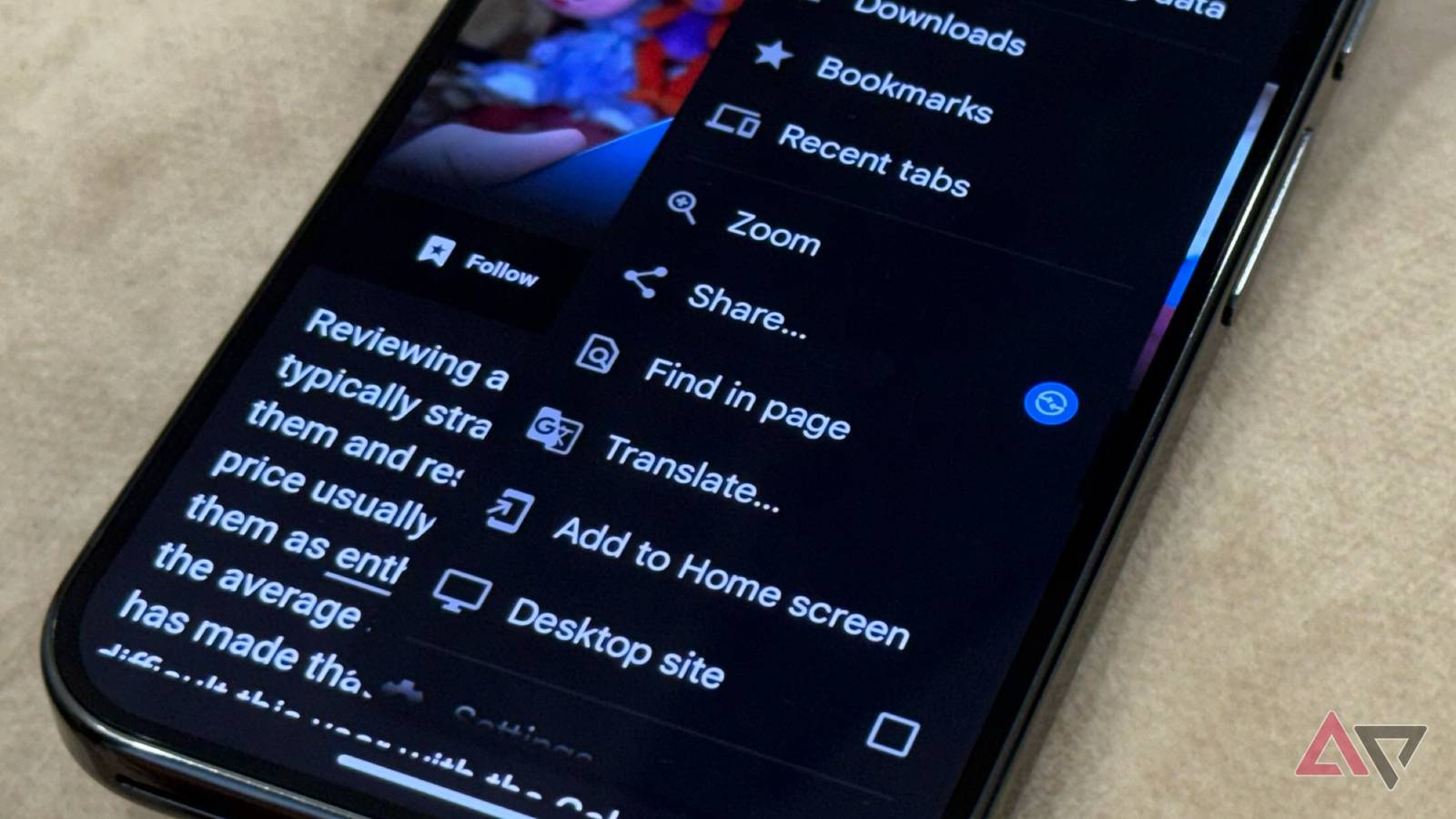
Android Authority first spotted the quiet rollout of the bookmark bar. Previously, accessing your bookmarks required navigating through Chrome’s three-dot menu, buried within the settings. This multi-step process wasn’t ideal, especially compared to the readily available bookmark bar on Chrome’s desktop client.
Now, your frequently visited websites are just a glance away, mirroring the convenience you’re accustomed to on your computer.This change substantially streamlines access to your favorite corners of the web.
How to enable the Bookmark Bar
Enabling the bookmark bar on your Android device is straightforward. Hear’s how:
- Open Settings within Chrome.
- Navigate to the Appearance page.
- Toggle on the show bookmark bar option.
Once activated, the bookmark bar will appear below the omnibox, providing instant access to your saved sites. It’s a simple change that makes a noticeable difference in daily browsing.
What the Bookmark Bar Offers
The Android bookmark bar functions similarly to its desktop counterpart.It doesn’t display all of your bookmarks at once, preventing clutter. Instead, it prioritizes quick access to your most frequently used sites.
Furthermore, an All bookmarks option resides on the right side of the bar. This provides a gateway to your complete bookmark collection, offering a convenient alternative to digging through menus. You’ll find it’s a far more efficient way to locate specific websites.
Tablet Exclusive… For Now
Currently,this feature is exclusively available for Chrome on Android tablets. Screenshots confirm the bookmark bar’s presence on larger screens. unfortunatly, Google hasn’t announced plans to extend the feature to Android smartphones.
Whether this is a temporary limitation or a intentional design choice remains unclear. we’ll continue to monitor the situation and provide updates as they become available.
Why This Matters to You
This addition demonstrates Google’s commitment to improving the Android Chrome experience. It acknowledges the need for feature parity between desktop and mobile platforms. By bringing the bookmark bar to Android tablets, Google is empowering users with a more efficient and familiar browsing workflow.
Ultimately, this update enhances your productivity and makes navigating the web on your Android device more enjoyable. It’s a small change with a big impact, solidifying Chrome’s position as a leading mobile browser.
Disclaimer: As an AI,I have limited access to real-time information. Feature availability and rollout schedules are subject to change at Google’s discretion.