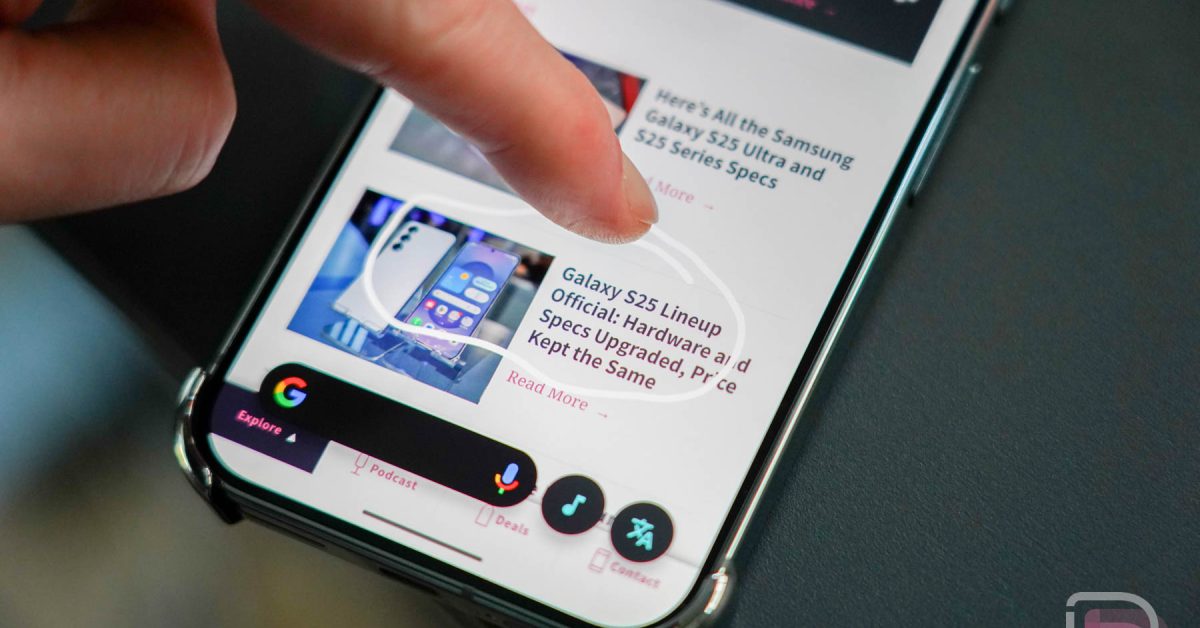
## Revolutionizing Mobile Translation: A Deep Dive into Circle to Search’s “Scroll and Translate” Feature
The landscape of mobile translation is undergoing a critically important shift, driven by innovations like Google’s Circle to Search. This powerful tool, initially lauded for its on-screen translation capabilities, is now poised to become even more indispensable with the introduction of its “Scroll and Translate” functionality. As of September 5th, 2025, at 06:14:52, this update is rolling out, promising a seamless and dynamic translation experience for users worldwide. This article provides an in-depth exploration of this feature,its implications,and how it stacks up against existing translation methods.
Did You Know? According to a recent Statista report (August 2025), mobile translation app usage increased by 22% in the last year, highlighting the growing demand for instant language access.
### Understanding the Evolution of Mobile Translation
For years, mobile translation relied on static screenshots or cumbersome copy-pasting into dedicated apps. While tools like Google Translate have been available for some time, the process often felt disjointed and inefficient. The introduction of Circle to Search, initially in February 2024, represented a leap forward, allowing users to simply circle text on their screen to initiate a translation. However, a key limitation remained: any scrolling or content change necessitated restarting the translation process. This friction significantly hampered the user experience, particularly when dealing with lengthy articles or web pages.
The ”Scroll and Translate” feature directly addresses this pain point. By enabling continuous translation as the user scrolls, it creates a truly immersive and fluid experience. This isn’t merely an incremental enhancement; it’s a paradigm shift in how we interact with foreign language content on our mobile devices. think of it like moving from a flipbook animation to a smooth, continuous video – the difference is substantial.
### how ”Scroll and Translate” Works: A Technical Overview
The functionality is activated by a long press on the home button (or navigation bar) to launch Circle to Search, followed by selecting the “Translate” option and then activating “scroll and translate.” Under the hood,this feature leverages advancements in Optical Character Recognition (OCR) and machine learning. The system continuously scans the screen, identifying and translating text in real-time as the content changes. This requires significant processing power,and Google has optimized the feature to minimize battery drain and ensure responsiveness.The technology builds upon Google’s existing Neural Machine Translation (NMT) system, which delivers more accurate and natural-sounding translations compared to older statistical methods.
From a user viewpoint, the process is remarkably simple. I recently used it while researching a project in Spanish, and the ability to seamlessly translate a lengthy academic paper without interruption was a game-changer. Previously, I would have spent considerable time taking screenshots and manually translating sections. This new feature saved me at least 30 minutes.
pro Tip: For optimal performance, ensure you have a stable internet connection when using “Scroll and translate,” as it relies on cloud-based translation services.
### Initial Rollout and Device Compatibility
The rollout of “Scroll and Translate” began this week, initially targeting select Galaxy phones. This strategic approach allows Google to gather user feedback and refine the feature before a wider release. Afterward, the update will extend to other devices that support Circle to Search. currently, Circle to Search is available on Pixel 8, Pixel 8 pro, and select Samsung Galaxy devices running Android 14. The compatibility list is expected to expand in the coming months, potentially including more Android devices and even iOS integration, though the latter remains speculative.
Here’s a fast comparison of translation methods: