
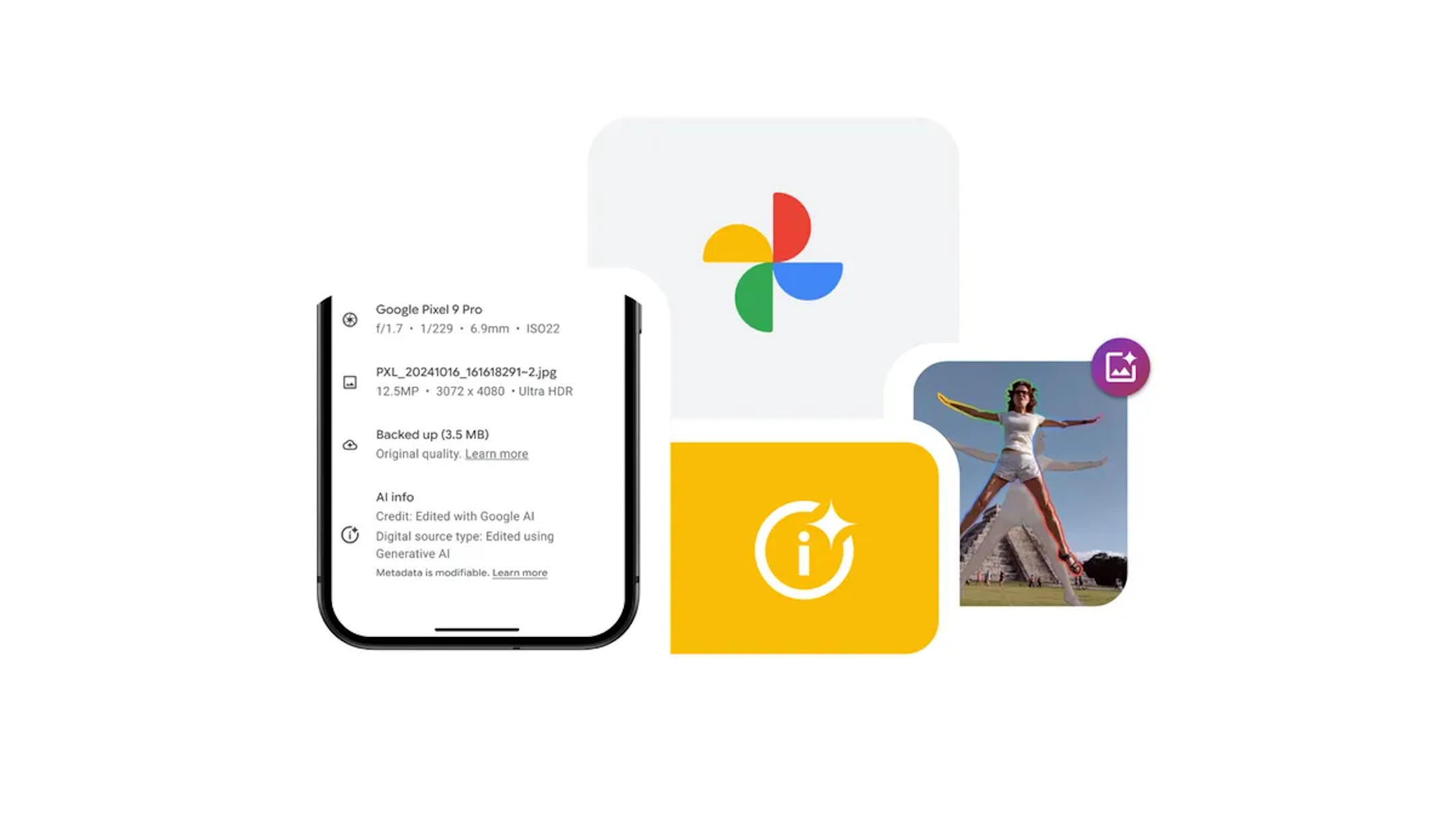
Editing a photograph used to require a steady hand, a keen eye for lighting, and often a deep dive into complex software menus. Now, the process is shifting from manual adjustment to conversational requests. Google is integrating more advanced generative AI into Google Photos, allowing users to edit their images simply by asking the software to make specific changes.
This evolution in photo management introduces a more intuitive way to handle common editing frustrations. From removing unwanted background distractions to fixing a blurry shot, the latest updates to Google Photos AI editing tools are designed to make professional-grade enhancements accessible to anyone with a smartphone, regardless of their technical expertise.
As a journalist who has spent nearly a decade tracking the intersection of software development and consumer electronics, I have seen “automatic” buttons evolve from simple brightness filters to complex neural networks. The current shift toward generative AI means the app is no longer just adjusting pixels. it is understanding the context of the image to fill in gaps or reimagine a scene based on a user’s text description.
These updates are part of a broader push to integrate Gemini-powered capabilities into the Google ecosystem, transforming the gallery app from a storage vault into a creative studio. However, as with most AI rollouts, availability varies by region and account type, and certain advanced features carry specific eligibility requirements.
The New Era of Conversational Editing
The most significant shift in the user experience is the ability to describe desired edits in plain language. Instead of hunting for a specific slider or tool, users can now describe the changes they want—such as removing an object or changing the background—and watch the AI execute the request via Google’s official editing portal.
This “inquire-to-edit” functionality is supported by several specialized AI tools that handle the heavy lifting of image manipulation:
- Magic Eraser: This tool allows users to remove unwanted objects or background distractions with just a few taps, effectively “cleaning” the composition of a photo.
- Photo Unblur: Designed to rescue shots ruined by movement or poor focus, this feature improves out-of-focus blurry photos, regardless of whether the image is a recent capture or an vintage upload.
- Portrait Light: This allows for the adjustment of lighting and brightness even after the photo has been taken, ensuring subjects look their best even in suboptimal lighting conditions.
- Portrait Blur: Users can transform a standard photo into a professional-looking portrait by blurring the background post-capture.
For those looking to move beyond static images, Google has introduced Cinematic Photos, which uses AI to turn 2D pictures into moving 3D videos, adding a sense of depth and motion to still memories.
Generative AI and the ‘Create’ Tab
Beyond simple corrections, Google Photos has introduced a dedicated “Create” flow on Android devices. This section leverages generative AI to transform photos into entirely new formats through a series of AI-driven templates according to Google Photos Help.

The “Create with AI” header provides users with ready-made templates that simplify the creative process. This allows for one-tap creation of unique, shareable content. Among the generative features available are:
- Photo to video: Converting still images into dynamic video content.
- Remix: Reimagining the original image into a new style.
- Me Meme: A specialized tool for creating personalized memes.
these generative features are not universally available. To utilize “Create with AI” or “Me Meme,” users must be 18 years of age or older. The text prompt feature for “Photo to video” is initially restricted to users 18 and over. These tools require a personal Google Account and are not available for school or Google Workspace accounts.
Technical Requirements and Limitations
To utilize these AI capabilities, there are several mandatory prerequisites. First, the photos intended for editing must be backed up to the cloud. Second, a stable network connection is required, as the generative processing happens on Google’s servers rather than locally on the device.
Google has also implemented a quota system for these advanced tools. Users can only generate a limited number of photos or videos per day. To increase this daily limit, users can purchase a Google AI plan. This tiered access ensures server stability while providing a path for “power users” to create more content.
Understanding the Impact of Generative AI in Photography
The transition to AI-driven editing represents a fundamental change in how we document our lives. When One can remove a stranger from a vacation photo or “unblur” a candid moment, the photograph ceases to be a perfect record of a moment and becomes a flexible canvas for storytelling.
From a technical perspective, this is made possible by Large Language Models (LLMs) and diffusion models that can predict what should exist behind a removed object or how a blurry edge should be sharpened based on millions of other images. While the results are often impressive, Google warns that these features may occasionally produce “unexpected or inaccurate results.”
This nuance is critical for users to understand. While Magic Eraser is excellent for removing a trash can from a landscape, generative AI can sometimes introduce artifacts or “hallucinations” into the image. By encouraging user feedback, Google aims to refine these models to improve accuracy for the global community.
Quick Reference: AI Feature Eligibility
| Feature | Age Requirement | Account Type | Connection Needed |
|---|---|---|---|
| Magic Eraser / Unblur | Standard | Personal/Workspace | Yes |
| Create with AI | 18+ | Personal Only | Yes |
| Me Meme | 18+ | Personal Only | Yes |
| Photo to Video (Prompts) | 18+ | Personal Only | Yes |
What Happens Next?
As Google continues to integrate its Gemini AI models across its product suite, the boundary between “editing” and “generating” will continue to blur. We can expect more seamless integration where the AI doesn’t just follow a prompt but suggests edits based on the composition and mood of the photo.
For users currently without access, the best course of action is to ensure their Google Photos app is updated to the latest version and that their memories are backed up to the cloud. Google continues to roll out these features across different regions, and updates are typically announced via the official Google Photos email list and support channels.
We want to hear from you: Have you tried the new AI creation tools in Google Photos? Do you sense that generative editing changes the “truth” of a photograph, or is it just a modern version of the darkroom? Share your thoughts in the comments below.