
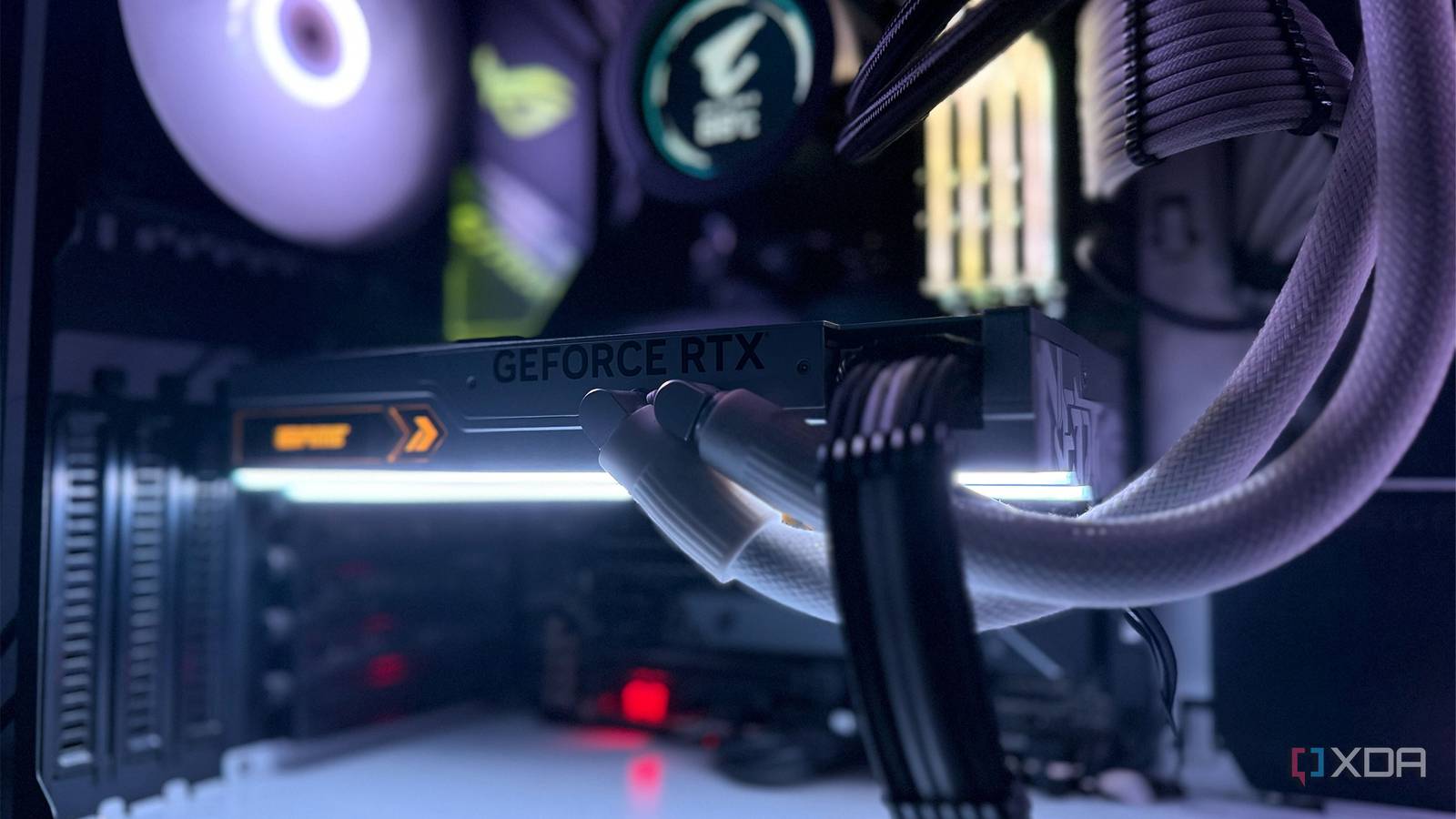
The Growing Concern of GPU Sag: Causes, Consequences, and Solutions
graphics cards are getting bigger, more powerful, and unfortunately, heavier. This increasing weight has led to a growing issue for PC builders: GPU sag. It’s a problem that’s evolved from a cosmetic concern to a potential threat to performance and longevity. Let’s dive into why this happens, what the risks are, and how you can effectively prevent it.
Why Are GPUs Sagging?
Several factors contribute to GPU sag. Primarily, it’s the sheer size and weight of modern graphics cards.Larger coolers, robust power delivery systems, and reinforced backplates all add to the overall mass. Furthermore, the physical design of GPUs, with the weight concentrated towards the front, creates a natural lever effect. This effect is exacerbated by the limited support provided by the PCIe slot on your motherboard.
The Evolution of Reinforcements
Fortunately,manufacturers are actively addressing this issue. Both GPU and motherboard makers have implemented mechanical reinforcements to combat the increasing strain. You’ll now commonly find steel-reinforced PCIe slots on most modern motherboards, designed to handle increased weight and stress. These slots also feature more solder points for a stronger connection to the motherboard itself. On the GPU side,backplates and structural frames are becoming standard,preventing bending and flexing.
Available Solutions to Prevent Sag
A variety of solutions are available to tackle GPU sag, ranging from simple to more involved. Here’s a breakdown of the most effective options:
* GPU Support Brackets/rods: These are often included with mid-range and high-end graphics cards. They install on the side of the card and provide a stable support point, preventing visible sag.
* PCIe Slot-Mounted Braces: While less effective for particularly heavy cards, these braces offer additional support directly from the PCIe slot.
* Riser Cables: Considered the most robust solution, riser cables allow you to vertically mount your GPU, entirely eliminating sag concerns.
* Case-Integrated Brackets: Some PC cases, like those from Lian Li and fractal Design, include built-in anti-sag brackets for added convenience.
The combination of a reinforced PCIe slot and a dedicated anti-sag bracket is generally sufficient for most setups.
Is GPU Sag Just Cosmetic?
Historically, GPU sag was largely considered a cosmetic issue. Though, the introduction of PCIe Gen 5 signaling has changed the landscape. Gen 5 has tighter tolerances, meaning even slight bending can perhaps impact performance or functionality in extreme cases. A minor bend might still function, but it can pose long-term risks and is aesthetically undesirable.
PCIe Gen 5 and the Importance of Support
The tighter tolerances of PCIe Gen 5 mean that even a small amount of flex can disrupt the signal. This disruption can lead to instability, reduced performance, or even complete failure. Fortunately, modern GPUs and motherboards are designed with sag in mind. A simple support bracket or vertical mount is usually enough to ensure your card operates optimally for years to come.
Protecting Your Investment
Ultimately, preventing GPU sag is about protecting your investment. Reinforcements are in place to prevent serious damage, and taking proactive steps to support your graphics card is a wise decision.By understanding the causes, consequences, and available solutions, you can build a stable and reliable system that will deliver peak performance for years to come.





