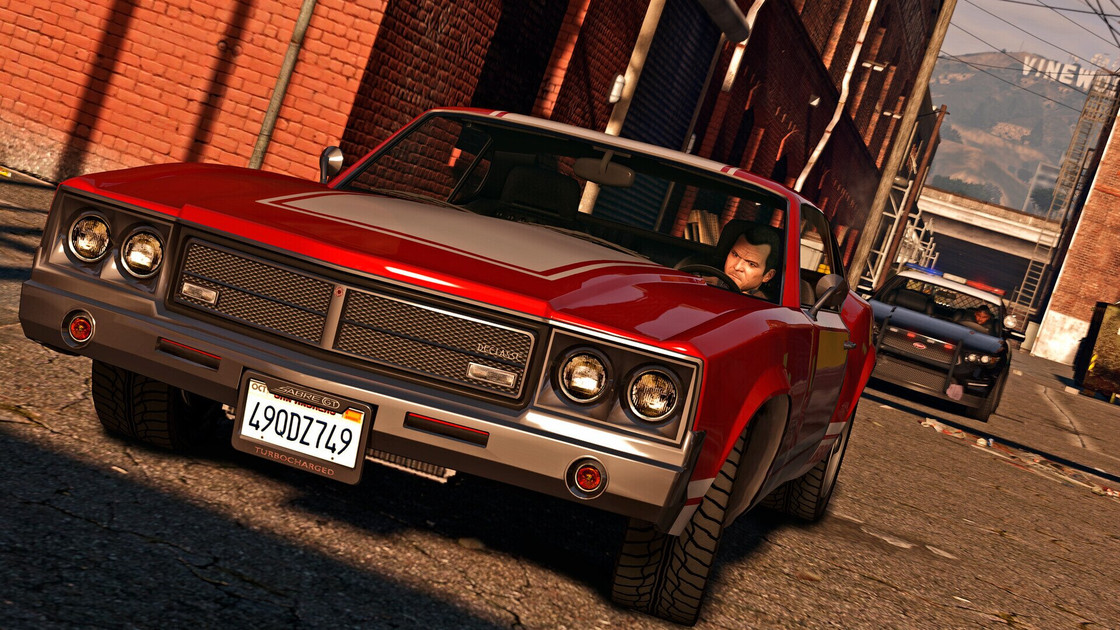
Players looking to transition their *Grand Theft Auto V* experience from previous-generation hardware to the latest consoles can utilize a specialized migration process provided by Rockstar Games. While the title originally launched in 2013, the developer released an enhanced version for the PlayStation 5 and Xbox Series X/S in March 2022, offering significant graphical improvements, faster loading times, and exclusive content that requires a specific, one-time transfer of progress from PlayStation 4 or Xbox One accounts, according to official Rockstar Games support documentation.
This migration allows users to carry over their character data, progression, and accumulated wealth from the older versions to the newer, high-fidelity editions. Because the transition involves a permanent move of data between different console ecosystems, Rockstar Games emphasizes that players must follow strict account linking procedures to ensure their progress is successfully synced to the Rockstar Games Social Club.
How the Data Migration Process Works
To initiate the transfer of *Grand Theft Auto Online* character data, players must first ensure their account is linked to the Rockstar Games Social Club. Once the account is verified, the transfer can be completed by launching the enhanced version of the game on the PlayStation 5 or Xbox Series X/S console. Upon startup, the game prompts the user to migrate their profile, which effectively moves the save data from the previous console generation to the current one, as detailed by Rockstar’s official support portal.

It is important to note that this process is a migration rather than a synchronization. Once a character is moved to the PlayStation 5 or Xbox Series X/S, the character data on the previous console remains accessible but will no longer share progression with the new version. Any progress made on the older platform after the migration date will not reflect in the enhanced edition, nor will it update the migrated save file.
Requirements for Upgrading
The upgrade is technically a distinct product release for the newer hardware. While the migration of character progress is provided as a service by the developer, acquiring the enhanced edition of the game often involves a separate purchase, depending on the specific platform and current bundle offers. For users who have already purchased the base game on older hardware, the transition to the next-gen version represents a significant shift in technical performance, including support for 4K resolution and ray-tracing capabilities at up to 60 frames per second.
Rockstar Games has maintained that the decision to separate these versions was driven by the hardware limitations of the PlayStation 4 and Xbox One. The newer versions utilize the custom SSD architecture of the PlayStation 5 and Xbox Series X/S to eliminate long load times that were characteristic of the 2013-era hardware, a fact confirmed by official press releases from the studio.
Key Considerations for Returning Players
Before initiating the transfer, players should verify the following details to avoid potential data loss or account errors:
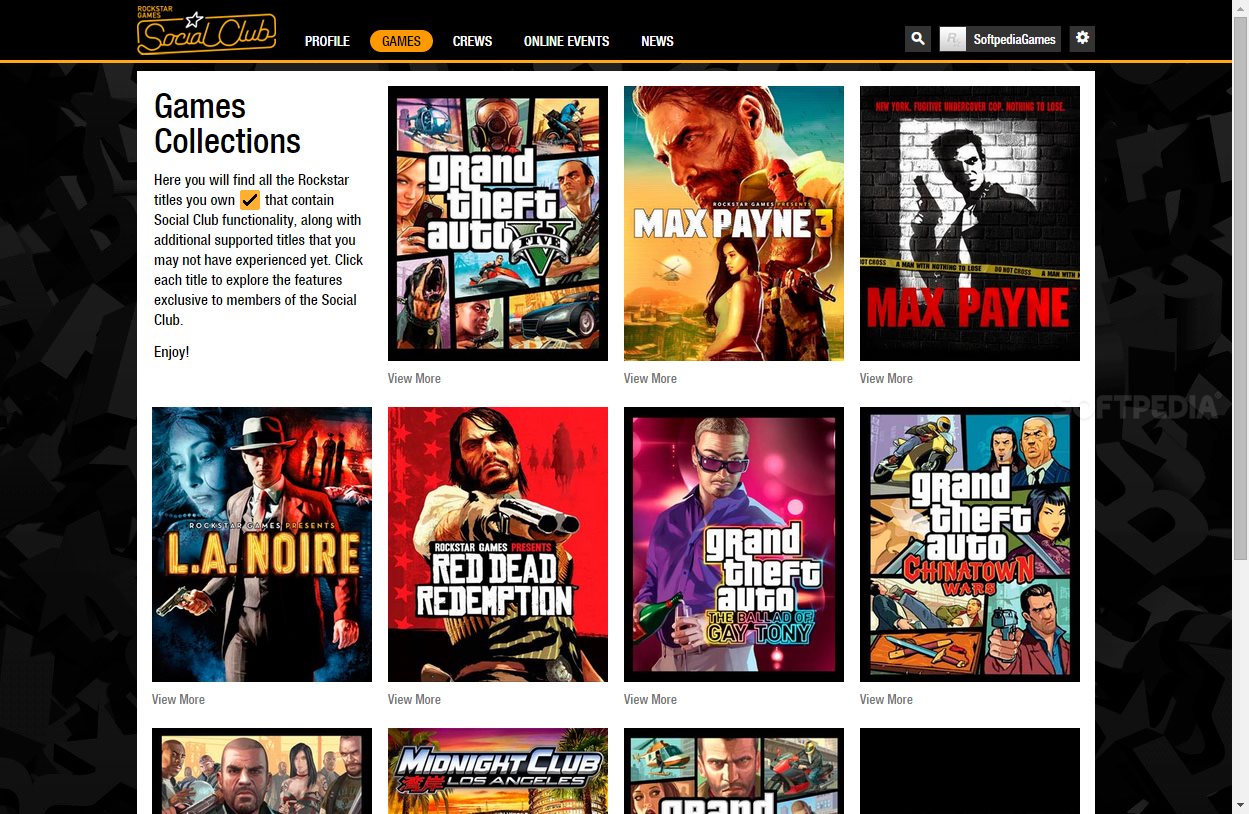
- Social Club Linking: Ensure your PlayStation Network or Xbox Live account is correctly associated with your Rockstar Games Social Club account before starting the game on the new console.
- One-Way Transfer: The migration of *GTA Online* characters is a one-way trip. You cannot move the character back to the PlayStation 4 or Xbox One once the migration is finalized.
- Currency Balance: While most progress carries over, purchased shark cards or in-game currency balances are generally platform-specific and may not transfer if moving between different console manufacturers (e.g., from PlayStation to Xbox).
For those who have not yet made the switch, Rockstar Games continues to host support pages that outline the specific steps for each console family. Players encountering issues during the migration process—such as failed character syncs or missing inventory items—are encouraged to submit a ticket through the Rockstar Games Support website to receive direct assistance from the technical team.
As of late 2024, there have been no further announcements regarding additional free upgrade paths for the title. Players are advised to monitor the official Rockstar Newswire for any future updates regarding cross-platform play or further changes to account migration policies. If you have successfully migrated your account or encountered specific hurdles during the process, feel free to share your experience in the comments section below.
Related reading