
Don’t Like Google’s AI Answers? Here’s How to Get Rid of Them
Google’s new AI Overviews, appearing at the top of many search results, are generating mixed reactions. While intended to provide speedy, complete answers, many users find them unhelpful, inaccurate, or simply annoying. Fortunately, there are several ways to disable these AI-powered summaries adn return to a more conventional search experience.
Joel Lee / Foundry
how to Disable Google AI Overviews
Currently, Google doesn’t offer a permanent, global toggle to disable AI Overviews. However, several workarounds can help you minimize their appearance:
1. Use the “Give Feedback” Option
The most direct method is to provide negative feedback to Google. When an AI Overview appears, look for the “thumbs down” icon or the “Give feedback” link. Selecting this option and explaining that you find the overview unhelpful can signal to google that you prefer traditional search results. While this doesn’t immediately remove the feature, consistent feedback may influence future updates. Learn more about providing feedback to Google Search.
2. Refine Your Search Queries
AI Overviews are more likely to appear for broad, informational queries. Try being more specific wiht your searches. Instead of searching “best laptops,” try “best laptops for video editing under $1500.” More focused queries frequently enough yield traditional search results. Search engine Land details how query refinement can definitely help.
3. Use the “Search results” Filter
After an AI Overview appears, look for a “search results” or “People also ask” section below it. Clicking on these can often prioritize traditional web links. This doesn’t eliminate the overview entirely, but it pushes relevant links higher in the results.
4. Switch to a Diffrent Search Engine
The most reliable way to avoid AI Overviews is to use a search engine that doesn’t prioritize them. Several privacy-focused alternatives offer robust search capabilities without the AI summaries. As of January 2026, these include:
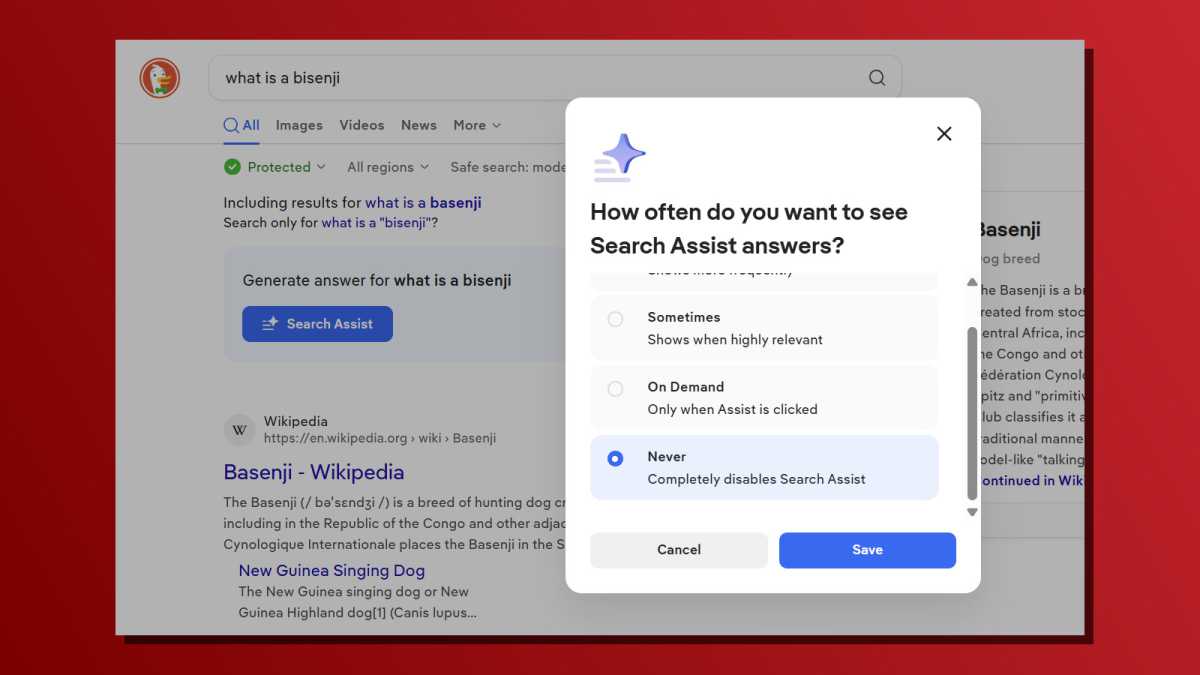
- DuckDuckGo: This engine emphasizes privacy and offers AI features as opt-in,meaning they are disabled by default.
- Ecosia: Ecosia plants trees with its ad revenue and doesn’t display AI results unless specifically requested.
- Brave Search: Brave Search operates its own independant search index, unlike many engines that rely on Bing or others, and offers a clean search experience without intrusive AI summaries.
Key Takeaways
- Google’s AI Overviews are a new feature that many users find disruptive.
- There is no single “off” switch for AI Overviews, but several workarounds exist.
- Providing feedback to Google, refining search queries, and using alternative search engines are effective strategies.
- Privacy-focused search engines like DuckDuckGo, Ecosia, and Brave Search offer a traditional search experience without AI interference.
This article originally appeared on our sister publication PC för Alla and was translated and localized from Swedish.
Related reading