
Repurposing an older router into a dedicated smart home network is a practical way to manage modern connectivity demands while extending the life of hardware that might otherwise end up in a landfill. By configuring a spare device to handle low-bandwidth Internet of Things (IoT) traffic, users can reduce congestion on their primary network and improve signal stability for sensitive devices. This approach effectively segments traffic, ensuring that high-priority tasks like streaming or remote work remain uninterrupted by the constant chatter of smart bulbs, plugs, and sensors.
As technology evolves, the recommendation to replace home routers every five years remains a standard benchmark for maintaining network security and performance, according to industry guidance. While many users discard older hardware during these upgrades, these devices often retain the capability to function as secondary access points or dedicated bridges. This transition allows homeowners to maintain a robust connection in areas of their residence that might otherwise suffer from weak signal penetration or interference.
Understanding Router Modes and Network Segmentation
Before repurposing an older device, it is important to identify its specific capabilities. Many modern routers include a built-in Access Point (AP) mode, which can be toggled directly through the device’s administrative interface. When a router is set to AP mode, it ceases its routing duties—such as assigning IP addresses via DHCP—and instead acts as a bridge, extending the existing network’s reach. This is often the most straightforward method for expanding coverage without introducing network conflicts.
For older hardware that lacks a dedicated AP mode, manual configuration is required. This process typically involves connecting the secondary router to the primary one via an Ethernet cable and assigning it a static IP address within the primary network’s range. By disabling the secondary device’s DHCP server and configuring its wireless settings to match or complement the primary network, users can create a seamless roaming environment for their devices. This setup is particularly effective for isolating smart home ecosystems, as it prevents IoT traffic from competing for bandwidth with primary computing and entertainment devices.
Practical Considerations for Hardware Longevity
The success of a repurposed network depends heavily on the age and firmware compatibility of the equipment. While some devices can be easily reconfigured, older hardware may require custom firmware to support modern security protocols or advanced networking features. Users should be aware that if a router is too old, it may not support current WPA3 security standards, which could pose a vulnerability if the device is used to broadcast a primary Wi-Fi signal. In such cases, limiting the device to a dedicated, isolated role for non-critical smart home hardware is a safer practice than using it as a general-purpose access point.

When placing secondary access points, physical location is critical for performance. Positioning the secondary unit at the edge of the primary router’s reliable coverage area helps “blanket” the home in signal, but it must remain connected to the main network via a stable, wired Ethernet backhaul to avoid the speed degradation commonly associated with wireless repeaters. While wireless repeating is a temporary fix, a wired connection remains the gold standard for maintaining speed and latency across a multi-router system.
Managing Network Congestion and Performance
One of the primary benefits of using a dedicated router for a smart home is the reduction of airtime fairness issues. Many smart home devices are older or operate on 2.4GHz bands, which are prone to interference from household appliances and neighboring networks. By moving these devices to a dedicated router, the primary network is freed to operate more efficiently on less congested channels. This separation also simplifies troubleshooting; if the smart home network fails, the primary internet connection for work and entertainment remains unaffected.
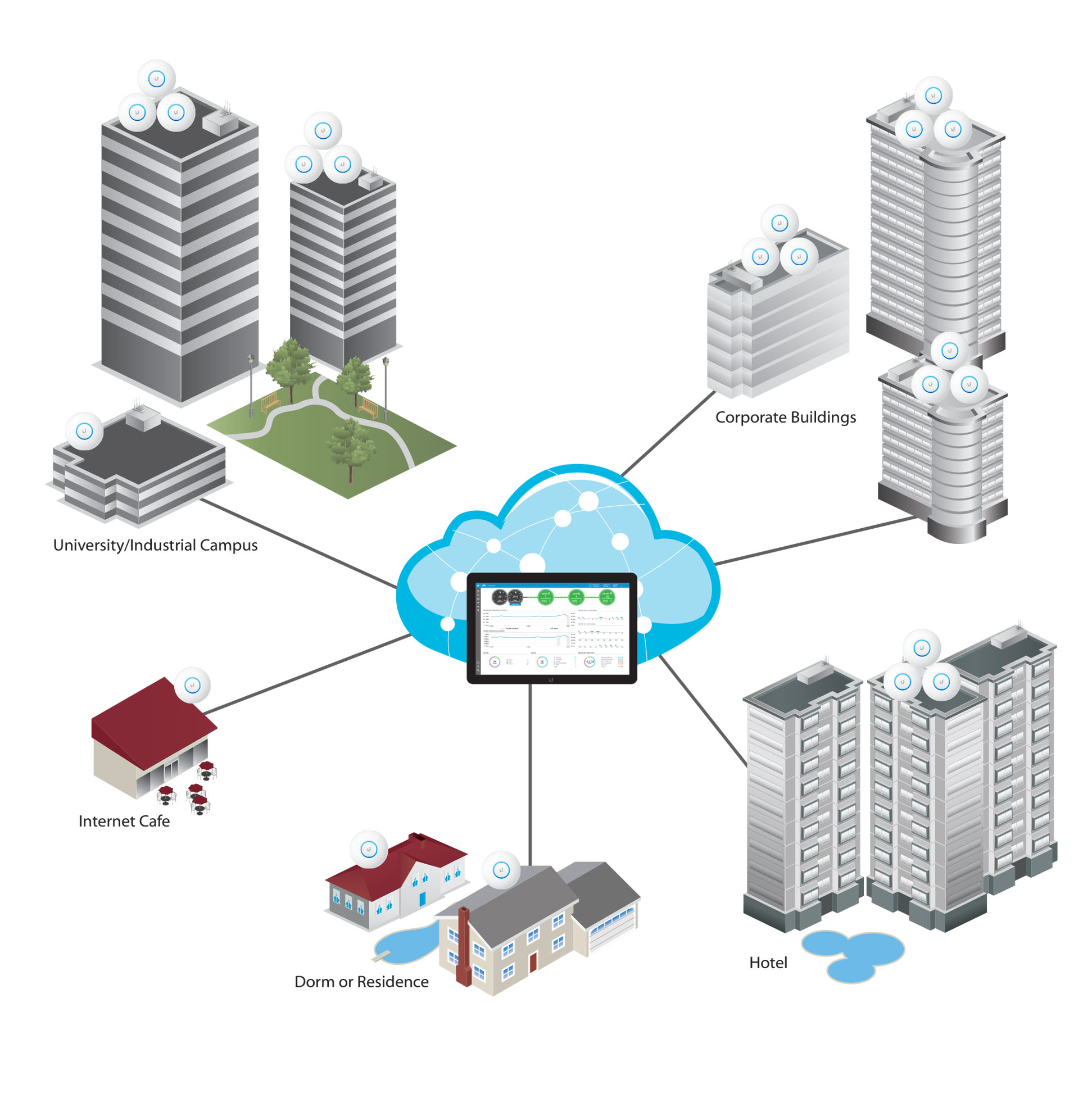
Furthermore, repurposing hardware aligns with broader trends in sustainable technology management. By extending the operational lifecycle of consumer electronics, users minimize electronic waste and delay the need for costly upgrades to proprietary mesh systems. While mesh systems offer automated management and seamless handoffs between nodes, a manual setup using repurposed routers provides a cost-effective alternative for those comfortable with basic network administration.
For those looking to manage their home network, the next scheduled milestone for many manufacturers is the release of updated security patches and firmware for current-generation hardware. Users are encouraged to check their router manufacturer’s support portal periodically for these updates. Join the conversation below to share your experiences with network hardware repurposing and let us know if you have successfully integrated legacy routers into your modern smart home setup.
Keep reading