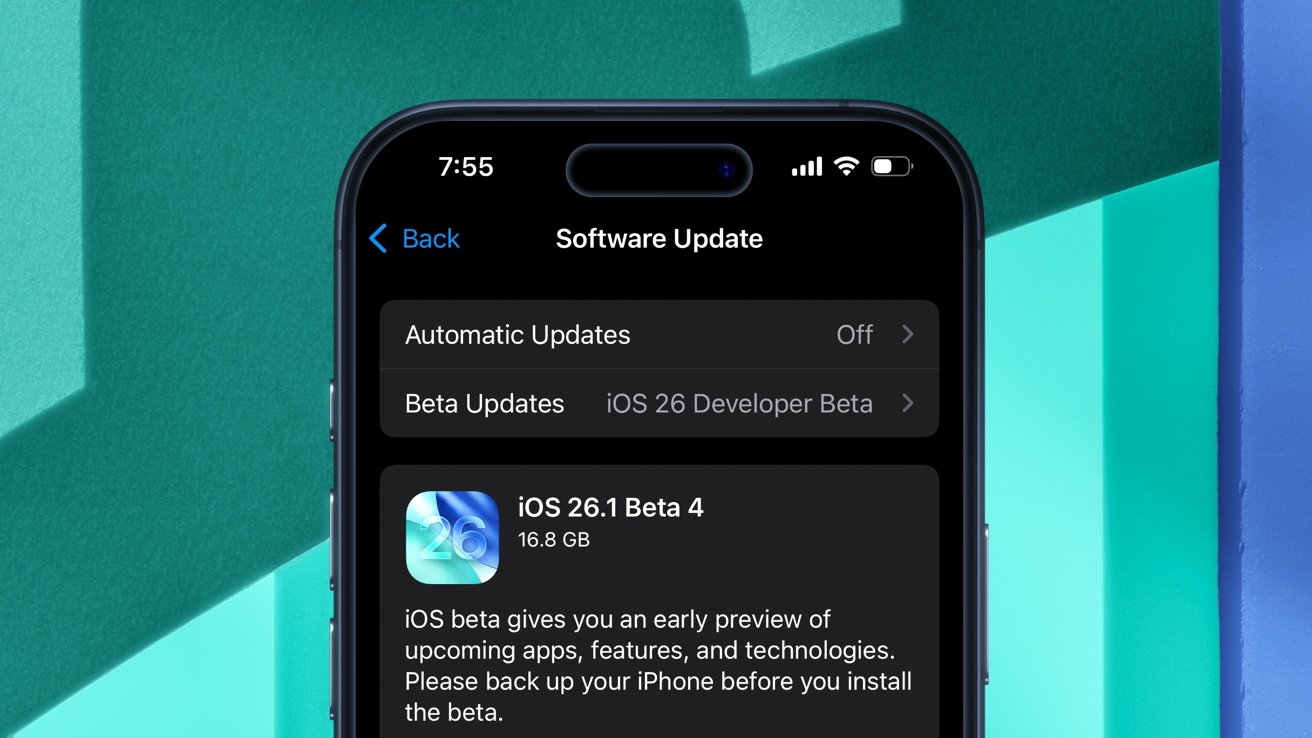
iOS 26.1 Beta 4: deep Dive into new Customization & Security Features
Are you a developer or apple enthusiast eager to explore the latest refinements in iOS? Apple recently released the fourth developer beta of iOS 26.1,bringing subtle yet impactful changes focused on personalization and user control.This update builds upon the foundation laid by iOS 26 and iPadOS 26, continuing to refine the user experiance. Let’s break down what’s new in iOS 26.1 beta 4 and what it means for you.
What’s New in iOS 26.1 Developer Beta 4?
Released on October 20th, iOS 26.1 developer beta 4 (build number 23B5073a, up from 23B5064e) introduces two key enhancements. These aren’t massive overhauls, but rather thoughtful adjustments that demonstrate Apple’s commitment to iterative enhancement. The focus is on giving you more control over your device.
1. liquid Glass Opacity Control
One of the standout features of iOS 26 was Liquid Glass, a dynamic visual effect. Now, with beta 4, you gain more control over its appearance.
* Customization: You can now adjust the opacity of the Liquid Glass effect. This allows you to tailor the visual intensity to your preference.
* Personalization: Want a subtle shimmer or a more pronounced effect? The choice is yours. This level of customization caters to individual aesthetic tastes.
* Accessibility: Adjusting opacity can also improve visibility for users with certain visual sensitivities.
This addition addresses feedback from early adopters who wanted more granular control over this visually striking feature. It’s a prime example of Apple listening to its developer community and responding with targeted improvements.
2.Camera Access Prevention
Ever accidentally swiped to open the Camera app? iOS 26.1 beta 4 introduces a solution.
* Swipe-to-Open Toggle: A new toggle allows you to disable the swipe-to-open gesture for the Camera.
* Accidental Activation: This prevents unintentional camera activation from the Lock Screen, enhancing privacy and preventing unwanted photos or videos.
* Enhanced Security: While a small change, it contributes to a more secure and controlled user experience.
This feature is especially useful if you frequently carry your iPhone in a pocket or bag where accidental swipes are more likely.
Building on iOS 26: A Recap of Key Features
iOS 26 and iPadOS 26 were significant releases, introducing a wealth of new features.iOS 26.1 continues to build on this foundation. Here’s a quick overview:
* Apple Intelligence: The cornerstone of iOS 26, Apple Intelligence brings advanced on-device processing for features like smarter Siri responses and enhanced photo editing.Learn more about Apple Intelligence.
* Games App: A dedicated hub for all your mobile gaming needs, the Games app streamlines game discovery and management.
* Enhanced Interaction Security: Improvements to the Phone and Messages apps include advanced spam reporting and call screening capabilities.
* Voicemail Enhancements: New tools help you identify and filter out spam voicemails, saving you time and frustration.
* Redesigned System Apps: Many core apps received visual updates and functional improvements, contributing to a more cohesive and modern user experience.
Why These Beta Updates Matter
Developer betas like iOS 26.1 beta 4 are crucial for several reasons:
* Early Access: They provide developers with the opportunity to test their apps with the latest iOS features and identify potential compatibility issues.
* Feedback Loop: Beta testing allows Apple to gather valuable feedback from developers and users, shaping the final release.
* Future-Proofing: Ensuring your apps are compatible with the latest iOS versions is essential for maintaining a positive user experience.
Recent Research: A recent study by Statista (November 2023) showed that 78% of app developers prioritize iOS compatibility due to its higher user spending and engagement rates.This highlights the importance of staying current with iOS beta releases.
How to Participate
Worth a look