
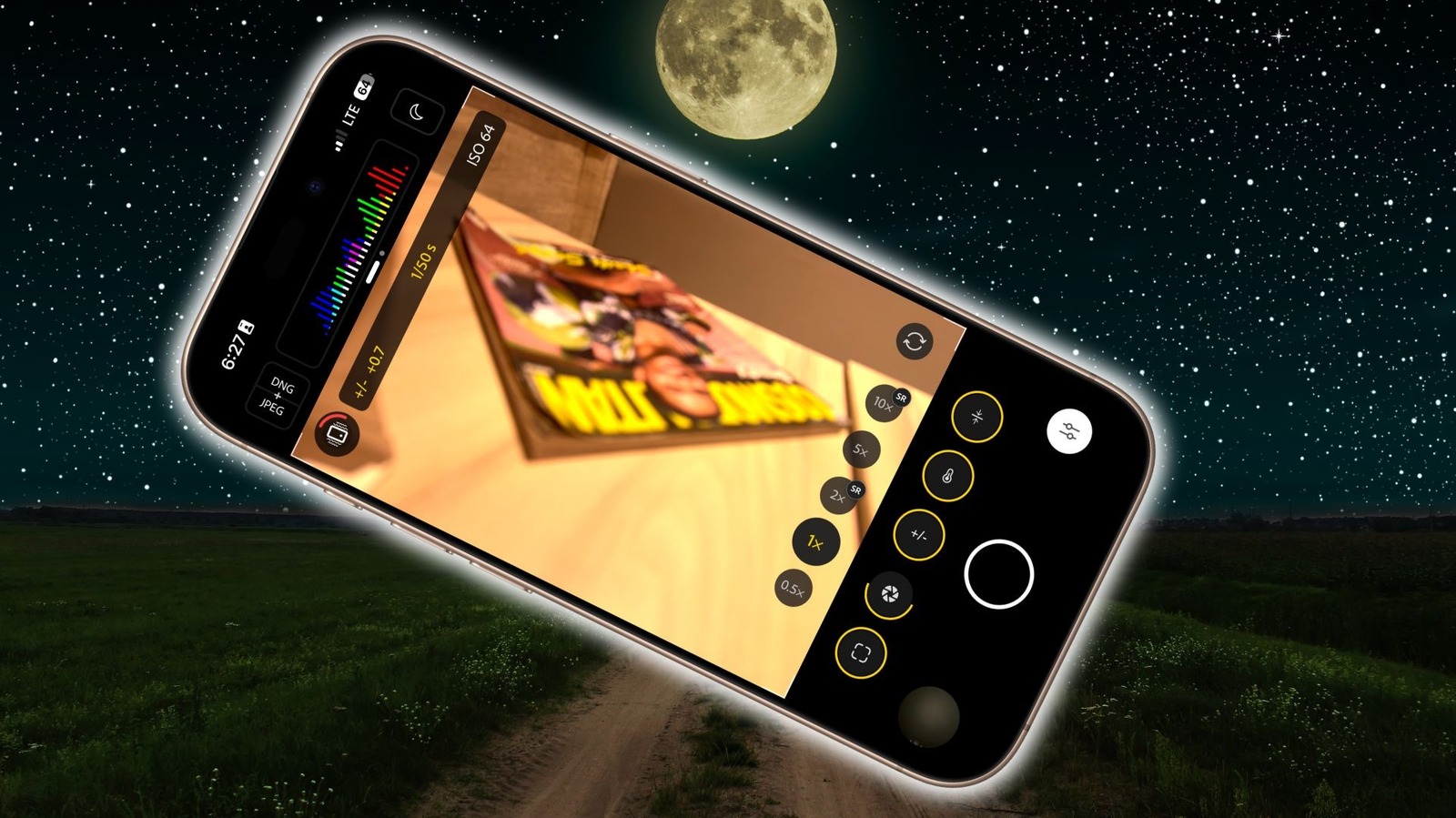
Unleashing Your iPhone’s Astrophotography Potential: Capturing the Cosmos in Your Pocket
For years, stunning astrophotography felt reserved for those with expensive DSLRs and specialized equipment. However, modern smartphones, especially iPhones, are dramatically changing that landscape. You might be surprised to learn you can capture breathtaking images of the Milky Way and constellations with the device already in your pocket.
Here’s a guide to unlocking your iPhone’s astrophotography capabilities, from simple point-and-shoot techniques to advanced editing workflows.
the Rise of Smartphone Astrophotography
Recent advancements in smartphone camera technology have been remarkable. Improved sensors,refined image processing,and dedicated modes are enabling unbelievable low-light performance. This means you can now document the beauty of the night sky with notable detail, even without professional gear.
The key is understanding how to leverage your iPhone’s features and, when desired, supplementing them with powerful mobile apps.
Getting Started: Simple Night Sky Shots
Capturing a basic, yet beautiful, image of the night sky is easier than you think. Here’s how to begin:
* Find a Dark Location: Light pollution is your biggest enemy. Escape city lights and head to a rural area with clear skies.
* Stabilize Your iPhone: A tripod is essential for long exposures. Even a mini-tripod can make a huge difference.
* Utilize Night Mode: Activate Night Mode (look for the yellow moon icon). Tap the icon repeatedly until you see “Night Mode Max” appear. This extends the exposure time, allowing more light to reach the sensor.
* Embrace the Wait: Your iPhone will take up to 30 seconds to capture the image.Remain perfectly still during this process.
Taking Control: Advanced Techniques & Apps
Want to push your astrophotography further? Consider these steps:
* Shoot in RAW: Switch to the highest resolution (48-megapixel, if available) and select the RAW photo format in your settings. This preserves maximum image data for editing.
* Explore Pro Camera Apps: The built-in camera app is great,but dedicated apps offer more control. consider these options:
* ProCamera: Provides extensive manual controls over shutter speed, ISO, and white balance.
* Halide Mark II: Offers a “ProcessZero” mode that bypasses algorithmic processing, delivering pristine, natural-looking images.
* Indigo by Adobe: A powerful editing app designed for mobile photographers.
* Master Long Exposure: Experiment with longer exposure times (using a tripod, of course!) to capture fainter details.
* Fine-Tune Your Edits: Post-processing is crucial. Adjust exposure, contrast, highlights, and shadows to bring out the beauty of your images.
Understanding Key Settings
* ISO: Controls the sensor’s sensitivity to light. Lower ISO values produce cleaner images, but require longer exposures.
* Shutter Speed: Determines how long the sensor is exposed to light. Longer shutter speeds capture more light, but can introduce motion blur.
* White balance: Adjusts the color temperature of your image. Experiment to find a setting that accurately represents the night sky.
* Focus: Manual focus is frequently enough necessary for astrophotography. Zoom in on a luminous star and adjust the focus until it appears sharp.
Beyond the Basics: Capturing Constellations and More
Once you’ve mastered the fundamentals, you can start exploring more ambitious projects.
* constellation Hunting: Use stargazing apps to identify constellations and plan your shots.
* Milky Way Photography: Capture the ethereal beauty of our galaxy with long exposures and careful editing.
* Light Painting: Combine astrophotography with creative light painting techniques for unique and stunning results.
Your iPhone is a powerful tool for exploring the wonders of the night sky. With a little practice and experimentation, you can capture images that will amaze you and inspire others. Don’t





