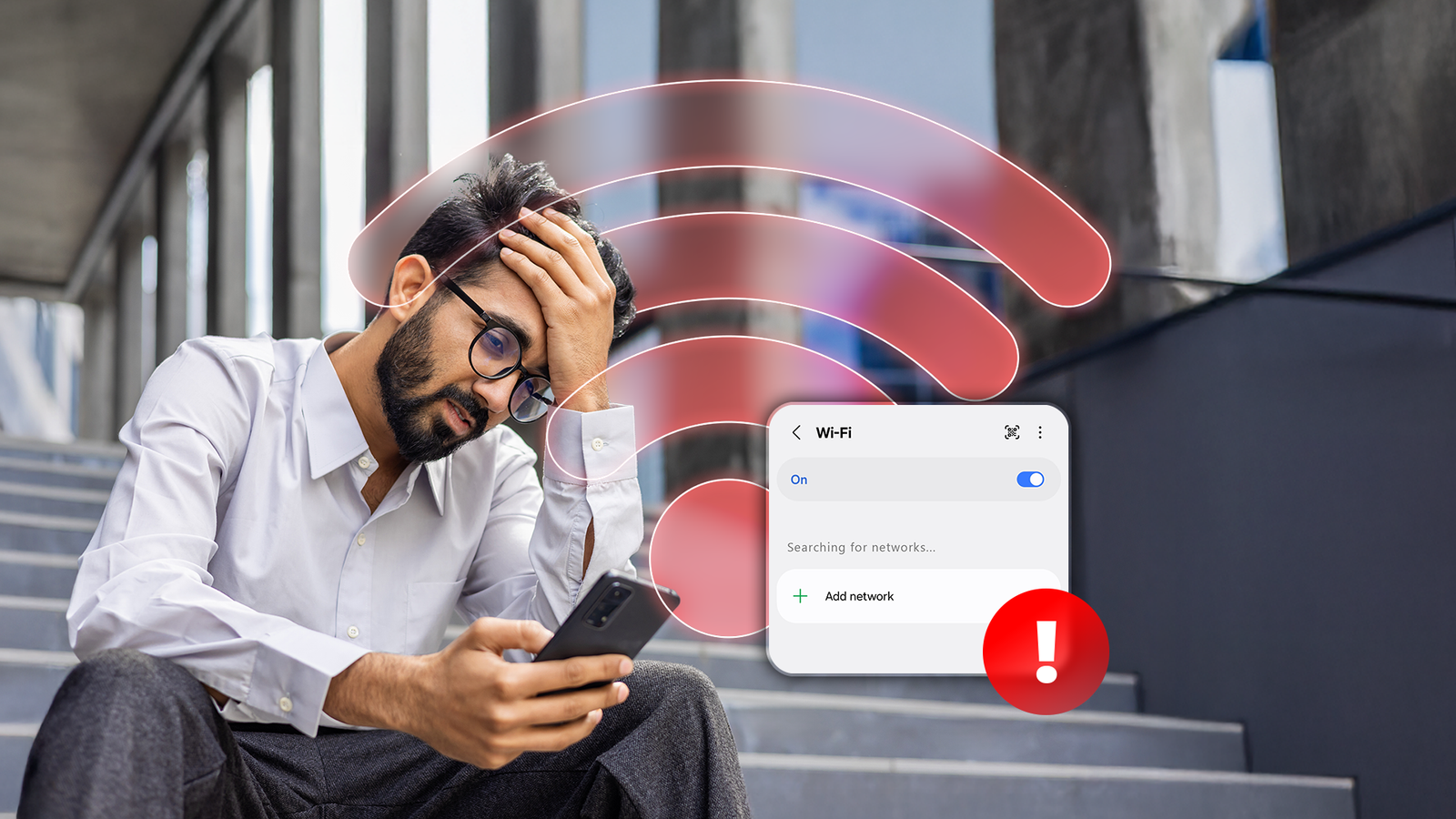
When your Internet Goes Down: Staying Connected in a Disconnected World
losing your internet connection can feel like a modern-day crisis. It disrupts work,entertainment,and even basic communication. fortunately, you aren’t entirely stranded when your internet service provider (ISP) experiences an outage. Here’s a comprehensive guide to getting back online, or at least coping until service is restored.
Understanding the Outage
First, determine if the problem is on your end or with your ISP.A simple reboot of your modem and router often resolves temporary glitches. Unplug both devices, wait 30 seconds, plug the modem back in, wait for it to fully connect, then plug in the router.
If that doesn’t work, it’s likely a wider outage. Checking your ISP’s website or social media channels can provide updates on the situation. Many providers also have outage maps or automated phone systems to inform you of known issues.
Immediate Solutions: Getting Back Online
Several options can get you back online quickly, depending on your needs and resources.
* Mobile Hotspot: Your smartphone can become a temporary lifeline. Most modern phones offer a personal hotspot feature, allowing you to share your cellular data connection with other devices. Remember that this can consume your data plan quickly,so use it judiciously.
* Tethering: Similar to a hotspot, tethering directly connects your computer to your smartphone via USB. This often provides a more stable connection and doesn’t rely on Wi-Fi.
* Backup Internet Service: If you rely heavily on internet access, consider a backup service like a cellular-based internet connection. These services provide a secondary connection that automatically activates when your primary internet goes down.
* Neighborly Wi-Fi: If you have a trusted neighbor, you might ask to temporarily use thier Wi-Fi.Just be sure to discuss data usage and security considerations.
Public Wi-Fi Options: A Temporary Fix
When home solutions fail, public wi-Fi hotspots can offer a temporary reprieve.
* Coffee Shops: I’ve found that most coffee shops offer free Wi-Fi to customers.It’s a convenient option, but remember that public networks are inherently less secure.
* Libraries: Your local library is an excellent resource. They typically provide free Wi-Fi and access to computers with internet connections.
* Community Centers: Many community centers and public buildings offer free Wi-Fi access to the public.
* Fast Food Restaurants: Numerous fast-food chains provide free Wi-Fi, though speeds and reliability can vary.
Meaningful Security Note: When using public Wi-Fi, always take precautions to protect your data. Connecting through a Virtual Private Network (VPN) encrypts your internet traffic, shielding it from potential hackers. Avoid accessing sensitive information like bank accounts or credit card details on public networks.
Long-Term Considerations: Preparing for the Certain
Internet outages are a fact of life. Taking proactive steps can minimize disruption when they occur.
* Monitor Your ISP: Regularly check your ISP’s website and social media for outage alerts.
* Invest in a UPS: An Uninterruptible Power Supply (UPS) can keep your modem and router running for a short period during a power outage, possibly maintaining your internet connection.
* Explore Redundant Connections: Consider a backup internet service or a second ISP for true redundancy.
* Download Offline Content: Download movies,music,and ebooks to your devices for entertainment during outages.
A Digital Detox Opportunity?
Sometimes, a forced disconnection can be a blessing in disguise. It’s only when you lose access to the internet that you realize how much you rely on it. Consider using the downtime to pursue offline activities. Read a book,spend time with family,or simply enjoy the peace and quiet. Perhaps it’s a sign to go outside and “touch grass” for a change.