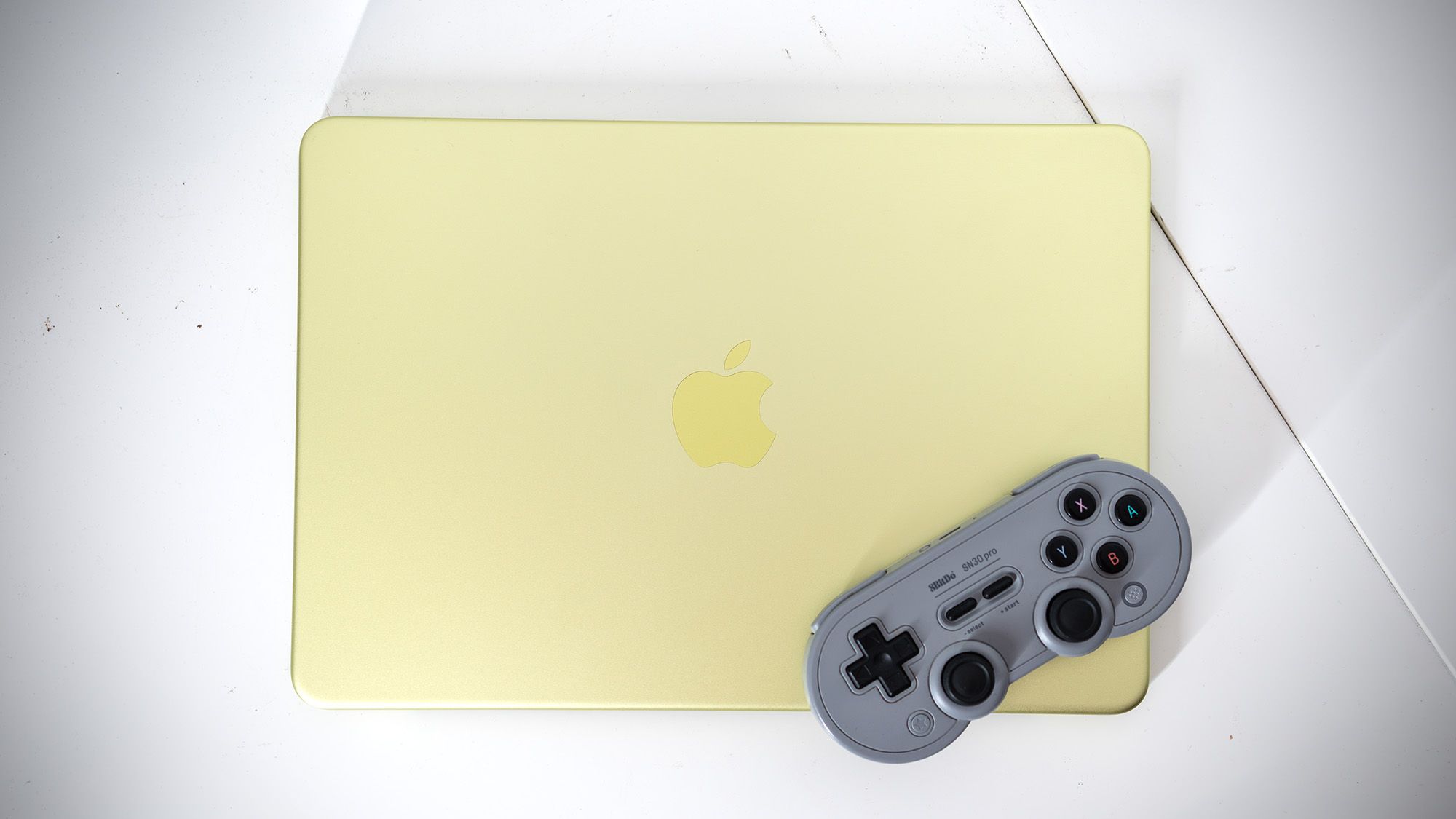
When tests pit entry-level portables against each other, surprising performance bottlenecks and unexpected victories often emerge. Recent benchmark evaluations examining hardware capabilities across modern entry-level computers have highlighted stark contrasts in how different operating systems and processors handle everyday tasks and intensive software alike. Independent testing carried out by PhoneBuff recently evaluated how a MacBook Neo and a Dell XPS 13—both retailing around the $699 price point—perform across file handling, startup times, and heavy graphics workloads.
The comparison offers a fascinating look at modern mobile computing compromises, particularly given that the devices rely on distinct architectures. The Dell XPS 13 features an Intel Core 5 320 processor, while the MacBook Neo runs on a repurposed A18 Pro phone chip rather than Apple’s traditional M-series silicon. Despite these differences, both notebooks launched into this hardware showdown configured with 8 GB of RAM, giving tech analysts a compelling baseline to measure real-world speed and efficiency.
For everyday productivity, the results challenged conventional assumptions about software optimization. Independent testing found that the MacBook Neo opened a massive 500-page Microsoft Word document in a hair over 7 seconds. By comparison, a similarly specced Dell XPS 13 took 12 seconds to complete the same task, according to findings highlighted by Windows Latest. That outcome surprised industry observers who might have expected Microsoft’s software to run with optimal speed on native Windows hardware.
However, the tables turned when measuring startup times. The Dell XPS 13 raced to the desktop in 24 seconds, while the MacBook Neo required nearly twice as long, clocking in at 40 seconds. Analysts note that startup comparisons between distinct operating systems rarely serve as a straightforward metric, yet the speed differential remains a tangible factor for daily users who prioritize quick reboots.
Gaming Benchmarks and Hardware Realities
Beyond office productivity, recent testing pushed both portables into punishing graphics territory by loading up CD Projekt Red’s demanding role-playing game, Cyberpunk 2077. Running modern, hardware-heavy titles on thin notebooks invariably comes with heavy caveats, but the benchmark comparison revealed notable margins between the two machines.
The MacBook Neo loaded up the dystopian title in a hair under 41 seconds, whereas the Dell XPS 13 managed the same loading sequence in 55 seconds. When evaluating the in-game benchmark tests, the Dell XPS 13 could not even attempt to run the software at ultra settings. Running fullscreen, the XPS 13 averaged 16 frames per second, while the MacBook Neo managed an average of nearly 20 frames per second.
While outperforming a rival machine is a notable feat for a phone-derived processor, experts emphasize that neither machine delivers an ideal gaming experience at those frame rates. A frame rate of 20 fps falls short of what most enthusiasts consider playable or enjoyable. Earlier testing by staff reviewers demonstrated that pushing the MacBook Neo to a marginally smoother 30 fps requires dipping below Steam Deck settings by utilizing a low graphics profile, dropping the resolution to 720p, and engaging MetalFX upscaling in performance mode. While that configuration makes the title technically playable, the resulting visuals appear soft due to heavy upscaling.
Display Quality and Daily Usability
For users who prefer less hardware-intensive software, such as indie releases or visual novels, the hardware choice often comes down to display technology and physical design. The Dell XPS 13 features a 13-inch OLED touch display that supports the P3 color gamut, offering a wider range of vibrant colors than the MacBook Neo’s screen. Furthermore, the Dell’s 120 Hz refresh rate runs at twice the frequency of the MacBook Neo’s panel.
That faster refresh rate means scrolling through web pages and reading text documents feels noticeably smoother on the Dell machine, even if its Intel processor faces limitations when handling heavy gaming competition. Ultimately, choosing between these $699 portables requires balancing specific workflow demands, from document loading speeds to display fidelity, rather than relying on synthetic gaming benchmarks.
Related reading