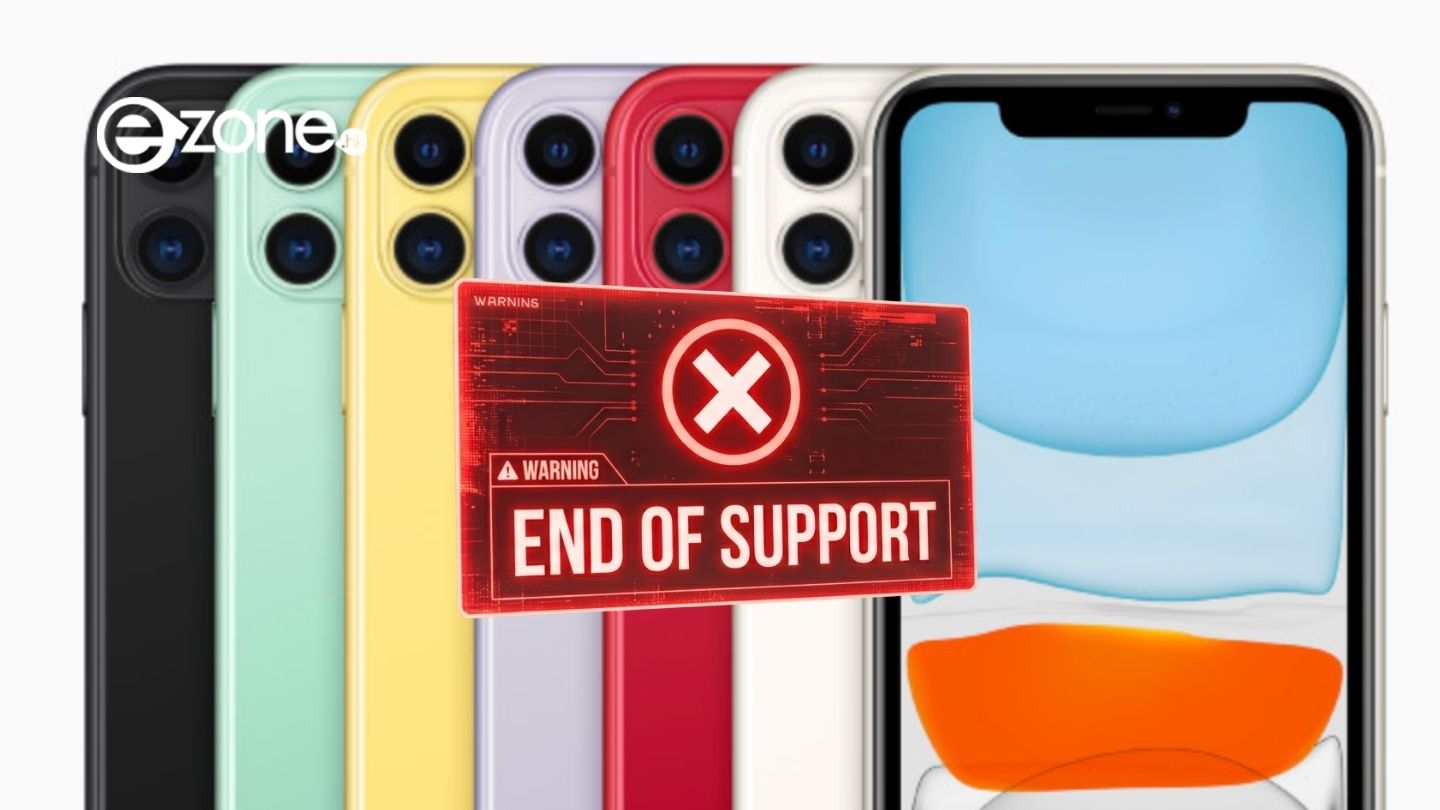
As we look toward the next generation of Apple software, the tech industry is bracing for a transition that marks a significant shift in the company’s hardware support lifecycle. For users of older devices, staying informed about software compatibility is not just about accessing the latest features; it is a critical component of maintaining digital security and device longevity. Understanding the implications of these shifts is essential for both casual users and professionals who rely on the Apple ecosystem.
Recent reports have highlighted that as Apple prepares for its upcoming software cycles, certain aging hardware models may reach the end of their support window. This transition is a standard part of the company’s product lifecycle management, ensuring that newer operating systems—such as upcoming iterations of macOS—can run efficiently on modern architectures. For many, this raises questions about the security risks associated with using hardware that no longer receives official software updates.
The Evolution of Hardware Support
Apple’s transition to its own custom silicon, the Apple Silicon series, has fundamentally altered the company’s software update roadmap. According to official company documentation and financial filings, Apple has consistently moved to unify its hardware and software experience, prioritizing performance and security on its proprietary chips. This shift away from Intel-based processors is a primary driver behind the changing support lists for future versions of macOS.
When a device is no longer supported by the latest operating system, it stops receiving the critical security patches and feature updates that protect users from emerging digital threats. This does not mean the device will immediately cease to function, but it does mean that the “attack surface”—the number of vulnerabilities that can be exploited by malicious actors—increases over time. For users handling sensitive financial or personal data, migrating to supported hardware is a recommended best practice for maintaining a secure computing environment.
What Users Should Know About Lifecycle Transitions
Apple’s product strategy involves a predictable cycle of hardware evolution. As detailed in the official Apple product pages, the company regularly introduces new models while phasing out older ones. This process ensures that the software engineering team can focus its resources on optimizing for the latest hardware capabilities, such as those found in the current M-series chips.

For those currently using older Mac or iPhone models, the best course of action is to regularly check the official Apple support pages. Apple maintains comprehensive support resources where users can verify the current status of their specific device models. If your device is approaching the end of its supported life, you may consider the following steps:
- Back up your data: Ensure all your files, photos, and documents are backed up via iCloud or an external drive.
- Review trade-in options: Apple offers trade-in programs that allow users to receive credit toward the purchase of new hardware by recycling their older devices.
- Monitor security advisories: Stay informed about Apple’s security updates, which are published regularly on their official support portal.
Navigating the Future of Your Tech
The decision to upgrade hardware is often driven by the need for better performance, but security remains the most important factor for many users. As software becomes more sophisticated, it requires more robust hardware to run effectively. By focusing on Apple Silicon-based devices, users ensure they are positioned to receive the longest possible support window for future operating system updates.
The transition away from older, legacy hardware is a natural phase in the lifecycle of any major technology platform. While it may require an investment in new equipment, the benefits include improved speed, better integration with modern software services, and, most importantly, the peace of mind that comes with a device that is fully protected by the latest security protocols.

As we move toward the next major Apple Worldwide Developers Conference—scheduled for June 8–12, 2026, as noted in official company announcements—users can expect more clarity regarding the specific hardware requirements for upcoming software releases. We encourage our readers to stay tuned to official channels and check their device settings regularly for any notifications regarding software availability.
Have you checked the status of your current device lately? Share your thoughts on how you manage your hardware upgrades in the comments below, and be sure to share this article with those who may need a reminder to check their device compatibility.
Keep reading