
For many power users of Microsoft’s productivity suite, the recent introduction of a persistent, floating interface element proved to be more of a distraction than a digital assistant. Following a wave of user feedback regarding the intrusive nature of the floating Copilot button, Microsoft has officially introduced a feature allowing users to relocate the icon to the ribbon, effectively clearing their workspace of the obstructive overlay.
The update, which began rolling out this week, addresses widespread concerns from professionals who found the dynamic action button hindered their ability to view and interact with content in applications like Excel and Word. This change follows a period of intense scrutiny from the user base, with many expressing that the floating design—while intended to increase engagement with AI tools—compromised the core functionality of their primary work tools. According to official Microsoft support documentation regarding interface adjustments and software updates, the company frequently monitors user sentiment to refine the user experience in its 365 ecosystem.
Addressing the “Floating” Friction
The decision to allow users to exile the button to the ribbon is a direct response to the friction caused by the interface’s initial design. On community forums, users described the floating button as a significant hurdle to productivity, noting that it frequently obscured critical data or cell ranges. For those accustomed to a clean, predictable workspace, the presence of an AI assistant that “chased” them across documents was viewed as a design misstep.
This development comes as Microsoft continues to navigate the complexities of integrating generative AI into mature, high-stakes productivity software. While the technology is intended to streamline tasks, the physical implementation—specifically the placement of UI elements—remains a sensitive area for long-term users. By providing a “Move to ribbon” option, Microsoft has acknowledged that while AI integration is a priority, it should not come at the cost of user control over their immediate work environment.
Strategic Shifts in AI Integration
This move is part of a broader, ongoing strategy to refine how artificial intelligence is presented within the Windows and Microsoft 365 environments. Pavan Davuluri, who leads the Windows and devices organization at Microsoft, has previously signaled a shift toward a more nuanced approach to AI integration, including a reduction in the number of entry points for these tools. As detailed in official company communications regarding Windows product updates, the goal is to balance the prominence of AI features with the established workflows that millions of users rely on daily.
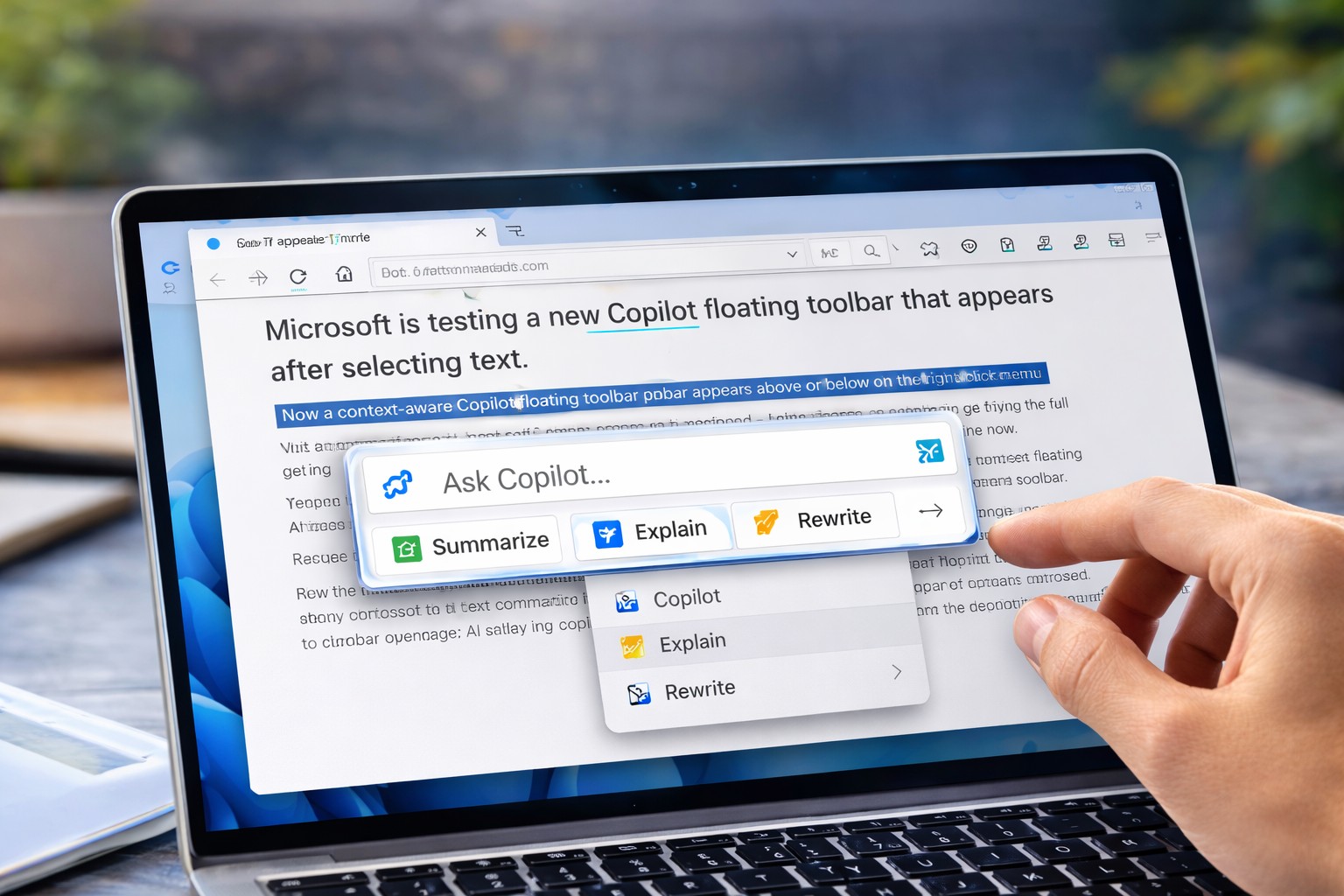
The “streamlining” of Copilot access, which Microsoft initiated earlier in May, was initially met with skepticism when the implementation resulted in the floating button. The rapid turnaround—responding to feedback in less than two weeks—highlights the company’s sensitivity to the professional user experience. For those who prefer to keep the assistant readily available, the button can still be moved back, ensuring that the interface remains flexible rather than prescriptive.
What This Means for Power Users
For the average user, the ability to customize the Copilot interface is a welcome restoration of order. When software redesigns prioritize “discovery” over “usability,” the result is often the kind of vocal, community-led pushback that Microsoft has experienced over the last few weeks. The move to the ribbon is a classic example of a “best of both worlds” solution: the tool remains accessible for those who need it, but it no longer demands the same visual real estate as it did in its floating state.
As Microsoft continues to evolve its AI offerings, we can expect further adjustments to how these tools live within the interface. Future updates will likely focus on deeper, more contextual integration rather than broad, surface-level placement. Users looking to manage their experience should keep an eye on the Microsoft 365 support portal for the latest documentation on customization features and upcoming software patches.
Moving Forward
The current update is already reaching users across the globe. As with all major software deployments, the rollout timing may vary based on specific subscription tiers and regional updates. For those who still see the floating icon, ensuring that your Microsoft 365 applications are fully updated to the latest version is the most reliable way to access the new ribbon-docking functionality.

We will continue to monitor Microsoft’s interface developments and provide updates as the company releases further refinements to its AI-driven productivity tools. Have you adjusted your Copilot settings, or do you prefer the default layout? Share your thoughts in the comments below, and join the conversation on how AI should best integrate into our daily digital workflows.
Keep reading
- Is the UK Tech Sector Becoming More Regional? New Research Reveals Trends
- Halo: Campaign Evolved Reviews: Backlash, PlayStation Launch, and Xbox Strategy Controversy
- Microsoft Attributes CaptiveCrunch to Russian Threat Actor Midnight Blizzard (archynewsy.com)
- Microsoft Links CaptiveCrunch to Russian Threat Actor Midnight Blizzard (newsdirectory3.com)