
<>
Microsoft has officially confirmed that Windows 11 will not adopt the “Liquid Glass” transparency aesthetic currently featured in Apple’s latest operating systems, including iOS 26 and macOS Tahoe 26. The design chief at Microsoft stated that the company has no immediate plans to implement a system-wide transparency slider, prioritizing usability and resource efficiency over large-scale visual overhauls.
The decision follows persistent requests from users within the Windows Feedback Hub for more granular control over interface translucency. While Microsoft previously pioneered translucent design with its “Aero Glass” feature in Windows Vista in 2007, the company has since shifted its focus toward the Fluent Design system, which currently utilizes “Mica” and “Acrylic” materials to manage visual hierarchy and system performance.
Prioritizing Accessibility Over Aesthetic Trends
According to the design chief at Microsoft, any potential visual modification to the Windows 11 interface must undergo rigorous evaluation regarding user accessibility, legibility, and overall system performance. In a public response to user feedback on X, the design chief explained that the design team carefully considers “who will benefit from the investment” before committing to large-scale changes.
Technical constraints also appear to play a significant role in this decision. For instance, reports indicate that while Apple has invested heavily in CPU scheduling to optimize its own transparency effects, Microsoft is currently focused on improving memory efficiency for systems with 8GB of RAM. Discrepancies in resource usage, such as the memory footprint of native apps compared to their macOS counterparts, highlight the technical hurdles involved in maintaining a consistent, performant experience across a diverse range of hardware configurations.
Community Solutions and Future Updates
While native support for a transparency slider remains off the roadmap, Microsoft has acknowledged the role of community-driven development. The design chief specifically pointed to projects like Windhawk as a viable solution for users seeking deeper customization. Windhawk is an open-source platform that allows users to apply modifications to the Windows 11 taskbar and Start menu, effectively enabling the aesthetic effects that the native OS lacks.
https://x.com/_emrah00/status/2064804695713927653
By pointing users toward third-party tools, Microsoft avoids the complexities of integrating these features directly into the core operating system, where they would require ongoing maintenance and optimization for millions of distinct hardware setups. This strategy allows the company to focus its development resources on core OS stability, memory management, and app performance improvements rather than cosmetic customization that may not meet the needs of all enterprise and consumer users.
Learning from the Past: The Aero Glass Precedent
The current discussion around transparency is a reminder of Microsoft’s history with the Aero Glass interface. Introduced in 2007, the visual style was a defining feature of the era but was eventually deprecated by Windows 8 in 2012 to favor a flatter, more resource-efficient design language. The shift away from Aero was largely driven by the need to support a wider array of devices, including low-power tablets and laptops, where heavy graphical effects hindered performance and battery life.
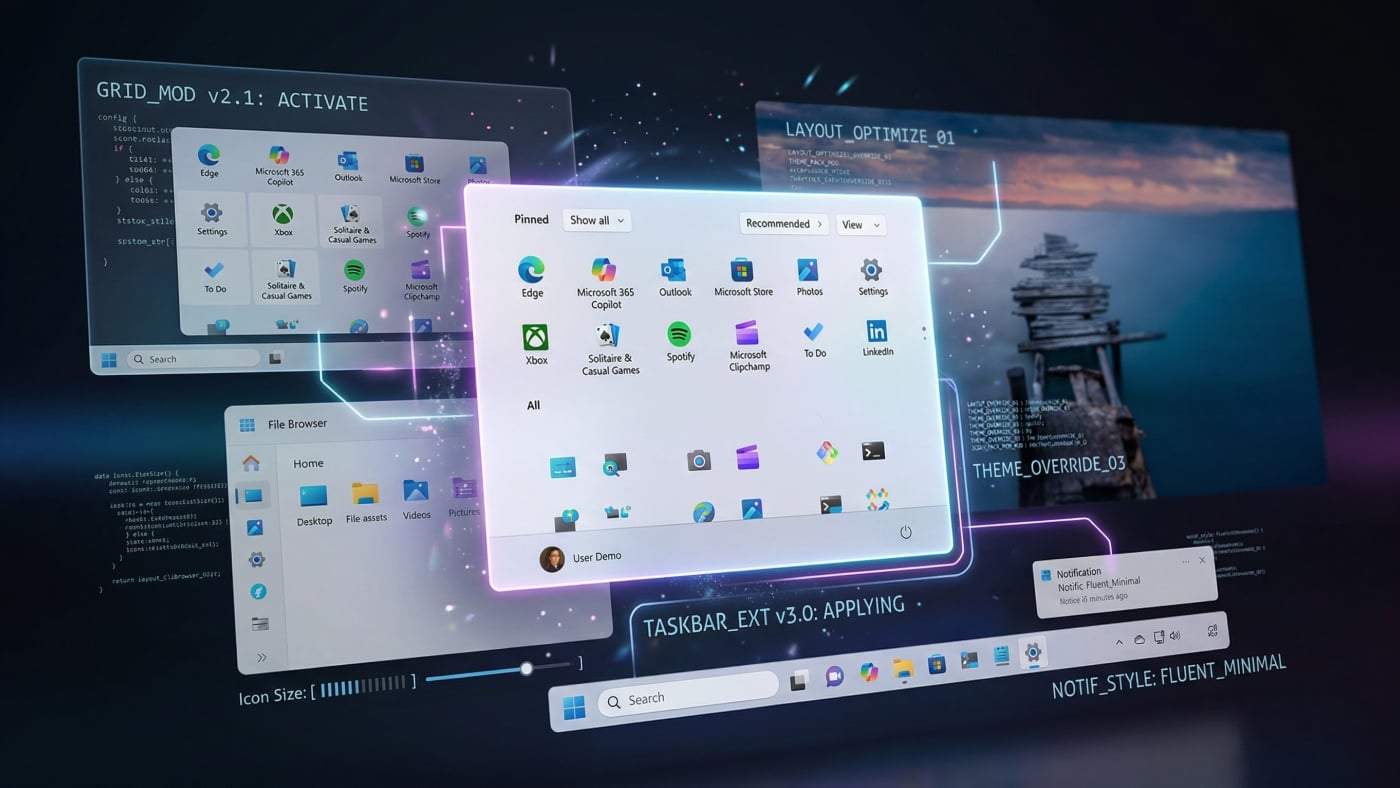

Today, the focus remains on the balance between “beautiful and functional” design. As Apple continues to navigate the challenges of its own Liquid Glass implementation—including reported issues with legibility—Microsoft’s deliberate, conservative approach to UI updates suggests a desire to avoid repeating the performance pitfalls that characterized the late-Vista and early-Windows 7 era. For now, users looking to alter the look of their desktop beyond the default Fluent Design settings will need to continue relying on community-supported tools rather than official Microsoft updates.
Microsoft has not announced a specific date for the next major UI update or feature drop. Users interested in providing further input or tracking future development can continue to use the official Windows Feedback Hub to submit suggestions, which the design team monitors for long-term planning.
Related reading
- Is San Francisco’s Housing Market Crashing Again? Trends and Analysis
- Apple Features Brutalismus 3000 in New “Shot on iPhone” Campaign for “Kairo
- Microsoft Raises Windows OEM License Fees: PC Prices Set to Rise (archynewsy.com)
- Windows Hello for Business Keys Abused by Malware for Persistent Entra ID Access (world-today-news.com)