
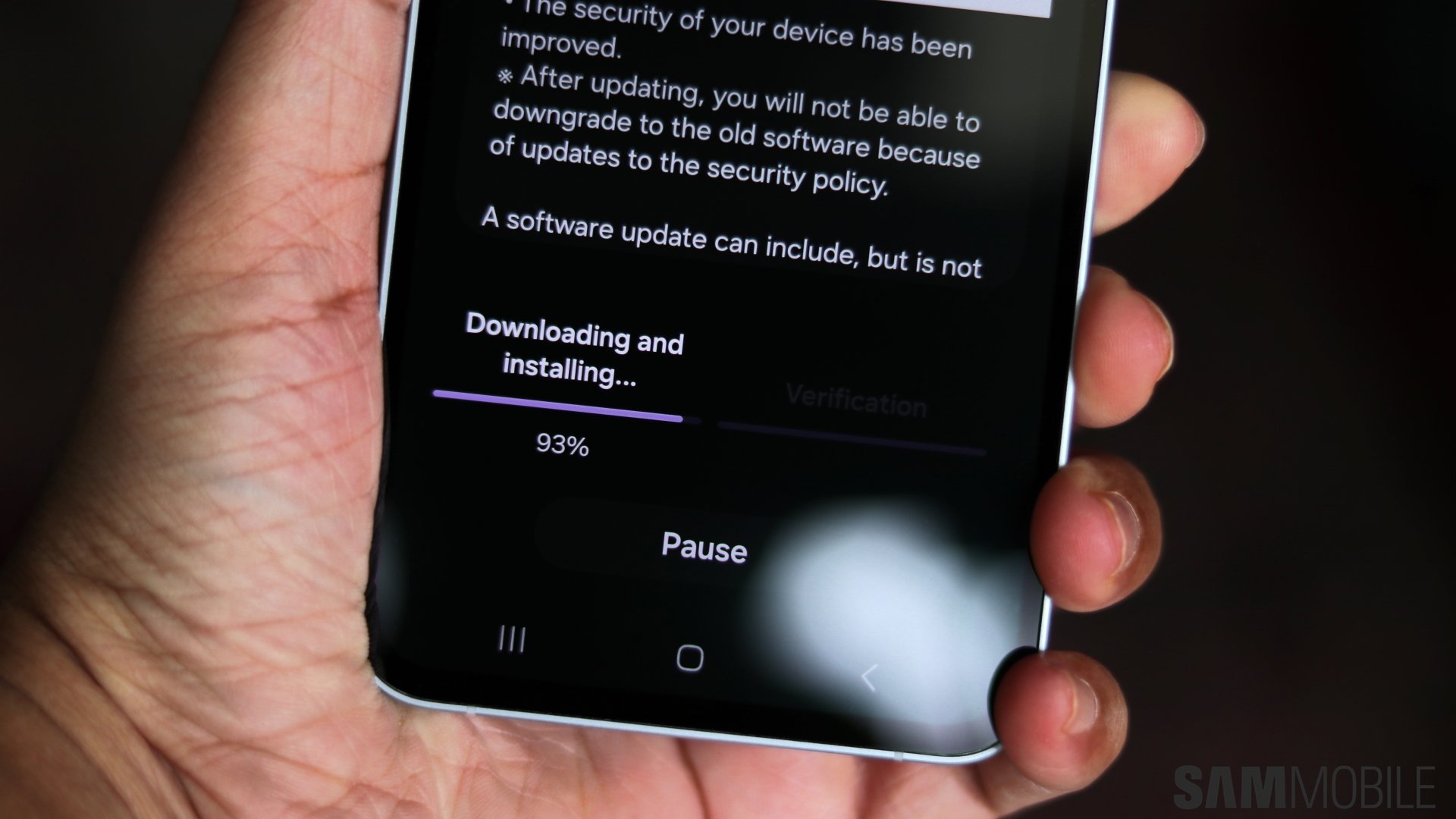
November 2025 Security Update Rolls Out for Samsung Galaxy Devices
Samsung has released its November 2025 security update, addressing critical vulnerabilities and bolstering the security of your Galaxy device. this update focuses on protecting your personal data and ensuring a smooth, secure user experience. Let’s dive into the details of what this update brings to your smartphone or wearable.
Critical Security Vulnerabilities Addressed
This month’s update tackles two critical-risk vulnerabilities. One of these impacts devices running Android versions as far back as Android 13, highlighting the importance of keeping your software current. The other critical vulnerability specifically affects devices running Android 16. Fortunately, no moderate or low-risk vulnerabilities were identified in this release.
Samsung-Specific Security Enhancements
Beyond the core Android security patches, Samsung has included nine fixes for vulnerabilities unique to Galaxy devices. These address security flaws within Samsung’s own software.Additionally, the update resolves 11 security issues related to the company’s Exynos chips.
These Exynos chip vulnerabilities perhaps affected a wide range of devices manufactured between 2019 and 2024, including both smartphones and wearables. Ensuring your device receives this update is crucial if you have an Exynos-powered Samsung product.
Update Availability and How to Check
As of November 3rd, the November 2025 security patch hasn’t reached all Samsung devices. However, expect a rollout soon. Remember, only devices on Samsung’s monthly security maintenance schedule are guaranteed to receive this update.
If your device follows a quarterly or biannual update schedule, availability will depend on its last update. Some devices may even receive the November 2025 patch alongside the major One UI 8.0 update.
You can proactively check for updates on your device by following these simple steps:
- Navigate to Settings.
- Select Software update.
- Tap download and install.
Keeping your device updated is one of the most effective ways to protect yourself from emerging security threats. Don’t delay – ensure your Samsung Galaxy device is running the latest security software for peace of mind.





