
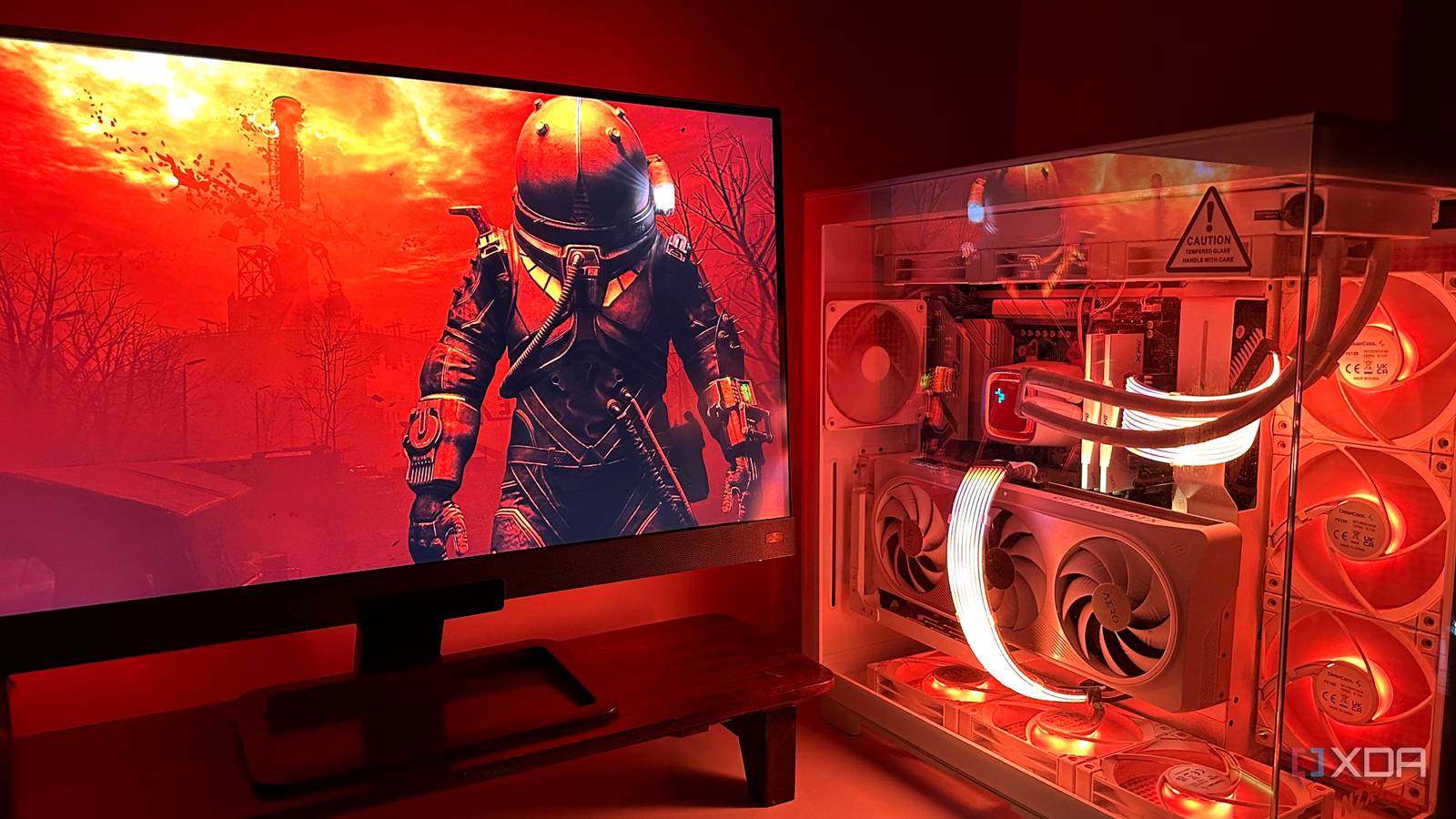
Some PC parts age remarkably well,offering lasting value in a world obsessed with constant upgrades. Not every component needs to be replaced with each new generation, and understanding which parts provide long-term stability can save you money and frustration. Let’s explore which PC components offer enduring performance and which ones demand more frequent attention.
The Long-Haul Champions
several components can comfortably carry you through multiple PC builds with minimal performance degradation. These are the areas where a quality initial investment truly pays off.
* PC Case: A well-built case is a foundational element that rarely requires replacement. Unless you drastically change your form factor preferences, your case can serve you for years.
* power Supply Unit (PSU): A reliable PSU is the heart of your system, and a high-quality unit can last a decade or more. Ensure it’s adequately sized for your components and boasts certifications like 80+ Gold or Platinum for efficiency and longevity.
* CPU Cooler: Effective cooling solutions, particularly air coolers, demonstrate extraordinary durability. A robust cooler, like those from Noctua, can easily transfer between builds, maintaining consistent performance. Such as,the noctua NH-U9 DX-4189 features dual NF-A9 92mm fans and a compact single-tower design,providing excellent cooling for years to come.
* Case Fans: Quality case fans offer consistent airflow and reliability. Investing in durable fans ensures optimal thermal management across multiple system iterations.
* Monitor: Monitors age gracefully, with image quality remaining consistent over time. Unless you desire newer technologies like higher refresh rates or resolutions, your monitor can remain a staple for many years.
Components on the Upgrade Treadmill
Conversely, certain components experience more meaningful performance gains with each generation, making frequent upgrades tempting-or even necessary.
* central Processing Unit (CPU): CPU technology evolves rapidly. New architectures and core counts deliver significant performance improvements, making upgrades more impactful.
* graphics Processing Unit (GPU): The GPU is arguably the most rapidly evolving component. New generations bring significant gains in gaming performance and features, driving frequent upgrade cycles.
* Storage (SSD/NVMe): While older SSDs remain functional, newer drives offer dramatically faster read/write speeds and increased capacities. Upgrading storage can significantly improve system responsiveness.
* RAM: Memory technology advances, with faster speeds and lower latencies becoming available. While older RAM will still work, upgrading can provide a noticeable performance boost, especially in memory-intensive applications.
Making Smart Choices
I’ve found that prioritizing quality and future-proofing in your foundational components is a smart strategy. Choosing a robust case, PSU, and cooler upfront allows you to focus your upgrade budget on the components that deliver the most significant performance gains.
Here’s what works best: don’t chase every new release. Instead, assess your needs and upgrade components when they become a genuine bottleneck in your system.
Long-Term Benefits
selecting durable components isn’t just about saving money. It’s about reducing electronic waste and building a more sustainable PC ecosystem. A well-chosen component can serve you faithfully through multiple builds, minimizing the need for frequent replacements.
Ultimately,building a PC is a balancing act between performance,budget,and longevity. By understanding which parts age better than others, you can make informed decisions that maximize your investment and create a system that stands the test of time.




