
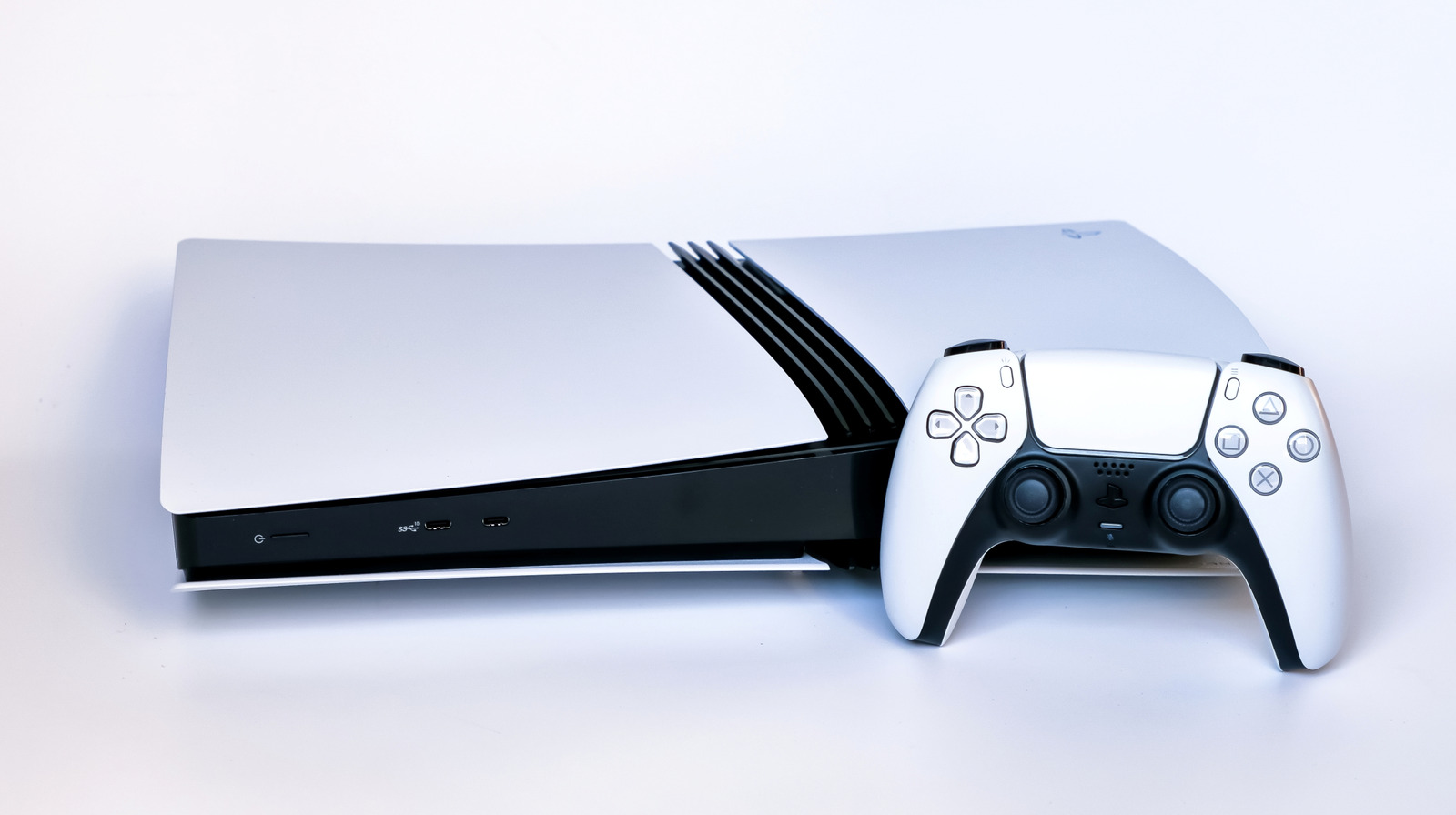
Protecting your PS5: What Not to Plug Into Those USB Ports
Your PlayStation 5 is a powerful gaming machine, and keeping it running smoothly requires a little know-how. While the USB ports seem versatile, not everything is safe to plug in.Understanding these limitations can substantially extend the life of your console and prevent potential damage.
Why USB Port Power Matters
Essentially, the PS5’s USB ports are designed for accessories that don’t demand a lot of electricity. A standard DualSense controller,for example,operates efficiently at 5 volts and 1.5 amps. Many compatible headsets follow a similar pattern, requiring minimal power. Each USB port on your PS5 delivers just over 5 volts, limiting the amount of power it can provide.
Trying to draw too much power can be detrimental to both the connected device and your PS5 itself. Let’s explore what you should avoid.
devices to Keep Away From Your PS5’s USB Ports
Here’s a breakdown of items that can cause problems:
* High-Power External Hard drives: While they physically fit, larger external hard drives often require more power than the PS5’s USB ports can consistently deliver. This can lead to overheating and strain on the console’s internal components.
* Power-Hungry Electronics: Anything beyond standard gaming accessories – think phone chargers or other devices demanding significant wattage – is a risk. These can overload the port and possibly cause a malfunction.
* USB Hubs with High-Draw Devices: USB hubs themselves are generally safe, provided you connect low-power accessories. Though, plugging an external hard drive into a hub connected to your PS5 is a recipe for disaster.The combined power draw will likely exceed the port’s capacity.
Understanding the risks
Overloading a USB port isn’t just about potentially damaging the connected device. It can also:
* Cause Console Instability: Unexpected shutdowns or glitches can occur.
* Lead to Overheating: Excessive power draw generates heat, wich can harm sensitive internal components.
* Shorten the Console’s Lifespan: Repeated strain can contribute to premature hardware failure.
Best Practices for USB port Use
To ensure the longevity of your PS5, follow these guidelines:
* Stick to approved Accessories: Prioritize devices specifically designed for use with the PlayStation 5.
* Use Powered USB Hubs: If you need to connect multiple devices, opt for a hub with its own power adapter. This takes the strain off your console.
* read device Specifications: Always check the power requirements of any device before plugging it into your PS5.
* Prioritize Direct Connection: Whenever possible, connect essential accessories directly to the console’s USB ports rather than through a hub.
Taking a few simple precautions can safeguard your investment and ensure countless hours of uninterrupted gaming enjoyment. Remember, treating your PS5’s USB ports with respect is a key part of responsible console ownership.





![Wednesday News: Latest Updates & Headlines – [Date]](https://assets.thelocal.com/cdn-cgi/rs:fit:1200/quality:75/plain/https://apiwp.thelocal.com/wp-content/uploads/2025/12/watermarks-logo-AFP__20190103__1BY3RT__v1__MidRes.jpg@webp "Wednesday News: Latest Updates & Headlines – [Date]")