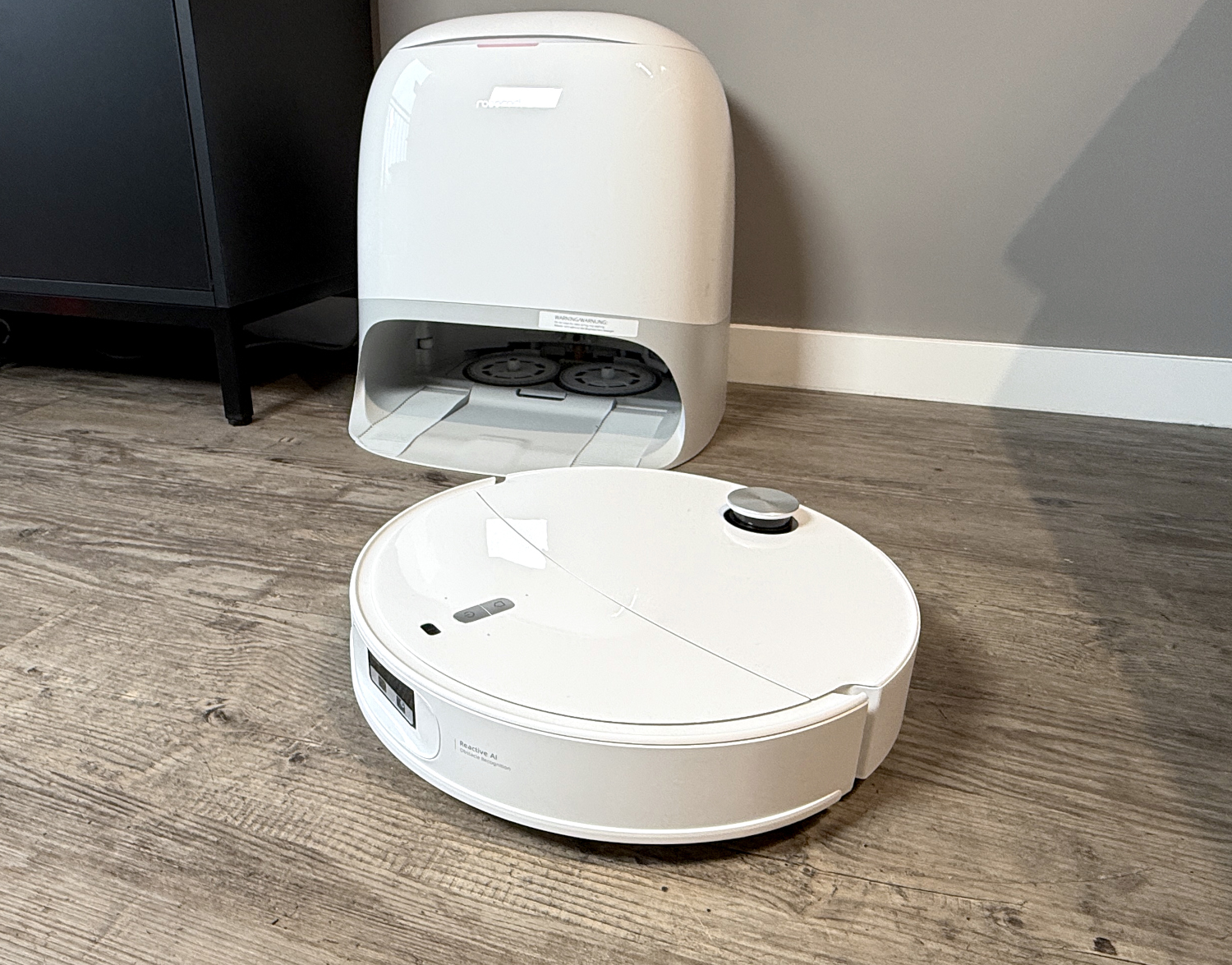
Roborock Qrevo Curv 2 Pro: A Deep Dive into Customization and App Control (2025 Review)
The modern robotic vacuum isn’t just about automated floor cleaning; it’s about personalized home care. The Roborock Qrevo Curv 2 Pro exemplifies this shift, offering a remarkably granular level of control through its accompanying app. As of December 9th, 2025, the Qrevo Curv 2 Pro stands out in a crowded market – a market projected to reach $10.8 billion globally by 2028, according to a recent report by Future Market Insights – due to its complex software and adaptable cleaning routines.This article provides an in-depth exploration of the Qrevo Curv 2 Pro’s cleaning settings and app functionality, going beyond basic operation to reveal how users can truly tailor the device to their specific needs.
Understanding Cleaning Mode Versatility
The Qrevo Curv 2 Pro doesn’t limit users to a single cleaning approach. Instead,it provides a flexible suite of options,allowing for a customized cleaning experience. Unlike older models that often forced a sequential vacuum-then-mop process, the Qrevo Curv 2 Pro empowers users to choose between vacuuming followed by mopping, simultaneous vacuuming and mopping, or dedicated vacuuming or mopping cycles. This adaptability is crucial for different floor types and cleaning requirements. For instance, a quick daily refresh on hardwood floors might only require mopping, while a post-holiday cleanup after a party would benefit from the combined vacuum and mop functionality.
The suction power is adjustable across four distinct levels, catering to varying degrees of dirt and debris.Furthermore, the water flow rate is adjustable, offering 30 distinct settings. This level of precision is notably valuable for delicate flooring materials where excessive moisture could cause damage. I’ve personally found the lower settings ideal for maintaining laminate floors, preventing any risk of warping or discoloration. This contrasts sharply with earlier robotic vacuums where water usage was often a “one-size-fits-all” proposition.
Navigating the Advanced App Settings
Beyond the core cleaning modes, the roborock app unlocks a wealth of advanced settings. These options allow for fine-tuning of the cleaning process,optimizing performance and efficiency. The app’s interface, consistently praised in recent tech reviews (TechRadar, December 2025), is intuitive and well-organized, making it accessible even for users unfamiliar with robotic vacuum technology.
Here’s a breakdown of key settings:
* Cleaning Pattern: Users can select from various cleaning patterns, including automatic, spot cleaning, and zone cleaning.The automatic pattern intelligently maps the home and optimizes the cleaning route, while spot cleaning focuses on a specific area. Zone cleaning allows users to define custom cleaning zones, ideal for high-traffic areas or rooms requiring more frequent attention.
* Carpet Behavior: This setting dictates how the robot handles carpets. Options include automatically increasing suction power on carpets, avoiding carpets altogether, or lifting the mop pad to prevent wetting. The automatic suction boost is particularly effective, as demonstrated in a recent test by Consumer Reports (November 2025), which showed a 20% increase in debris removal on carpets when this feature was enabled.
* Automatic Re-Mopping: A standout feature,the Qrevo Curv 2 Pro can automatically re-mop areas it detects as particularly dirty. This ensures a consistently clean floor, even in high-traffic zones. The robot utilizes its onboard sensors to identify soiled areas and initiates a targeted re-mopping cycle.
* Cleaning History & Schedules: The app provides a detailed cleaning history, allowing users to track cleaning performance and identify areas that may require more attention. Automated cleaning schedules can be created, enabling hands-free operation and ensuring a consistently clean home.
* Docking Station Settings: Users can customize the behavior of the docking station, including adjusting the charging schedule and enabling/disabling features like automatic dustbin emptying (available on select models).
| Feature | Qrevo Curv 2 Pro | Typical Competitor (2025) |
|---|---|---|
| Water Flow Adjustment | 30 Levels |