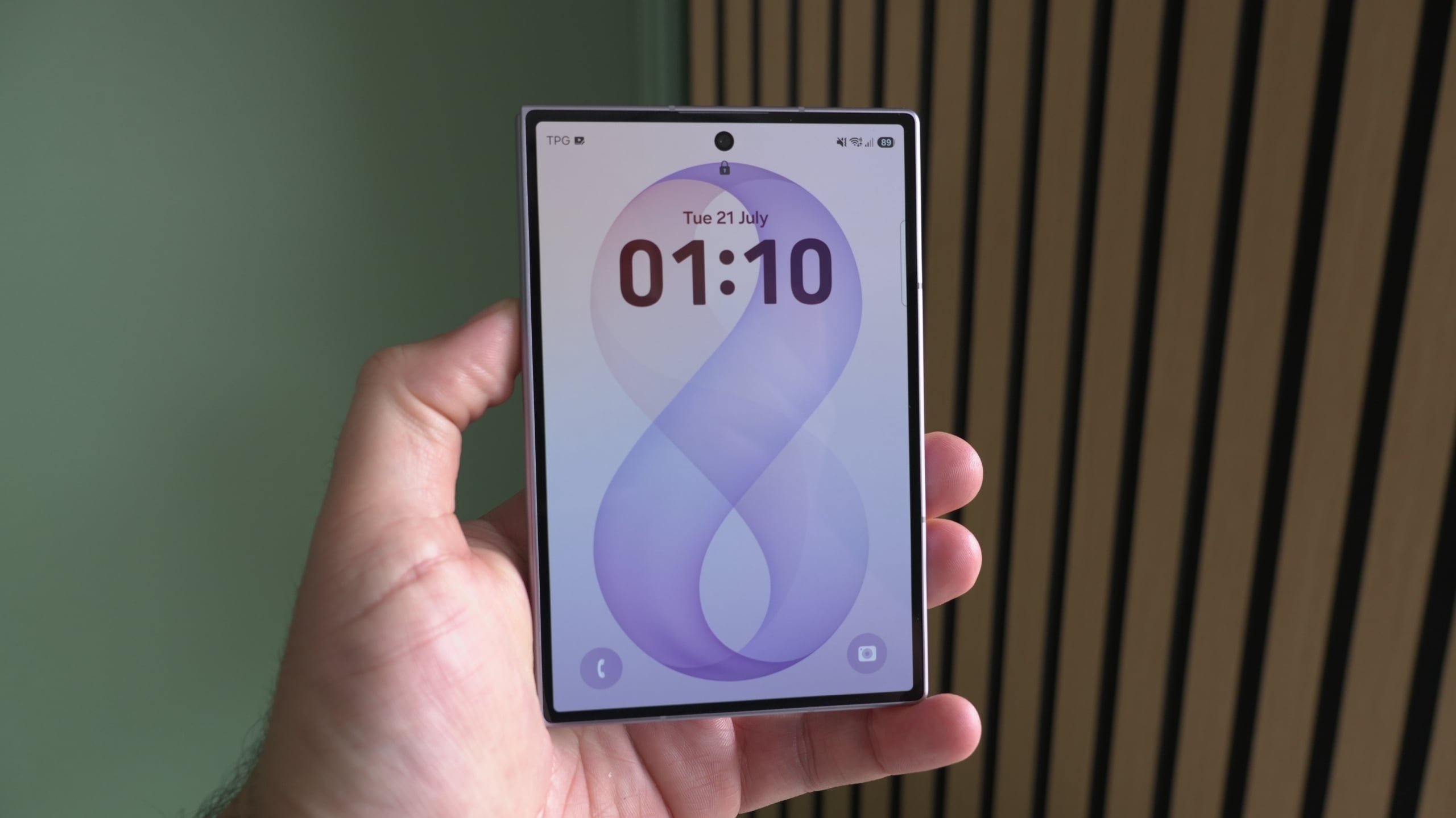
Samsung is implementing a strict lock screen security change in One UI 9.0 that permanently locks a Galaxy device after 13 failed unlock attempts. According to reports from SamMobile, this update requires a full factory reset to regain access once the limit is reached, a move designed to thwart brute-force attacks where unauthorized users repeatedly guess PINs, passwords, or patterns.
The new policy introduces a tiered lockout system that begins after the fifth incorrect attempt. Wait times increase incrementally with each subsequent failure, starting at one minute and peaking at a 24-hour lockout after the 12th failed attempt. If the 13th attempt is also incorrect, the device is permanently locked.
This security measure specifically targets devices launched with One UI 9.0 preloaded. As of July 25, 2026, this includes the Galaxy Z Fold 8, Galaxy Z Fold 8 Ultra, and Galaxy Z Flip 8. Testing of the One UI 9 beta on the Galaxy S26 indicates that these specific lockout changes are not present on that model, and it remains unconfirmed if Samsung will extend the policy to older devices via software updates.
How the One UI 9 Lockout Timeline Works
The transition from a simple mistake to a permanent lockout is managed through a series of temporary delays. According to SamMobile, the system starts enforcing these lockouts after five failed attempts. The duration of these pauses increases with every single failure thereafter.
The progression culminates in a 24-hour waiting period following the 12th failed entry. This window serves as the final warning before the 13th attempt. If that final attempt is incorrect, the device enters a permanent lock state, meaning all local data is inaccessible unless the user performs a factory reset, which erases all device content.
To prevent accidental lockouts, Samsung stated that entering the same incorrect credential multiple times in a row will not be counted as separate failed attempts. Additionally, the interface will explicitly display the number of remaining attempts once the user reaches the warning threshold.
Risks for Biometric Users and Accidental Inputs
Users who rely primarily on fingerprint or face recognition are not exempt from the risks associated with this policy. Samsung notes that Android requires the backup PIN, password, or pattern to be entered periodically—typically after a device restart or every 72 hours. Forgetting this backup credential could lead to a permanent lockout if the user fails the 13-attempt limit during these mandatory checks.
There are also concerns regarding “pocket dialing” or accidental touches. While Samsung has not clarified how the policy handles random inputs registered while a phone is in a bag or pocket, the company suggests ensuring that “Accidental touch protection” is enabled. This setting can be found under Settings > Display.
Comparison of Lockout Thresholds
The shift in One UI 9.0 represents a more aggressive stance on device security compared to previous iterations. While older versions of One UI often allowed for more lenient retry windows or longer sequences before requiring a reset, the new 13-attempt hard cap creates a definitive ceiling for unauthorized access attempts.
This change aligns with a broader industry trend toward mitigating brute-force vulnerabilities. By combining increasing time delays with a hard limit, Samsung effectively eliminates the viability of automated guessing tools that could otherwise cycle through thousands of combinations over several days.
Samsung has not yet announced a date for when this policy might be expanded to devices that did not ship with One UI 9.0. Users awaiting the update should verify their backup credentials to avoid potential data loss.
Share this report with other Galaxy users to ensure they are aware of these security changes. Leave a comment below to let us know if you have enabled accidental touch protection on your device.
Worth a look