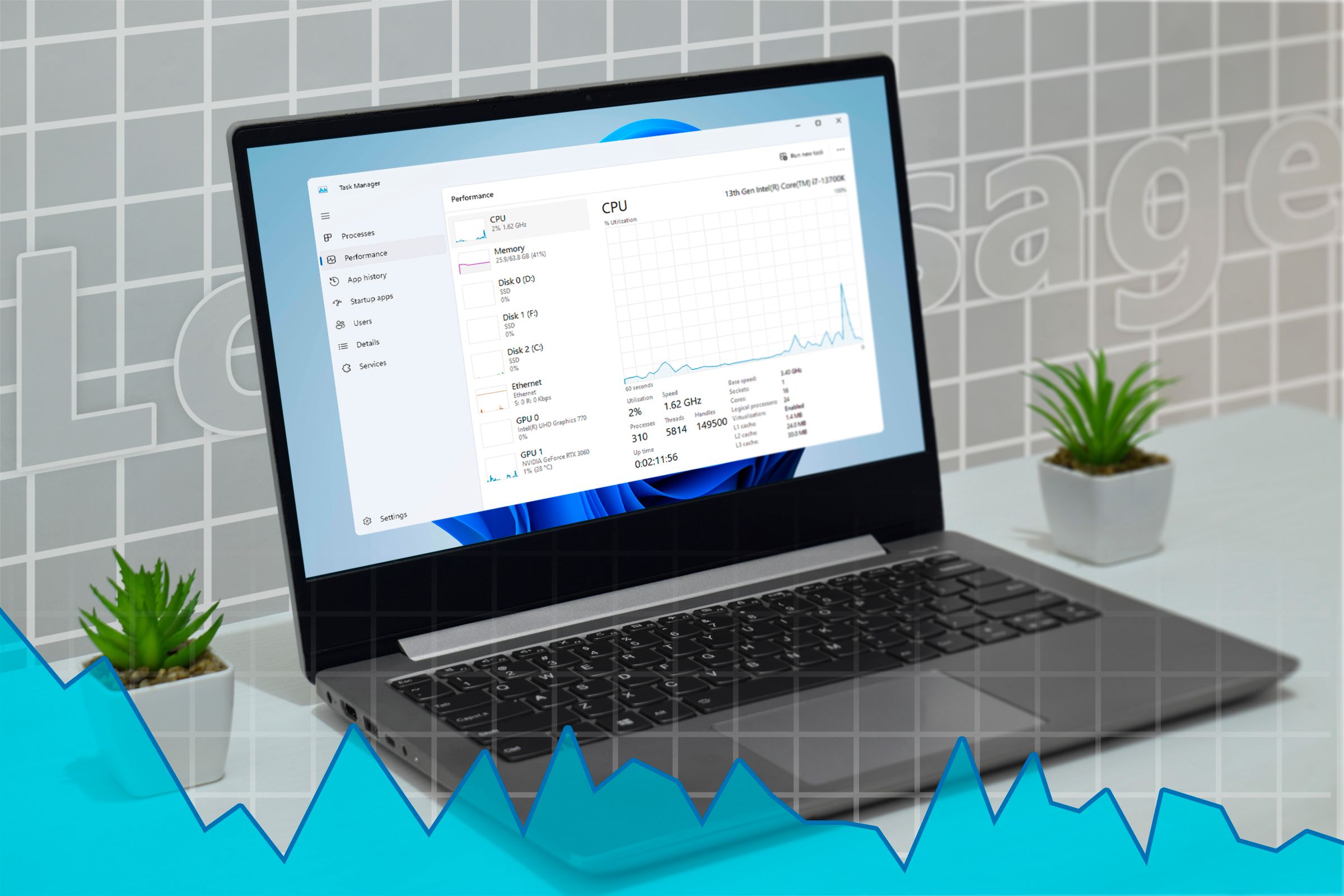
For most Windows users, the Task Manager is the final line of defense. Whether it is a sudden spike in RAM usage that slows a system to a crawl or an application that has frozen entirely, the familiar shortcut of Ctrl+Shift+Esc is the universal remedy for regaining control of a workstation.
Although, within the community of power users and software engineers, there is a long-standing debate regarding whether the built-in utility is truly the most efficient tool for the job. Recent discussions have highlighted that a 25-year-old Windows tool may actually be better than Task Manager for those seeking deeper system insights and more robust control.
Whereas the modern version of Task Manager is feature-rich, its evolution is rooted in a time of extreme hardware limitations. To understand why alternative tools are often preferred today, it is necessary to look back at the engineering philosophy that created the original system monitor—a tool designed to be as invisible as possible to the system it was monitoring.
The Engineering Behind the Original Task Manager
The design of the original Windows Task Manager was not a matter of simplicity, but of necessity. According to a veteran Microsoft engineer, the original utility was designed with a remarkably small footprint of only 80KB. This was a deliberate engineering choice to ensure the tool could run smoothly on the limited hardware of 1990s computers (Tom’s Hardware).
In the context of modern computing, where applications often consume gigabytes of memory, an 80KB footprint seems negligible. However, in the 90s, every kilobyte of RAM was precious. The engineer who built the tool emphasized that this small size was a “feature, not an accident,” ensuring that the tool meant to solve system instability did not contribute to it by consuming too many resources (Startup Fortune).
Efficiency Through Smart Techniques
Beyond its size, the original utility employed specialized logic to maintain system stability. One such “smart technique” involved how the program determined whether it was the only running instance of itself. By optimizing these checks, Microsoft engineers ensured the utility remained lightweight and responsive, even when the rest of the operating system was struggling.
This legacy of efficiency is why many technical users still seek out specialized tools. While the current Windows Task Manager is highly capable for the average user—allowing them to identify which application is using all of their RAM or to end a program that has been frozen—it may not provide the granular detail required by developers or system administrators.
Beyond the Standard: Seeking Better System Tools
The conversation around system monitoring has shifted toward tools that offer more transparency than the standard Windows offering. Some industry experts suggest that a specific 25-year-old Windows tool remains a superior alternative to the modern Task Manager (How-To Geek).

For a global audience of users, the choice between the built-in Task Manager and legacy or third-party tools often comes down to the specific need:
- General Users: The standard Task Manager is sufficient for ending frozen apps and monitoring basic CPU/RAM spikes.
- Power Users: Those who require deeper insight into handle counts, DLLs, and specific process threads often look toward tools that prioritize data depth over a simplified user interface.
The persistence of these older tools reflects a broader trend in software engineering: the value of “lean” design. The original 80KB philosophy proves that when a tool is designed to be a surgical instrument rather than a Swiss Army knife, it can remain relevant and effective for decades.
As Windows continues to evolve, the tension between user-friendly interfaces and high-density technical data remains. While Microsoft has updated the Task Manager for Windows 11 to be more visually appealing and informative, the spirit of the original, lightweight utility continues to inspire the tools that power users rely on today.
There are currently no scheduled official updates from Microsoft regarding the integration of legacy system monitoring features into the current Task Manager. Users interested in optimizing their system performance are encouraged to monitor official Windows update logs for new diagnostic capabilities.
Do you prefer the simplicity of the modern Task Manager, or do you rely on legacy tools for your system diagnostics? Share your experience in the comments below.