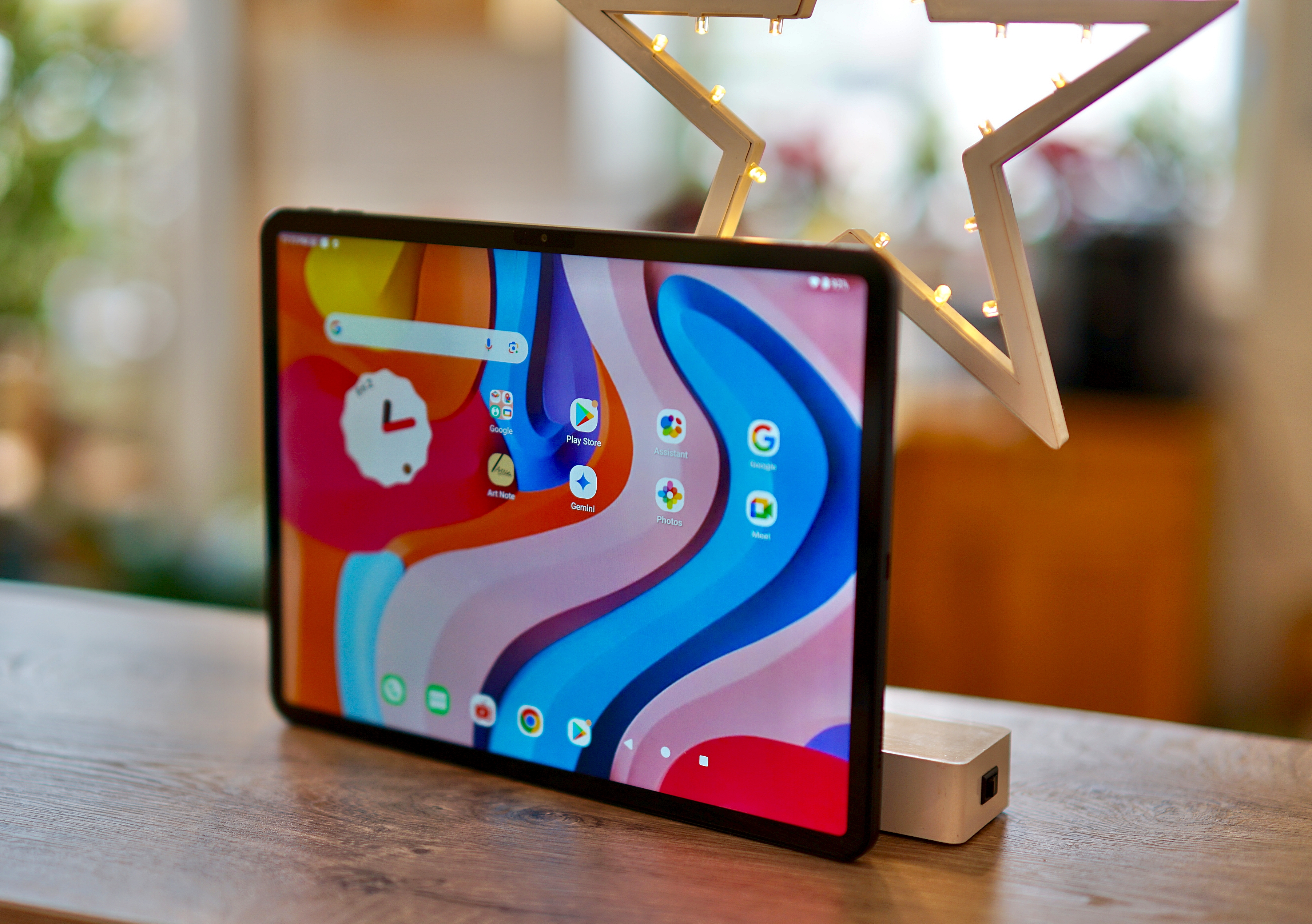
Teclast ArtPad air Review: A Deep dive into the MediaTek Helio G100 Tablet
The tablet market is flooded with options, but finding a balance between affordability and performance can be challenging. the Teclast ArtPad Air, powered by the MediaTek Helio G100 processor, aims to deliver just that. This review provides an in-depth analysis of the artpad Air, going beyond superficial observations to explore its performance capabilities, strengths, and weaknesses. We’ll dissect the user experiance, assess its suitability for various tasks, and compare it to competing devices in the budget tablet space. This isn’t just a review; it’s a comprehensive guide for anyone considering a cost-effective tablet solution.
understanding the MediaTek Helio G100: Core Performance & Limitations
The MediaTek Helio G100 is the heart of the Teclast ArtPad Air, and understanding its capabilities is crucial. This octa-core processor, built on a 12nm process, is designed for entry-level gaming and everyday tasks.While it offers a noticeable step up from older, more basic processors found in ultra-budget tablets, it’s vital to manage expectations. It’s not going to rival the performance of flagship Snapdragon or dimensity chips.
Did You Know? the MediaTek Helio G100 utilizes a combination of ARM Cortex-A55 cores, prioritizing power efficiency alongside reasonable performance. This makes it ideal for extended use scenarios like reading,browsing,and video playback.
The G100’s architecture consists of eight cores: four power-efficient cores for background tasks and four performance cores for more demanding applications. This allows for a balance between battery life and responsiveness. though, the integrated Mali-G52 MC2 GPU, while capable of handling basic games, struggles with graphically intensive titles at higher settings. Expect to adjust graphics settings for a smoother gaming experience. Recent benchmarks (Q4 2023/Q1 2024) place the Helio G100’s AnTuTu score around 180,000-200,000, positioning it firmly in the entry-level category.
Key Specifications at a glance:
| Feature | Teclast ArtPad Air |
|---|---|
| Processor | MediaTek Helio G100 (Octa-core) |
| GPU | Mali-G52 MC2 |
| RAM | Typically 4GB/6GB (Configuration Dependent) |
| Storage | 64GB/128GB UFS 2.1 |
| Display | 10.1-inch IPS LCD |
| Battery | 8000 mAh |
Performance in Real-World Scenarios: Testing the Limits
The Teclast ArtPad Air performs admirably for everyday tasks. Web browsing is smooth, with pages loading quickly thanks to the UFS 2.1 storage. Multitasking, while not lightning-fast, is manageable with 4GB or 6GB of RAM. Streaming video from platforms like YouTube and Netflix is a pleasant experience, with the 10.1-inch IPS display providing decent viewing angles and color reproduction.
Though, pushing the device with more demanding applications reveals its limitations. Video editing, even with simple projects, can be sluggish. Gaming, as mentioned earlier, requires compromises in graphics settings.We tested popular titles like Genshin impact and Call of duty: Mobile. Genshin Impact was playable at the lowest settings with occasional frame drops,while Call of Duty: Mobile performed better,but still wasn’t ideal for competitive play.
Pro Tip: To optimize performance, close unused apps and clear the cache regularly. Consider using a lightweight launcher if you experience lag.Disabling background app refresh can also improve responsiveness.
During our stress testing, the device remained surprisingly cool. the chassis didn’t exhibit excessive
Worth a look