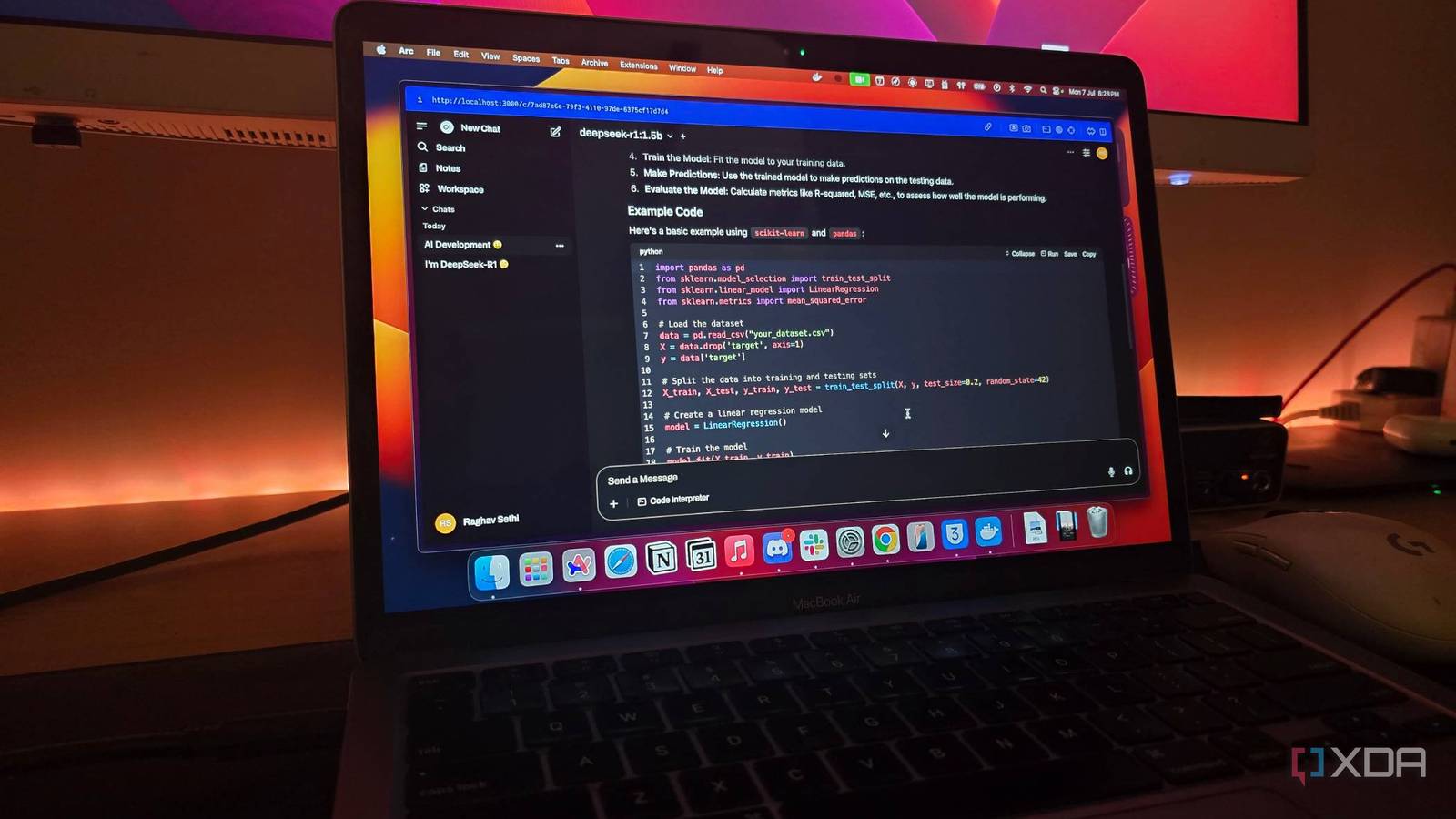
For many developers and enthusiasts, the journey into self-hosted large language models (LLMs) begins with an obsession over hardware specifications. We spend countless hours researching the latest GPUs, obsessing over VRAM capacities, and benchmarking the newest quantization techniques to squeeze every ounce of performance out of our local machines. However, after a year of integrating these systems into my own professional and personal workflows, I have found that the most impactful changes to my productivity did not come from a new graphics card or a more efficient model weight. Instead, these five small tweaks for self-hosted LLM setups proved that workflow optimization often outweighs raw compute power.
When we talk about the practical application of local AI, we are moving beyond the theoretical “what if” scenarios and into the realm of daily utility. As someone who has spent nearly a decade navigating the intersection of software engineering and technology journalism, I have learned that the barrier to entry for local AI is rarely technical complexity—it is usually the friction of integration. By shifting focus from hardware upgrades to workflow refinement, you can transform a local LLM from a novelty project into a genuine force multiplier for your daily tasks.
In the rapidly evolving landscape of artificial intelligence, understanding how to deploy these models effectively in real-world clinical or business environments has become a subject of significant academic and industry focus. Recent research highlights that while the potential for automating documentation and decision-making is high, the successful implementation of these systems depends heavily on how seamlessly they integrate into existing digital workflows Frontiers in Digital Health, 2025. This article explores how to bridge that gap through practical, incremental adjustments.
1. Optimizing Context Window Management
One of the most common pitfalls in local LLM usage is treating the context window as an infinite resource. While larger context windows are becoming standard in newer models, pushing them to their limit often results in significant latency and degradation in reasoning quality. I found that creating a standardized “context pruning” routine—where I manually summarize or extract the most relevant entities from previous turns before feeding them into a new prompt—drastically improved model responsiveness.
By keeping the context lean, the model remains focused on the current task rather than hallucinating based on irrelevant historical data. What we have is particularly important when working with business document collections or complex codebases, where context pollution can derail the model’s accuracy. Tools that support “mixed-initiative” workspaces allow for better sensemaking over diverse document sets, ensuring that the model is only processing what is necessary to generate a high-quality output Association for Computing Machinery, 2024.
2. Implementing Prompt Templates as Code
If you are typing prompts manually every time you need an output, you are missing out on the primary benefit of a local setup: reproducibility. By treating your prompts as version-controlled code, you can create a library of specialized templates for common tasks—such as summarizing meeting notes, drafting technical documentation, or debugging code snippets. Storing these in a simple directory structure allows you to use command-line tools to pipe data directly into your LLM, turning a repetitive manual process into a streamlined pipeline.
3. Leveraging Local API Gateways for Automation
Moving away from a GUI-only approach and toward an API-driven workflow is perhaps the single most productive change one can make. By running a local inference server that exposes an OpenAI-compatible API, you can connect your LLM to almost any application on your machine. Whether it is a text editor, a note-taking app, or a custom script, having a local endpoint means your AI is always available without the latency or privacy concerns of a cloud-based service. This allows for the creation of “AI-in-the-loop” workflows where the model assists in the background of your existing software environment.
4. Establishing a “Model-to-Task” Mapping
It is tempting to use the largest model your hardware can run for every task, but this is often inefficient. I have found success by mapping specific models to specific task categories. For instance, smaller, faster models are often superior for simple summarization or data extraction, while larger, more parameter-dense models should be reserved for complex reasoning or creative writing. By keeping a “model inventory” and switching between them based on the task requirement, you reduce wait times and ensure that you are using the right tool for the job.
5. Automating Data Pre-processing
The quality of your LLM’s output is inherently tied to the quality of your input data. Before sending documents to a local model, I now run a pre-processing step to strip away unnecessary formatting, boilerplate text, and metadata. This simple step reduces token consumption and allows the model to focus on the semantic content of the document. Automating this pre-processing using lightweight scripts ensures that your AI interactions are consistently high-quality, regardless of the source material’s original format.
The Future of Localized AI Workflow
As we look toward the remainder of 2026, the focus of the technology industry is increasingly shifting from “bigger models” to “better integration.” The promise of LLMs lies not in their ability to run on a supercomputer, but in their ability to become an invisible, helpful layer in our daily computing environment. By focusing on these incremental workflow adjustments, One can move closer to a future where local AI is not just a hobbyist’s toy, but a standard tool for professional productivity.
For those interested in the ongoing developments of AI implementation, I encourage you to keep an eye on the latest systematic reviews regarding clinical and business workflow integration, which continue to provide benchmarks for success in this space. If you have found unique ways to optimize your own local setups, please share your experiences in the comments section below. Your insights help the rest of the community refine these practices as we continue to push the boundaries of what is possible on local hardware.
As of May 26, 2026, Notice no further scheduled industry-wide conferences on local LLM deployment, but updates to major inference engines are frequent. Check back for future technical guides as new open-source models emerge.
Worth a look