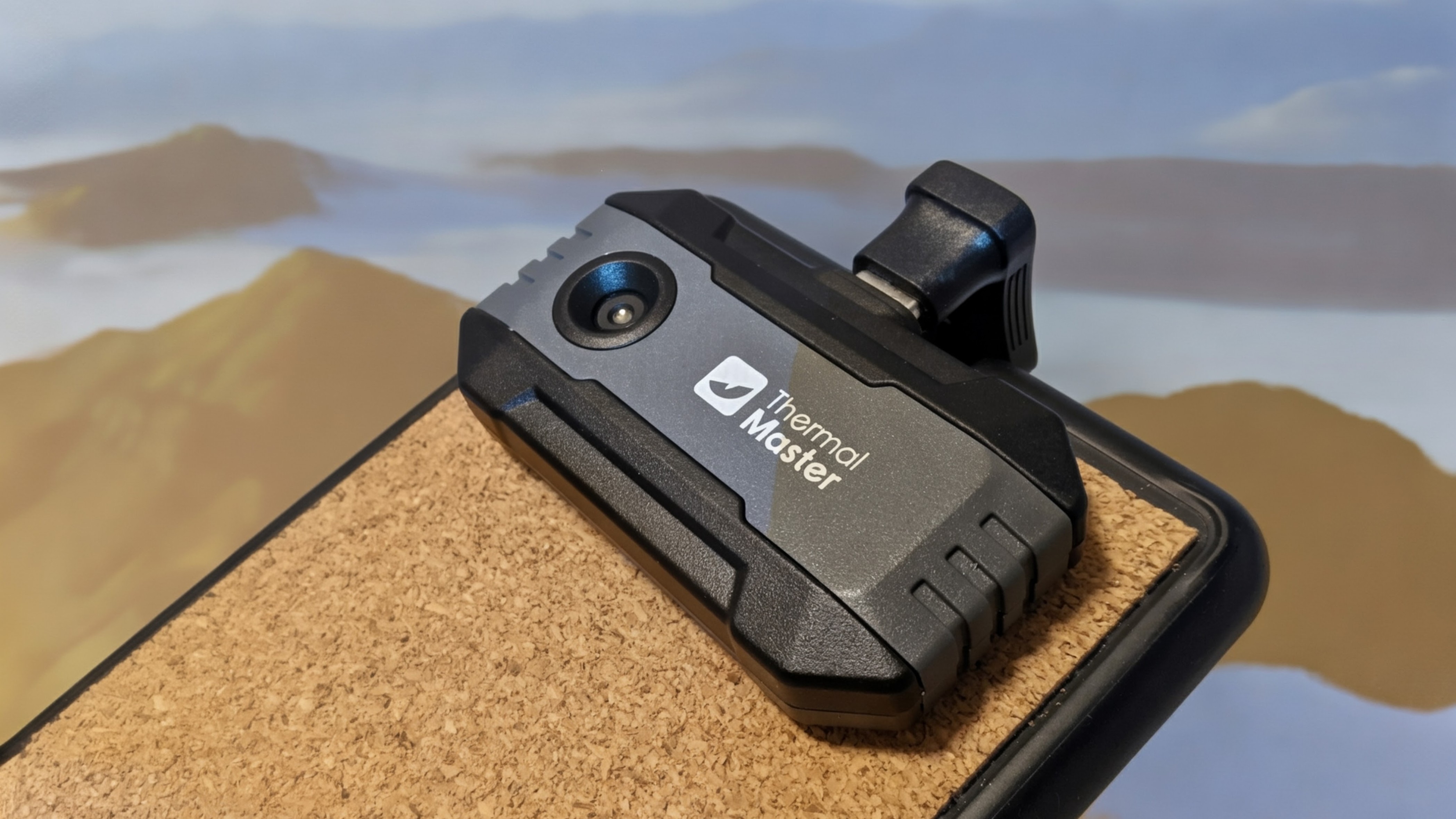
Thermal Imaging on a Budget: A Deep Dive into the Thermal Master P1 Camera
The world of thermal imaging is rapidly expanding, moving beyond professional applications into the hands of DIY enthusiasts, home inspectors, and everyday users. At the forefront of this accessibility is the thermal camera market, and the Thermal Master P1 is making waves as a surprisingly capable, budget-friendly option. But dose it deliver on its promise? This comprehensive review explores the P1’s features, performance, and potential drawbacks, offering a balanced viewpoint for anyone considering entering the world of infrared technology. We’ll cover everything from its ease of use to the power of its accompanying PC software, helping you determine if this camera fits your needs.
Understanding Thermal Imaging & The Rising Demand
Thermal imaging, also known as infrared thermography, detects heat signatures emitted by objects. This technology has traditionally been expensive, limiting its use to specialized fields like building inspection, electrical maintenance, and medical diagnostics. However,advancements in sensor technology and manufacturing have dramatically reduced costs,opening up a new market for affordable thermal cameras. According to a recent report by Mordor Intelligence, the thermal imaging market is projected to reach $6.48 billion by 2029, growing at a CAGR of 6.8% from 2024 – a testament to its increasing adoption. https://www.mordorintelligence.com/industry-reports/thermal-imaging-market
Key Features & Performance of the Thermal Master P1
The P1 distinguishes itself by packing a considerable feature set into a compact and affordable package. During testing, the camera consistently delivered clear visuals, exceeding expectations for its price point.It boasts all the standard features you’d expect from a Thermal Master camera,including picture-in-picture overlay (combining thermal and visual images) and a variety of temperature monitoring options. The familiar “Red Hot” and “Rainbow” color filters are also present, allowing users to visualize temperature differences in a way that best suits their needs.
One of the most significant advantages of the P1 is its fixed (infinite) focus. This is a game-changer for speedy inspections. Unlike the manual focus required on the higher-end P3 model, the P1 instantly provides a sharp thermal image, eliminating the need for constant adjustments. This streamlined workflow is particularly beneficial for single-handed operation. While not ideal for extremely close-up work, the fixed focus drastically reduces focal ambiguity and accelerates the inspection process. The P1 also performed admirably when imaging wider spaces, providing sufficient detail for its resolution and accurately detecting temperature variations at different distances. The integrated rectangle tool within the accompanying app allows for precise temperature measurement across specific areas of a subject.
The Power of the PC App – and its Quirks
The accompanying PC application is a substantial value-add, transforming the P1 from a simple imaging device into a powerful analysis tool. It offers advanced features, including a surprisingly sophisticated 3D thermal data visualization mode – a capability typically reserved for much more expensive professional cameras. This feature allows for a detailed, multi-dimensional understanding of heat distribution. Though, our testing revealed a notable issue: the PC app experienced occasional crashes, requiring full system reboots. Thermal Master has acknowledged this issue and is reportedly working on a patch for an upcoming update. This is a critical area for improvement, as the app’s functionality significantly enhances the P1’s overall utility.
Here’s a quick comparison of the P1 against its sibling, the P3: