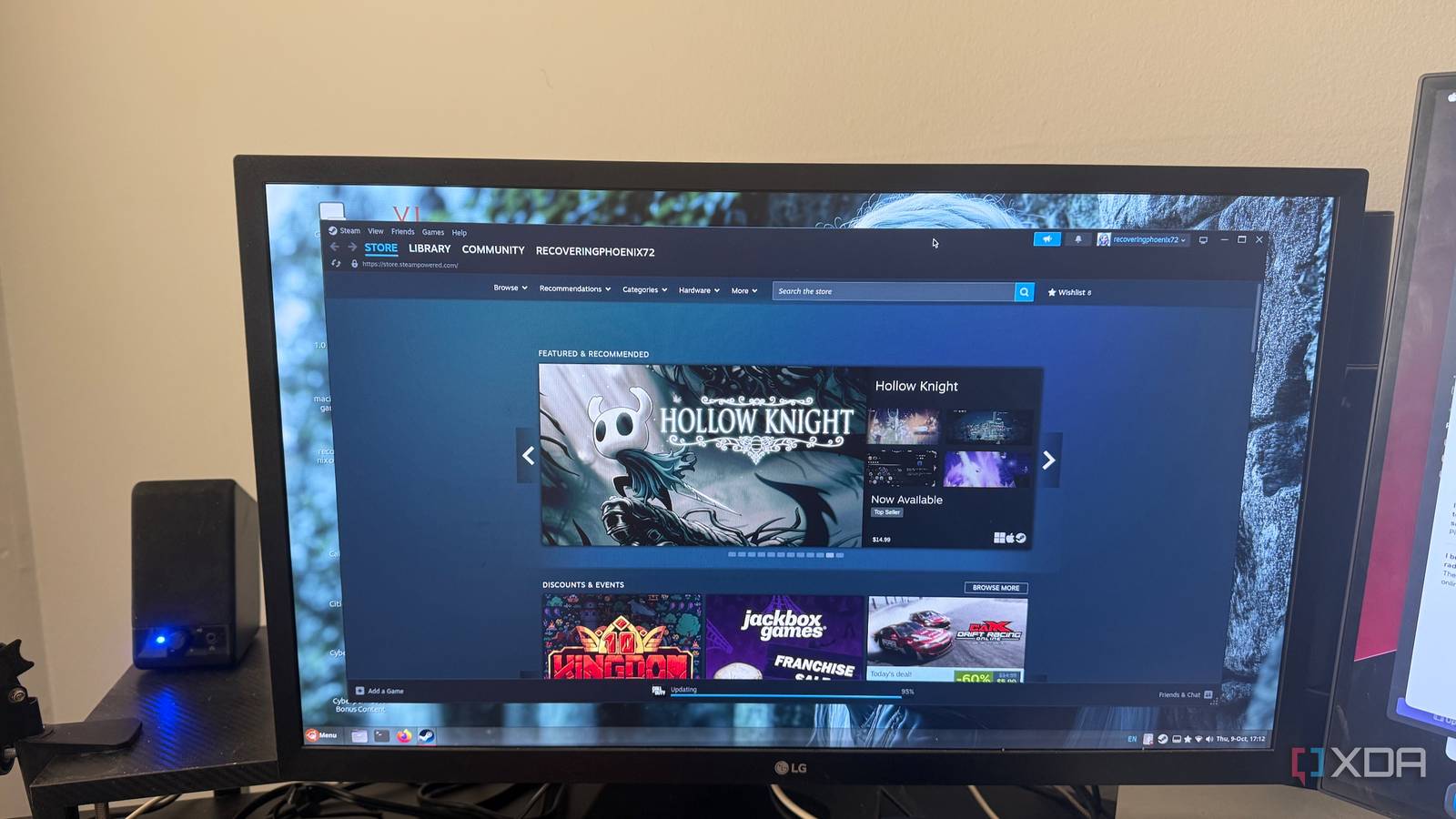
Steam on Linux: Addressing Wayland and Beyond for a Polished Experience
Steam has revolutionized PC gaming, and its commitment to Linux has been a game-changer for the open-source community. however, despite significant progress, some persistent issues continue to detract from the experience, especially concerning Wayland compatibility and overall stability. Let’s delve into thes challenges and why resolving them is crucial for Valve’s continued success on the Linux desktop.
the Wayland hurdle: A Persistent Challenge
Wayland is rapidly becoming the standard display server for most major Linux distributions. Unfortunately, Steam still encounters difficulties adapting to this modern environment. Users frequently report frustrating problems like flickering windows, completely blank screens, and missing user interface elements when launching the client or playing games.
these issues are particularly pronounced on systems equipped with dual graphics cards. Steam can become confused, perhaps rendering games on the incorrect GPU or even causing system crashes. A common culprit is the PrefersNonDefaultGPU=true configuration setting, which can inadvertently force Steam to select the wrong graphics processor.
Furthermore, window scaling on Wayland remains inconsistent.On high-DPI displays, the Steam interface often renders at half resolution before being upscaled, resulting in blurry text and misaligned menus. While some compositors offer workarounds by disabling XWayland scaling, this introduces unnecessary complexity for you.
Beyond Wayland: Other Lingering Issues
The challenges extend beyond Wayland. Several other issues impact the overall Steam experience on Linux.
* Screensaver Lockout: The screensaver can sometimes lock up, requiring a system restart.
* Blank Client Windows: The Steam client itself can occasionally launch with a blank window, rendering it unusable.
* Proton Inconsistencies: Proton, the compatibility layer enabling Windows games on Linux, can exhibit unpredictable behavior.
* GPU Detection: Steam’s automatic GPU detection isn’t always accurate, leading to suboptimal performance.
These problems, while not always game-breaking, contribute to a feeling that the linux client is unfinished.They hinder usability and can be particularly frustrating for both newcomers and experienced Linux users.
why Now is the Time for Action
Valve has demonstrably invested in Linux gaming, and its contributions are widely appreciated. though, these unresolved issues create a disconnect. They make Steam feel less polished on Linux compared to other platforms. Addressing these problems isn’t just about fixing bugs; it’s about demonstrating a commitment to the Linux community.
Consider the Steam Deck.Valve has already successfully tackled these challenges with its Wayland-based compositor and Gamescope. Applying those same solutions to the desktop client would send a powerful message. It would show you that Valve views Linux as a first-class citizen, deserving of the same level of attention and refinement as Windows or its own handheld console.
The path Forward: A More Polished Experience
The tools and community support necessary to improve Steam on Linux are already in place. What’s missing is focused attention to detail.
Here’s what a more polished experience could look like:
* Improved GPU Detection: Implement more reliable automatic GPU detection.
* Native Wayland Support: Fully embrace Wayland with consistent rendering and scaling.
* Proton Refinement: Continue to refine Proton for greater stability and compatibility.
* Bug Fixes: Prioritize and address lingering issues like the screensaver lockout and blank client windows.
Fixing these issues wouldn’t just enhance stability. It would elevate the overall user experience.It would reinforce Valve’s position as a leader in Linux gaming and attract even more users to the platform. Ultimately, a more polished Steam client on Linux benefits everyone involved.
Worth a look