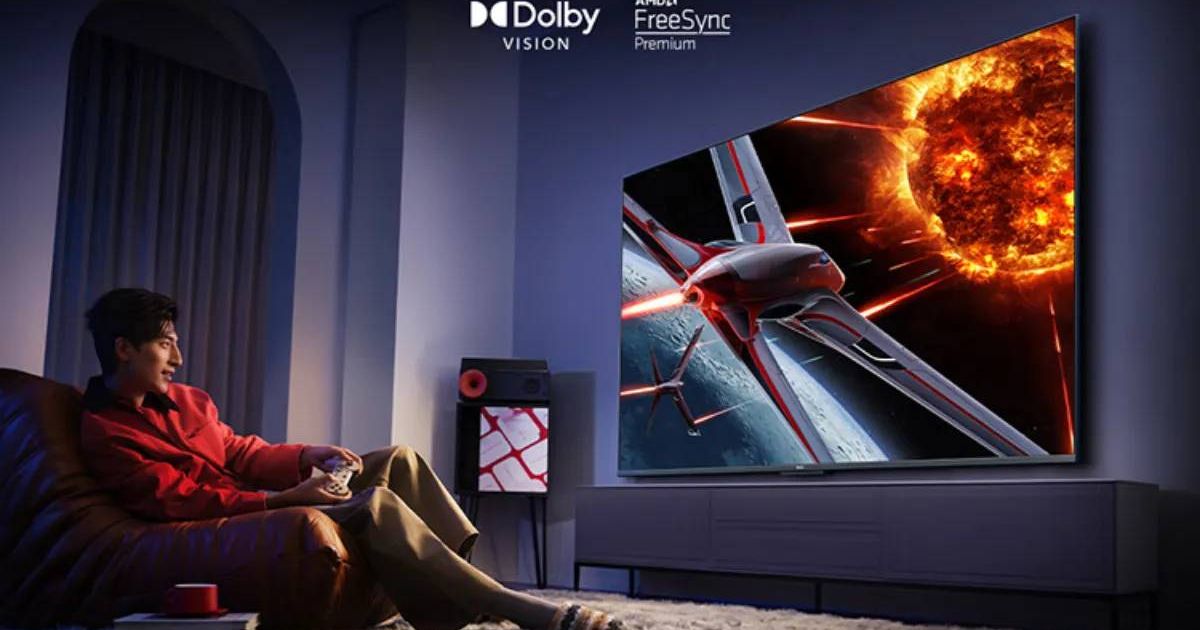
Breathe New Life into Your TV: A Smart Upgrade Guide
Is your television feeling a little… outdated? You don’t necessarily need to rush out and buy a brand-new smart TV. Actually, you can frequently enough unlock a world of streaming, apps, and enhanced functionality wiht a few clever upgrades. This guide will walk you through transforming your existing TV into a modern entertainment hub, saving you money and maximizing your viewing experience.
why Upgrade Instead of Replace?
Simply put,it’s cost-effective. Replacing a perfectly functional TV just to get smart features is often unneeded. Moreover, upgrading allows you to tailor your experience precisely to your needs, adding onyl the features you will use. Let’s explore how to do it.
The Core Upgrade: Streaming sticks & Boxes
The foundation of any smart TV upgrade is a streaming device. These compact gadgets plug directly into your TV’s HDMI port and unlock access to a universe of content.
* Streaming Sticks: These are typically smaller and more affordable, ideal for basic streaming needs.
* Streaming Boxes: Offering more processing power and storage, boxes are better suited for demanding apps and local media playback.
Consider what you plan to stream - Netflix, Hulu, Disney+, or perhaps local files – when making your choice.
Elevate Your Audio experience
Good sound dramatically enhances your viewing pleasure. You don’t need a complicated, expensive system to make a difference. Here are a few options:
* Small Soundbars: These provide a notable audio upgrade over built-in TV speakers.
* Bluetooth Speakers: Offer wireless convenience and portability.
* AUX or Optical Speakers: A reliable, wired connection for clear audio.
Remember, improved sound can refresh your entire setup without breaking the bank.
Ensure a Stable Internet Connection
streaming relies on a strong, consistent internet connection. Buffering and interruptions can quickly ruin your movie night. Here’s how to optimize your connection:
* Move Your Router: Position your router closer to your TV for a stronger signal.
* Use a Wired Connection: If possible, connect your streaming device directly to your router with an ethernet cable.
* Check Data limits: If you’re using mobile internet, be mindful of your data allowance.
A stable connection is often more crucial than a massive screen size when it comes to enjoying streaming content.
Add Useful Accessories Over Time
Once your TV is “smart,” you can personalize it further with helpful accessories. Don’t feel pressured to buy everything at once. Consider these additions:
* Wireless Keyboard: Makes typing searches and passwords much easier.
* Cloud Gaming Services: Turn your TV into a gaming console with services like Xbox Cloud Gaming or GeForce Now.
* External Storage: Expand your TV’s storage capacity for media files, apps, and games.
Upgrade gradually, adding features as you need them.
Turn Old into New: The Power of Repurposing
You can genuinely transform an older TV into a smart entertainment center without a significant investment. streaming sticks are quick and easy to set up. Box sets and add-ons unlock even more functionality and apps. The goal isn’t to replicate the latest technology, but to create a viewing experience that’s fun, convenient, and tailored to your preferences.
In conclusion
This DIY approach lets you breathe new life into an older TV, saving you money and avoiding the need for a costly replacement. Adding apps is simple, and you can expand your setup over time. Start with a streaming stick, then add accessories as you discover what enhances your viewing experience. It’s an affordable way to enjoy the excitement and convenience of a modern smart TV.
Keep reading