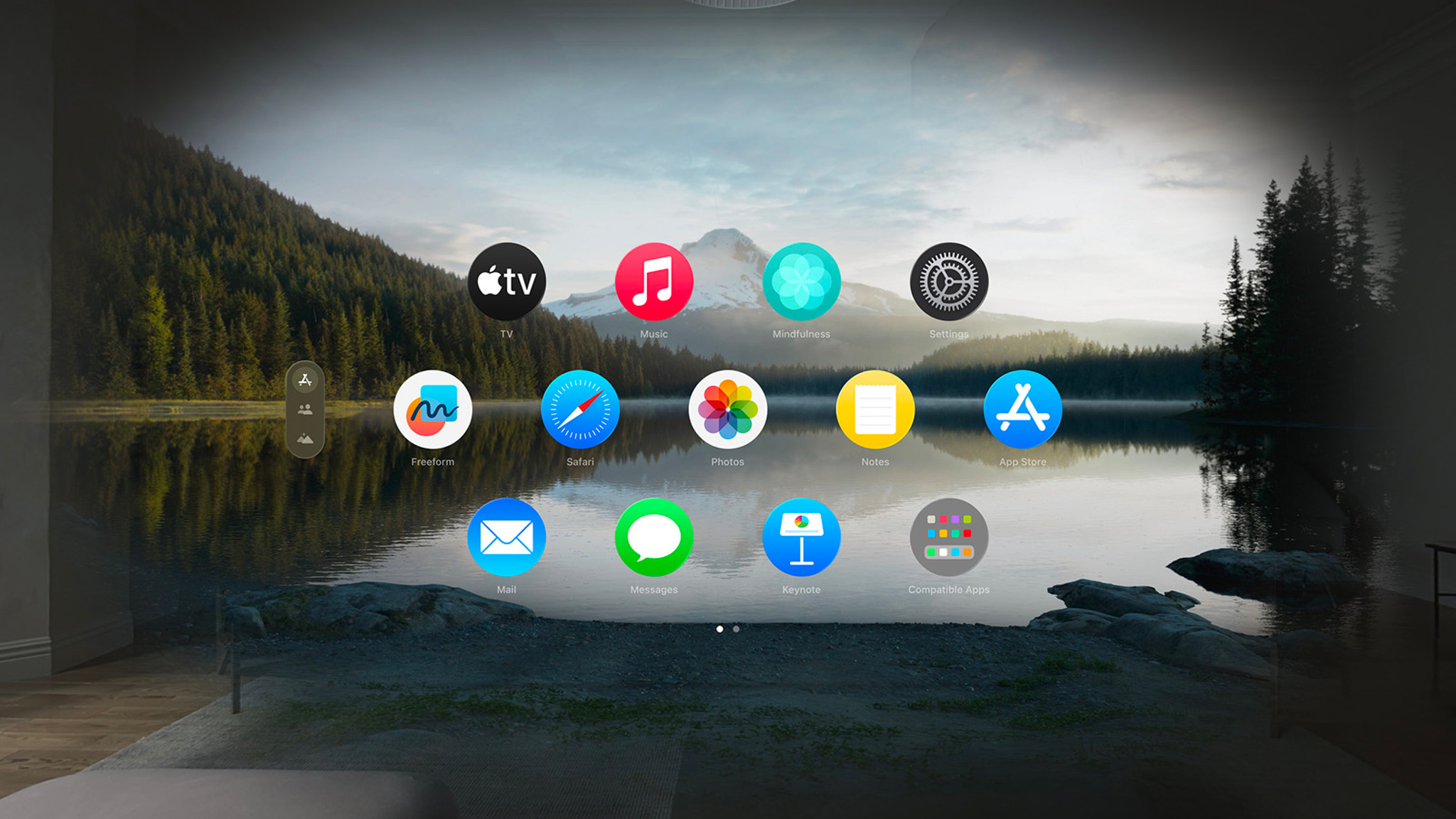
Developing for visionOS presents a groundbreaking prospect to create immersive spatial experiences. It’s a new frontier,and Apple is providing developers with the tools and resources needed to succeed. Here’s a closer look at what’s available to help you build the next generation of applications.
Getting Started with visionOS Development
Apple’s visionOS builds upon the foundations of iOS, iPadOS, and macOS, leveraging your existing skills. You’ll find familiar frameworks like SwiftUI and RealityKit are central to the development process. However,visionOS introduces unique considerations for spatial computing.
* Spatial User Interface: Designing for a three-dimensional space requires rethinking conventional UI paradigms.
* Input Methods: VisionOS utilizes eye tracking, hand tracking, and voice input, demanding innovative interaction designs.
* Immersive Experiences: Creating truly captivating experiences requires careful attention to depth, scale, and user presence.
Key Resources for Developers
Apple offers a wealth of resources to guide you through the development process. These resources are designed to help you learn the fundamentals and build compelling visionOS applications.
* Developer Documentation: Extensive documentation covers all aspects of visionOS development, from system architecture to API references.
* Sample Code: Explore a collection of sample code projects to learn best practices and accelerate your development.
* Tutorials and workshops: Hands-on tutorials and workshops provide step-by-step guidance on building specific features and applications.
* developer Forums: Connect with other developers, share knowlege, and get help with your projects.
Spotlight on: Developing for visionOS
Apple is actively highlighting key areas of focus for visionOS development. This includes guidance on creating intuitive spatial interfaces and leveraging the unique capabilities of the visionOS platform. I’ve found that focusing on these areas can significantly enhance the quality and user experience of your applications.
Spotlight on: Developer Tools for visionOS
The developer tools for visionOS are designed to streamline the development process. Xcode,apple’s integrated development environment,has been enhanced with features specifically for visionOS.
* Reality Composer Pro: This powerful tool allows you to create and edit 3D content for your visionOS applications.
* Simulator: Test your applications in a simulated visionOS environment without needing physical hardware.
* Debugging Tools: Xcode provides robust debugging tools to help you identify and fix issues in your code.
Critically important Licensing Information
Remember that sample code provided by Apple is governed by the Apple Sample Code License. It’s crucial to understand the terms and conditions of this license before incorporating sample code into your projects.Here’s what works best: always review the license agreement to ensure compliance.
Related reading
- NYT Strands hints and answers for Monday, August 3 (game #883)
- Global App Launches Surge 60% as AI Coding Transforms Software Development
- August 2026 Streaming Guide: Ted Lasso Returns to Apple TV and More (time.news)
- EU AI Act Overview: Key Insights from Digital Law Expert Alexandre Lazarègue (newsdirectory3.com)