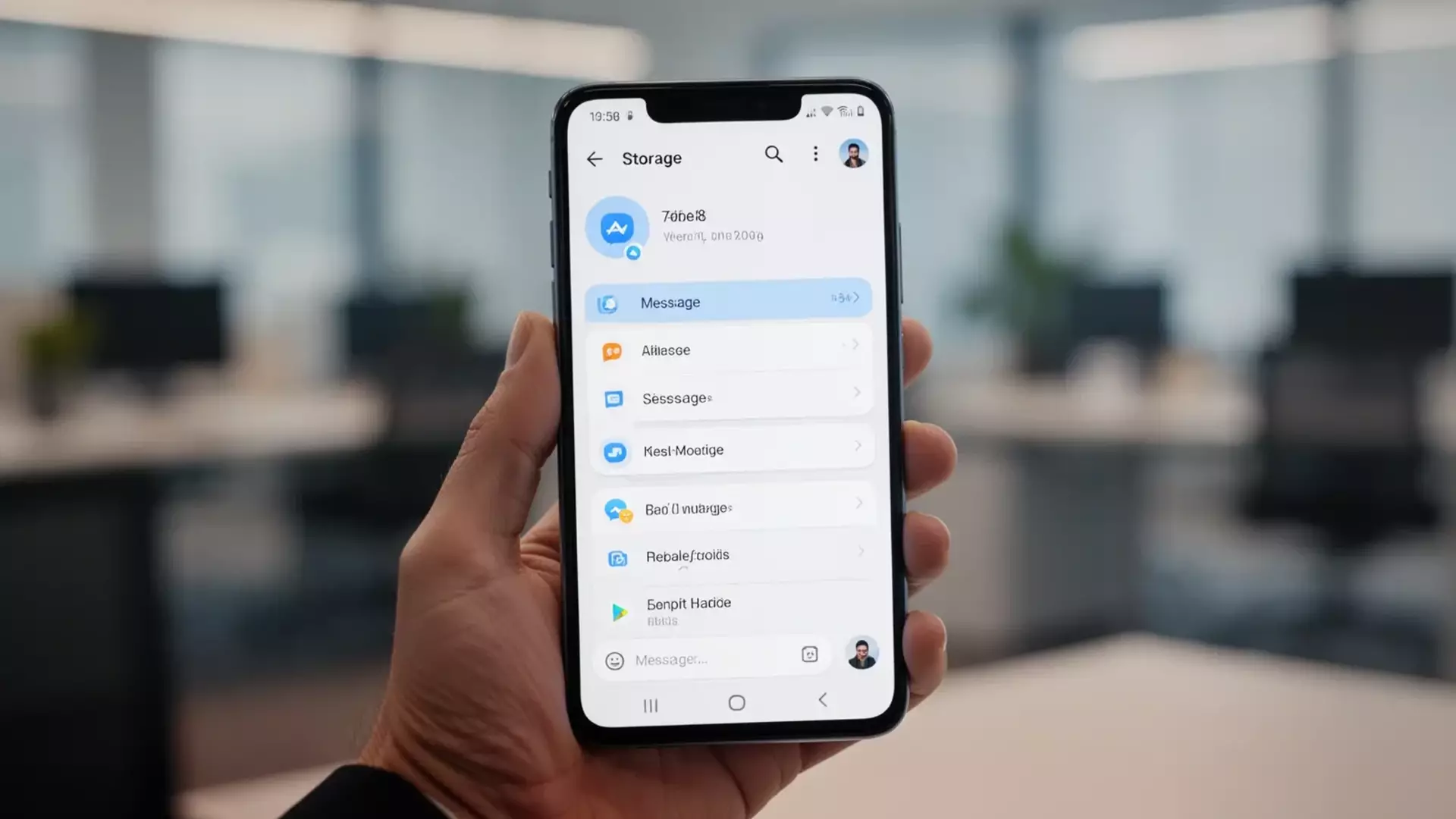
WhatsApp has rolled out comprehensive data management updates for Android devices, introducing advanced storage cleanup tools and customizable disappearing message timers to help users manage device capacity. According to updates tracked by technology platforms and official release notes, the messaging application implemented these features to give device owners finer control over media files, documents, and chat histories that consume local phone memory.
The platform, owned by Meta, introduced the storage management overhaul to streamline how users locate and delete bulky files. As mobile storage demands grow with high-resolution photography and video messaging, the updated interface categorizes files by size and age, enabling quicker identification of redundant data. These tools operate directly within the application settings, separating forwarded files from direct media downloads to simplify decision-making during cleanups.
Alongside the storage review features, the update expands options for automated message deletion. Users can set chat timers that erase message threads automatically after set intervals, ranging from 24 hours to 90 days. This capability builds on earlier privacy rollouts, adding granular controls that apply to individual chats or default across new conversations, reducing the accumulation of stale database logs on Android hardware.
Understanding the Android Storage Cleanup Interface
The revamped storage management section provides a detailed breakdown of device usage. According to documentation from Meta’s engineering updates, the interface identifies media that has been forwarded many times or files exceeding five megabytes, presenting them in dedicated review queues. This visual approach prevents users from manually scrolling through thousands of individual chat logs to free up space.
Users access these options by navigating to application settings, selecting storage and data, and opening the storage management panel. The tool displays a visual progress bar indicating total used and available space on the host Android device. By isolating items that occupy significant space, the system allows bulk deletion or selective removal of specific photos, videos, and documents.
Software developers designed the cleanup mechanism to process local cache files efficiently without disrupting active message syncs across linked desktop clients. When files are deleted via the storage review menu, they are purged from the local directory unless cloud backups preserve separate copies. This separation ensures that users managing constrained hardware can reclaim megabytes instantly.
Expanded Disappearing Message Timers and Privacy Controls
The integration of flexible deletion timers addresses both storage bloat and privacy concerns. Initially launched with a fixed seven-day window, the feature now includes 24-hour and 90-day options. According to Meta’s feature rollout announcements, these settings apply to text, images, and audio messages exchanged within designated chats.
Android users can activate default disappearing messages for all new chats without manually configuring individual threads. When enabled, any newly initiated conversation automatically adopts the chosen timeframe. Participants within a chat receive an in-thread notification indicating that the timer is active, ensuring transparency among contacts.
While these timers remove content from active device storage, technical guides note that quoted messages or notifications may occasionally retain text until the device registers the deletion command. Media auto-download settings also interact with these timers; files saved directly to the Android gallery before deletion occur remain stored locally unless manually removed through the broader storage cleanup menu.
Practical Impact for Mobile Users
Managing digital clutter on mid-range and entry-level Android smartphones often presents challenges due to limited onboard memory. The updated tools mitigate performance degradation caused by bloated application caches. By targeting redundant media files and automating chat expiration, the software helps maintain optimal operating speeds.
Industry analysts point out that automated cleanup functions reduce reliance on third-party cleaner applications, which often request broad system permissions. Integrating these utilities natively into the messaging client keeps data processing secure and contained within the application sandbox. Users seeking to verify their current application version can check for updates via the Google Play Store.
As digital storage management evolves across mobile ecosystems, continuous updates from platform developers focus on balancing user convenience with data retention preferences. To explore further security settings and official support documentation, users can visit the official WhatsApp FAQ portal for step-by-step guidance on application features.
Related reading
- How to Water Your Garden Legally During a Hosepipe Ban Using Tech
- Solving the Mystery of Mars’ Moons: New Insights Into Their Origins
- EA Sports FC 27: Release Date, Gameplay, and New Features Preview (world-today-news.com)
- LG Smartphone Production Ends and Smart TV Features Explained (newsdirectory3.com)