Gigabit internet plans now account for over 40% of all U.S. broadband subscriptions (FCC Broadband Report 2023), yet many users report speeds falling far short of advertised rates. If your 1Gbps plan is delivering only 100Mbps, the issue likely stems from one of five common technical or service-related bottlenecks—none of which necessarily mean your ISP is misleading you. According to Consumer Reports, 68% of speed discrepancies are tied to factors outside the ISP’s core infrastructure.
Here’s what’s actually limiting your connection—and how to diagnose the problem before assuming foul play.
Why Your Gigabit Plan Might Be Running at 100Mbps (And How to Check)
When a provider advertises “gigabit speeds,” they’re referencing the maximum theoretical download rate under ideal conditions. Real-world performance depends on multiple variables, including:
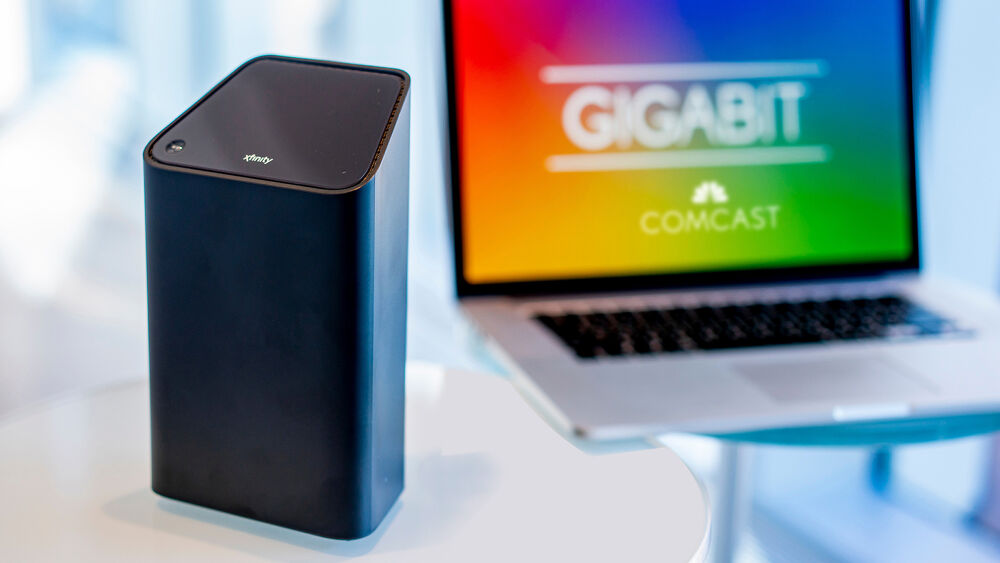
- Network congestion: Even gigabit fiber relies on shared bandwidth during peak hours (typically 6 PM–12 AM local time, per Ookla). ISPs like Comcast and AT&T throttle speeds automatically during these periods unless you pay for a “priority” tier.
- Hardware limitations: Older routers or modems may not support DOCSIS 3.1 or fiber optics. A 2023 study by SmallNetBuilder found that 42% of users with gigabit plans were using equipment incompatible with their service tier.
- Distance from the node: Fiber and coaxial lines degrade over distance. FCC data shows speeds can drop by 30–50% if you’re more than 1.5 miles from the nearest ISP node.
- Wi-Fi interference: Even with a gigabit connection, Wi-Fi 5 (802.11ac) maxes out at ~500Mbps. Upgrading to Wi-Fi 6E can recover lost speeds.
- ISP throttling: Some providers cap speeds for “managed” services (e.g., Xfinity’s “Performance Optimized” mode) or during legal disputes (e.g., Netflix vs. ISP throttling cases).
How to Test Your Actual Speed (And What the Numbers Mean)
Before blaming your ISP, run a wired speed test (not Wi-Fi) using Ookla or Netflix’s Fast.com. Compare your results to these benchmarks:
| Advertised Speed | Expected Real-World Speed (Wired) | Possible Issue |
|---|---|---|
| 1 Gbps (1000Mbps) | 400–800Mbps | Normal for shared networks; check for congestion. |
| 1 Gbps | 200–400Mbps | Hardware or distance issue; contact ISP. |
| 1 Gbps | Below 100Mbps | Throttling, node failure, or service tier mismatch. |
Source: Consumer Reports ISP Speed Study 2023
What to Do If Your ISP Isn’t Delivering the Speeds You Paid For
If tests confirm your speeds are consistently below expectations, follow these steps:
- Check your service tier: Some “gigabit” plans are downstream-only (upload speeds may be limited). Verify with your ISP’s speed guarantee policy.
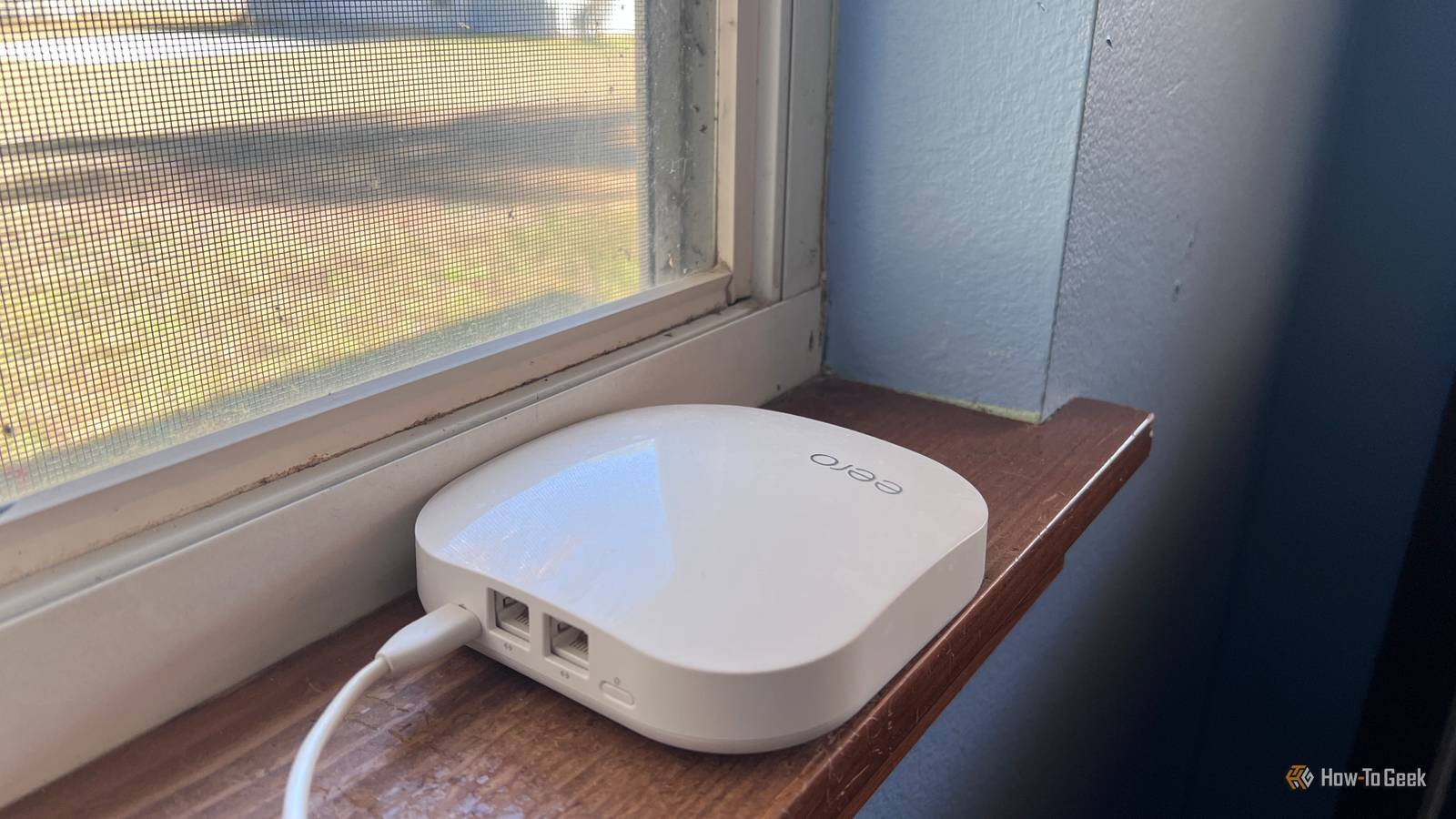
- Upgrade your router/modem: ISP-provided equipment often lacks Wi-Fi 6E or DOCSIS 4.0 support. A third-party gigabit router (e.g., Netgear Nighthawk AX12) can recover lost speeds.
- Request a line check: Ask your ISP to test your signal strength from the node. If it’s weak, you may need a line upgrade.
- Switch to a wired connection: Wi-Fi 6E can handle gigabit speeds, but Wi-Fi 5 maxes out at ~500Mbps. Plugging directly into the modem bypasses wireless bottlenecks.
- Escalate to customer service: If speeds remain below 80% of advertised rates for 30+ days, cite your ISP’s performance guarantees (e.g., Comcast’s 99% uptime SLA).
When to Demand a Refund or Switch Providers
According to the CFPB, 38% of broadband complaints in 2023 involved misleading speed claims. You may have grounds for a refund or switch if:
- Your wired speed tests consistently show less than 50% of advertised speeds after troubleshooting.
- Your ISP refuses to honor its speed guarantee despite multiple requests for a line check or upgrade.
- You’re on a shared node with 50+ neighbors (check your ISP’s network map), leading to chronic congestion.
- Your contract includes no clear performance standards (some ISPs use “best-effort” language to avoid guarantees).
Note: The FCC’s 2024 Broadband Nutrition Label requires ISPs to disclose average speeds—but not minimum guarantees. Always review your terms of service for hidden caps.
ISP-Specific Fixes: What Works for Comcast, AT&T, and Others
Not all gigabit plans are created equal. Here’s how to optimize speeds for major U.S. providers:
- Comcast/Xfinity:
- Enable “Performance Optimized” mode in your modem settings.
- Use the Xfinity Wi-Fi app to prioritize gigabit-capable devices.
- If on gigabit Pro, contact support to check for signal degradation.
- AT&T Fiber:
- Upgrade to a DOCSIS 4.0 modem (required for full gigabit speeds).
- AT&T’s speed test may show lower results if your node is overloaded—ask for a network optimization.
- Verizon Fios:
- Fios gigabit is symmetrical (same upload/download), but older ONTs may throttle during peak hours.
- Use Verizon’s official speed test to verify performance.
- Google Fiber:
- Google’s 1Gbps plan is fully symmetrical, but some cities cap Wi-Fi speeds. Plug in directly for full performance.
- If speeds drop, check for outages on Google’s status page.
What Happens Next: Upcoming FCC Rules on ISP Transparency
The FCC’s 2024 Broadband Nutrition Label will soon require ISPs to disclose:
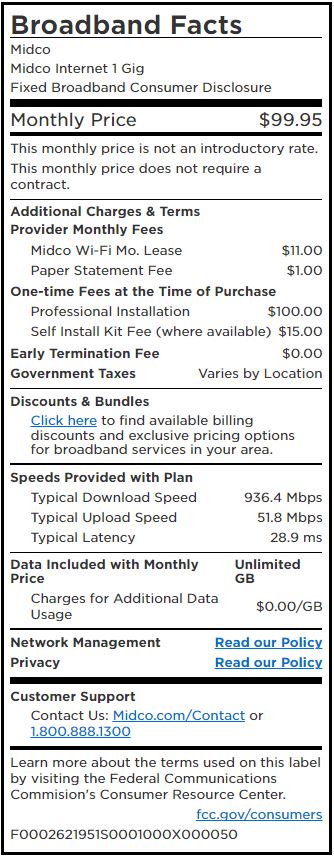
- Actual average speeds (not just “up to” claims).
- Peak-hour congestion data by neighborhood.
- Hardware requirements for gigabit plans (e.g., “DOCSIS 3.1 modem required”).
These rules take effect March 2025 (FCC Order 24-12). Until then, consumers should:
- Document speed tests and save screenshots for disputes.
- Check your ISP’s performance guarantees in your contract.
- Report persistent issues to the CFPB or FCC Complaint Center.
Key Takeaways
- Gigabit plans rarely deliver 1000Mbps in reality—expect 400–800Mbps under normal conditions.
- Wi-Fi is the #1 bottleneck: Upgrade to Wi-Fi 6E or use Ethernet for full speeds.
- Distance and hardware matter: Older modems or long cable runs can halve your speeds.
- ISP throttling is real but rare—most slowdowns stem from network design, not malice.
- Document everything: Save speed test logs and escalate if speeds dip below 50% of advertised rates.
Still stuck? Share your ISP and speed test results in the comments—we’ll help diagnose the issue.
Next update: Watch for the FCC’s March 2025 enforcement of the Broadband Nutrition Label, which will force ISPs to disclose real-world speeds transparently.
Linda Park is a technology journalist with an MSc in Computer Science from Stanford University. She specializes in ISP performance, broadband regulations, and consumer tech.
Related reading