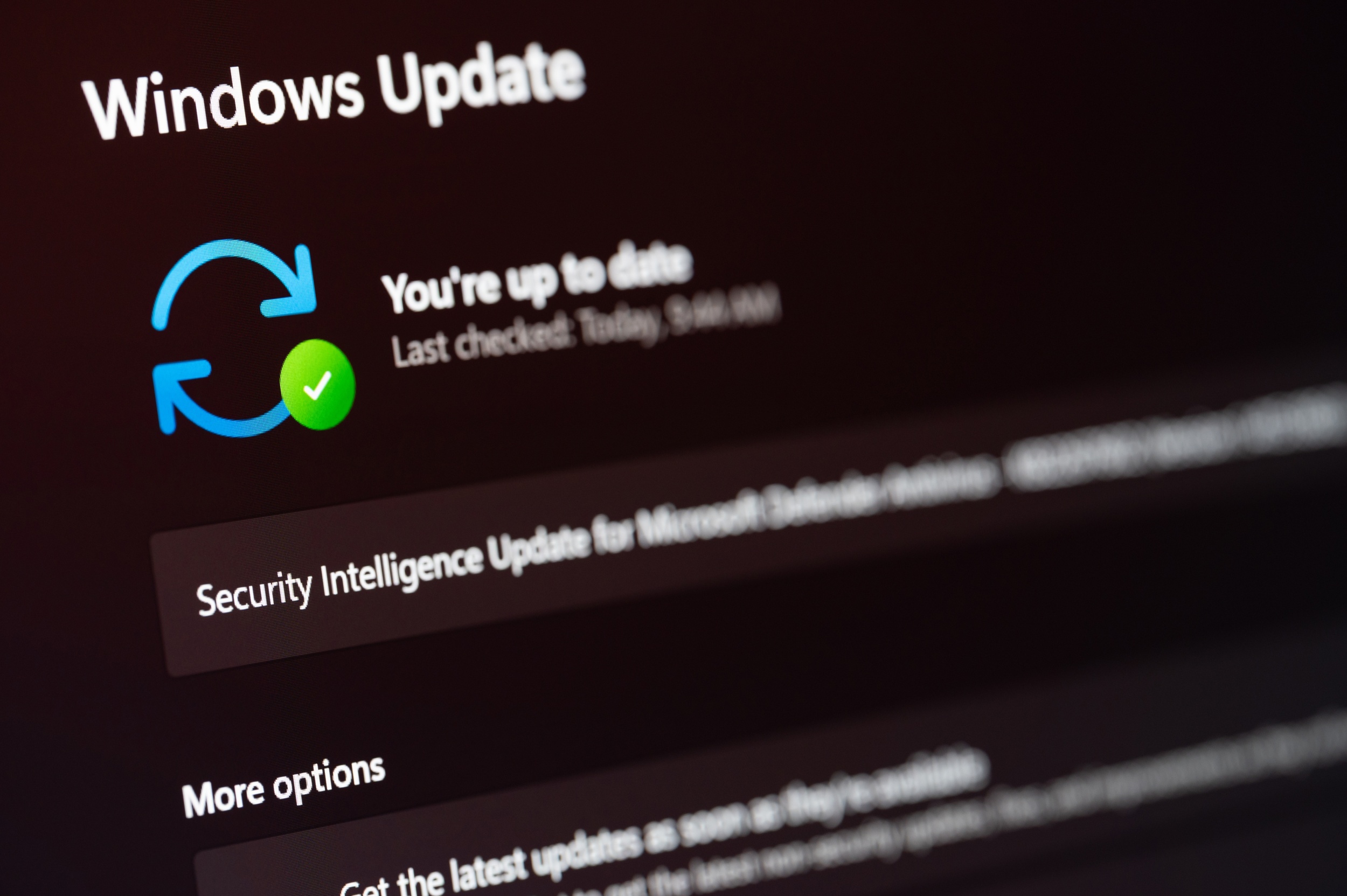
Microsoft Finally Lets Windows 11 Users Skip Forced Updates During Restart
Microsoft is introducing a significant change to how Windows 11 handles system updates, giving users more control over when restarts occur. For years, clicking the restart button in Windows often triggered an automatic installation of pending updates, leaving users unable to delay the process even when inconvenient. This long-standing behavior has been a frequent source of frustration, particularly for those in the middle of time-sensitive tasks.
The update, confirmed through multiple credible tech news sources, modifies the functionality of the restart option so that it no longer forces update installations by default. Instead, users will be able to choose whether to proceed with updates during a restart or defer them to a more suitable time. This shift represents one of the most notable changes to Windows Update mechanics since the operating system’s launch.
According to reporting from Windows Central and Thurrott.com, the change is part of a broader effort by Microsoft to reduce disruptive restarts and improve user experience with Windows 11 updates. The adjustment allows users to skip specific feature releases without compromising system security, provided critical patches are still applied through other channels.
How the New Restart Behavior Works in Windows 11
Under the revised system, when a user selects the restart option from the Start menu, Windows 11 will no longer automatically begin installing pending updates unless explicitly chosen. Previously, the operating system would prioritize update installation during restart, often catching users off guard with extended downtime. Now, the restart process focuses solely on rebooting the system, with update installation deferred unless the user opts in.
This change does not disable updates entirely. Critical security patches will continue to be applied according to Microsoft’s servicing schedule and users remain encouraged to preserve their systems up to date. However, the update gives individuals and businesses greater flexibility to manage update timelines around work hours, presentations, or other activities where unexpected restarts could cause disruption.
Thurrott.com noted that the modification aligns with user feedback collected over several years, particularly from enterprise environments and power users who have long requested more granular control over update timing. The ability to delay feature updates while still receiving security fixes addresses a key pain point without undermining system integrity.
Context Within Microsoft’s Evolving Update Strategy
This development fits into a broader pattern of Microsoft refining its update philosophy for Windows 11. In recent months, the company has tested various approaches to develop updates less intrusive, including options to pause updates for extended periods and improved communication about restart requirements. The shift away from forced restarts during manual reboot commands reflects a response to persistent user complaints about unpredictability.
Windows Central highlighted that the change is especially relevant for gamers and creative professionals who frequently encounter interruptions during high-performance tasks. By decoupling the restart function from mandatory update installation, Microsoft aims to reduce scenarios where users lose unsaved work or face delays during critical workflows.
The adjustment also complements other recent updates to Windows 11 servicing, such as the release of cumulative patches like KB5083769 and KB5082052, which addressed specific bugs and vulnerabilities. While those updates focused on stability and security, the restart behavior change targets usability—a factor increasingly prioritized in Microsoft’s public communications about Windows 11’s evolution.
User Impact and Practical Implications
For everyday users, the change means fewer surprises when restarting their PCs. Whether installing software, troubleshooting issues, or simply refreshing the system, individuals can now expect a quicker, more predictable restart process. Businesses may benefit from reduced support desk calls related to unexpected update-related downtime, particularly in shift-work environments or during live presentations.

It remains important for users to manually check for updates periodically or rely on active hours settings to ensure their systems receive necessary patches. Microsoft continues to recommend regular update cadence as a best practice for security and performance, but the updated restart behavior removes a point of friction that previously discouraged timely maintenance.
As of the latest available information, the modified restart behavior is being rolled out to Windows 11 users through standard update channels. There is no indication that the change requires opt-in via Insider programs or registry modifications—it appears to be enabled by default for supported systems receiving the relevant servicing update.
This update underscores Microsoft’s ongoing effort to balance system security with user autonomy, a tension that has defined Windows servicing strategies since the transition to Windows as a Service. By listening to long-standing user concerns and adjusting core behaviors like the restart function, the company is signaling a willingness to adapt its approach based on real-world usage patterns.
Users seeking official guidance on managing Windows 11 updates can consult Microsoft’s support documentation, which covers topics such as configuring active hours, pausing updates, and viewing update history. These resources remain the most reliable source for understanding how to optimize update behavior on individual devices.
What changes have you noticed in how Windows 11 handles restarts and updates since this adjustment was introduced? Share your experience in the comments below, and consider sharing this article with others who might benefit from understanding the latest improvements to Windows 11’s update system.
Worth a look