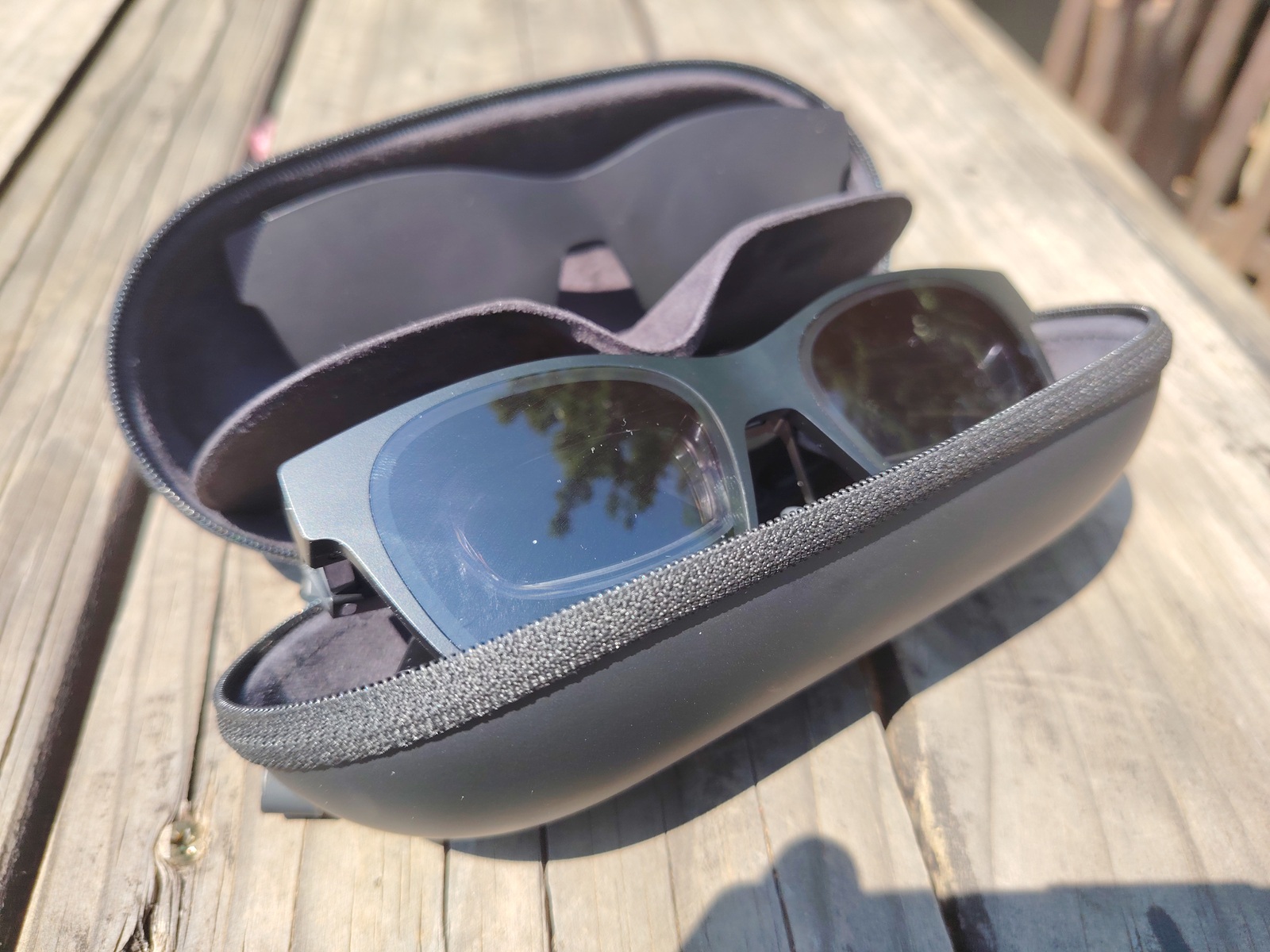
XReal Air 2025 Review: The Portable Virtual Display Revolutionizing Productivity & Entertainment
The demand for portable,immersive display solutions is surging in 2025,driven by the rise of remote work,on-the-go content creation,and the desire for a more versatile entertainment experience. At the forefront of this revolution is the XReal Air, a lightweight, glasses-free virtual display that promises to transform how we interact wiht digital content. This in-depth review, updated October 15, 2025, explores the XReal Air’s capabilities, performance, and real-world applications, offering a comprehensive guide for potential buyers and tech enthusiasts.We’ll delve into its strengths, limitations, and how it stacks up against emerging competitors in the portable display market.
Understanding the XReal Air: A Technical Overview
The XReal Air isn’t simply a pair of smart glasses; its a complex portable display. Utilizing micro-OLED technology, it projects a virtual screen directly onto your retina, creating the illusion of a much larger display. When paired with a compatible device like the Lenovo LOQ – as tested for this review – the XReal Air functions as an extension of your existing setup, offering a 1080p virtual screen that floats in your field of vision.
| Feature | XReal Air |
|---|---|
| Display Technology | Micro-OLED |
| Resolution | 1920 x 1080 (per eye) |
| Field of View (FOV) | ~46° |
| Brightness | ≈ 400 nits |
| sRGB Coverage | ~108% |
Real-World Performance: Productivity & Multitasking
My experience with the XReal Air over the past two weeks has been overwhelmingly positive, particularly regarding productivity. As a content strategist constantly juggling multiple tasks, the ability to have a secondary, floating 1080p screen is a game-changer. I routinely used it alongside my primary monitor for research, email management, and document editing.The text clarity is impressive, and I experienced virtually no perceptible latency when connected to the Lenovo LOQ.
The XReal Air excels at casual workflows. Writing, browsing, and even light video editing are handled with ease.however, demanding tasks like 3D rendering or complex data analysis might benefit from a larger, higher-resolution traditional display. I found it particularly useful during travel,allowing me to maintain productivity on long flights without being tethered to a bulky laptop screen.
Immersive Entertainment: Streaming & Beyond
Beyond productivity, the XReal Air delivers a surprisingly immersive entertainment experience. Streaming netflix, YouTube, and local media felt significantly more engaging than watching on a standard laptop screen. The micro-OLED panels produce deep blacks and vibrant colors, boasting approximately 108% sRGB coverage. This translates to rich, lifelike visuals that enhance the viewing experience.
The built-in speakers are adequate for casual listening, but audiophiles will undoubtedly prefer a dedicated headset for a truly immersive soundscape. I tested the XReal air with a pair of Sony WH-1000XM5 headphones, and the combination was exceptional. The lack of distractions – especially in environments without a large TV – makes it ideal for personal viewing. I even used it to enjoy a movie on a recent train journey, completely blocking out the surrounding noise and visual clutter.
Brightness
Related reading