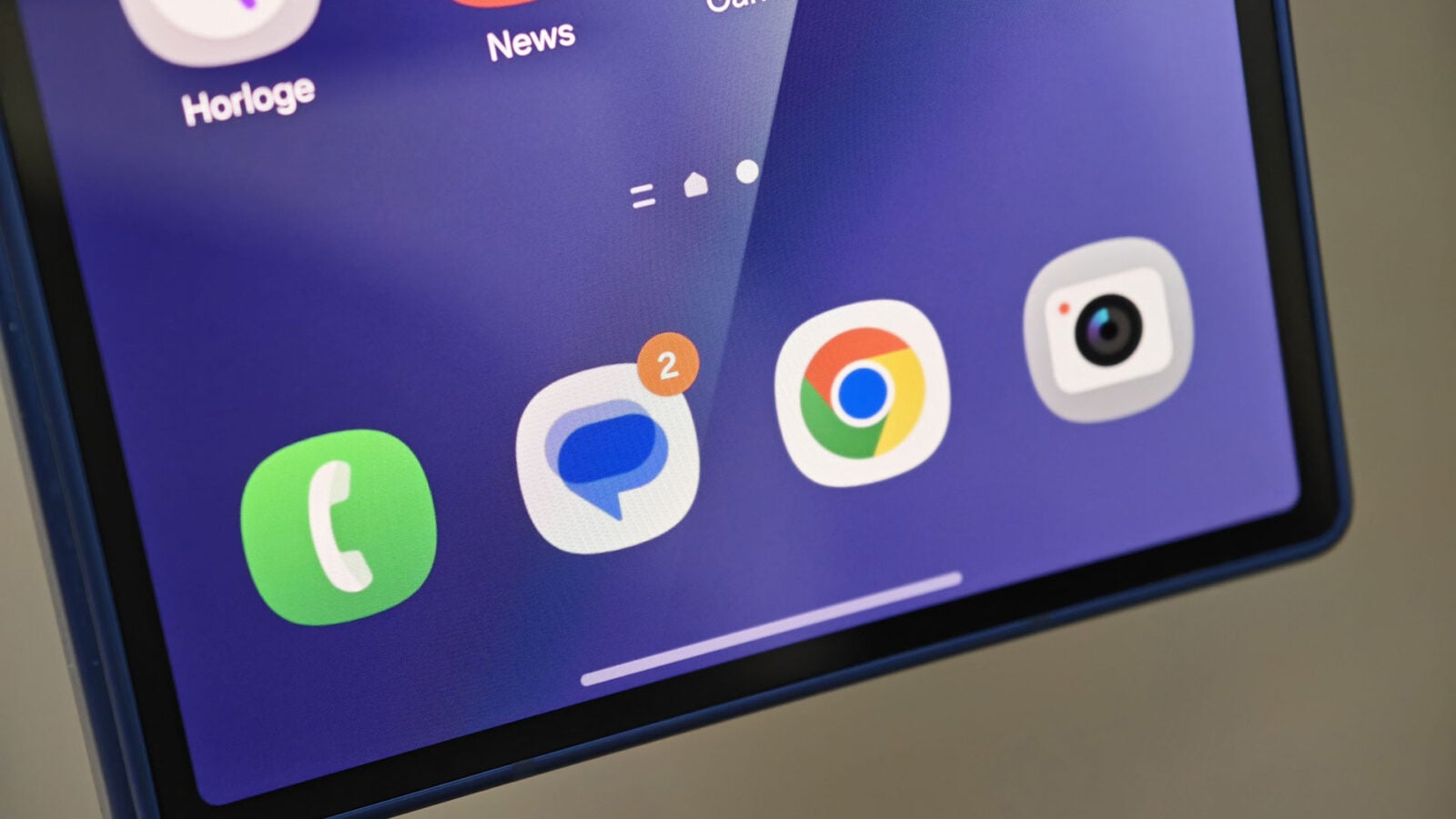
Google Messages is testing a new AI-powered tool that lets users edit images—including removing objects, altering backgrounds, or even changing text—before sending them in chats. The feature, confirmed by multiple sources familiar with the development, marks a significant shift in how messaging apps handle media sharing, raising questions about privacy, security, and the potential for misuse. While still in early testing, the tool could redefine how users interact with visual content in real-time conversations.
According to The Verge, which first reported the feature, Google’s AI system will allow edits such as cropping, blurring faces, or even generating new visual elements—similar to tools found in apps like Photoshop or Canva. The edits occur instantly within the Messages app, without requiring users to leave the chat interface. This functionality is expected to roll out gradually to Android users in the coming months, with iOS support potentially following later.
Google has not yet publicly confirmed the feature’s rollout timeline or specific regions for testing. However, industry analysts suggest the tool aligns with Google’s broader push to integrate AI across its platforms, following recent updates to Google Photos and Google Docs. The move also reflects a growing trend among messaging apps—like WhatsApp and Telegram—to incorporate advanced media tools directly into their interfaces.
How the AI Image Editing Tool Works
The new feature in Google Messages will enable users to select an image in a chat, then apply edits using AI-powered suggestions. For example:
- Object removal: Users can erase unwanted elements, such as a background object or a person’s face, with a single tap.
- Background replacement: The AI can suggest alternative backgrounds or blur sensitive details automatically.
- Text and sign changes: Users may alter text within images (e.g., changing a street sign or menu item) before sending.
- Generative fill: In some cases, the tool could generate new content to fill gaps in an image, such as adding a missing person or object.
Unlike traditional image editors, which require users to upload files to external apps, Google’s tool will process edits in real-time within the Messages interface. This streamlined approach could make it more accessible to casual users, though it also introduces risks. Security researchers have already flagged potential concerns, including the possibility of deepfake-related misuse, where edited images could be shared without consent or altered to deceive recipients.
Key technical details, as reported by 9to5Google:
- The feature will initially support basic edits like cropping, filters, and object removal, with more advanced AI tools (e.g., text generation within images) coming later.
- Edits will be processed on-device for Android users, prioritizing privacy by minimizing data sent to Google’s servers.
- iOS users may face limitations due to Apple’s stricter app sandboxing rules, though Google is exploring workarounds.
Why This Matters: Privacy, Security, and Ethical Concerns
The introduction of AI-powered image editing in messaging apps introduces several ethical and practical challenges. Experts warn that such tools could be exploited to:

- Create misleading content: Edited images could be used to fabricate evidence or spread disinformation, particularly in sensitive contexts like legal disputes or political discussions.
- Violate privacy: Users might unknowingly share altered images that reveal personal or sensitive information, such as location data embedded in photos.
- Enable harassment: Deepfake-like edits could be used to manipulate or defame individuals, as seen in recent cases involving AI-generated nude images.
Google has not yet outlined clear guidelines for how users will be notified when an image has been edited. In comparison, platforms like WhatsApp and Signal already require users to label AI-generated content, a practice that could become a standard for Google Messages as well. The Electronic Frontier Foundation (EFF) has previously advocated for transparency in AI-generated media, arguing that users must be able to verify the authenticity of shared content.
For now, Google’s approach appears to prioritize ease of use over strict oversight. A spokesperson for Google, reached for comment, stated: “We’re exploring ways to make sharing images more intuitive while ensuring user safety. We’ll continue to work with experts to address potential risks as we develop this feature.”
How This Compares to Other Messaging Apps
Google Messages is not the first platform to experiment with AI-driven image tools. Here’s how it stacks up against competitors:
| Feature | Google Messages | Telegram | Signal | |
|---|---|---|---|---|
| AI Image Editing | In testing; real-time edits within chats | No native tool (users must edit externally) | Basic filters and stickers; no AI edits | No AI tools; emphasizes privacy over features |
| Privacy Safeguards | On-device processing for Android; unclear for iOS | End-to-end encryption; no AI processing | Cloud-based edits (potential privacy risks) | Strict end-to-end encryption; no cloud processing |
| User Notification for Edits | Not yet confirmed; likely to require labels | No native support (users must manually disclose) | No native support | No native support; encourages transparency |
Google’s approach contrasts sharply with Signal’s philosophy, which prioritizes user privacy over feature-rich tools. While Signal does not offer AI editing, it has faced criticism for its limited media-sharing capabilities. Telegram, meanwhile, allows basic image filters but lacks advanced AI tools, leaving users to rely on third-party apps for complex edits.
What Happens Next: Rollout Timeline and User Controls
Google has not announced an official launch date for the AI image editing feature, but sources suggest it will begin testing with a small group of Android users in Q3 2024, with a wider rollout expected by early 2025. iOS support remains uncertain due to Apple’s restrictions on on-device AI processing.
Users can expect the following steps in the coming months:
- Beta testing: A limited group of Android users will receive the feature via Google’s beta channel, with feedback shaping final adjustments.
- Privacy policy updates: Google is likely to revise its terms of service to address AI-generated content, including disclosure requirements for edited images.
- Safety features: Tools to detect and label AI-edited images may be introduced, similar to platforms like Twitter (now X), which now requires AI-generated content to be disclosed.
- Regulatory scrutiny: Depending on the feature’s rollout, policymakers may review its impact on digital privacy, particularly in regions with strict data laws like the EU.
For users concerned about privacy, experts recommend:
- Disabling cloud-based image processing in app settings (where available).
- Using end-to-end encrypted apps like Signal for sensitive conversations.
- Manually verifying the authenticity of shared images, especially in high-stakes discussions.
Key Takeaways
- Google Messages is testing AI-powered image editing, allowing users to crop, blur, or alter images before sending them in chats.
- Privacy and security risks include potential misuse for deepfakes, harassment, or unintentional data exposure.
- Rollout timeline: Likely Q3 2024 for Android beta, with wider availability in early 2025; iOS support uncertain.
- Comparisons to competitors: Unlike WhatsApp or Signal, Google’s tool integrates editing directly into the messaging experience.
- User controls may include labels for edited images and on-device processing to minimize data exposure.
- Regulatory attention is possible, particularly in regions with strict digital privacy laws.
FAQ: What You Need to Know About Google’s AI Image Editing
Unlikely in the near term. Apple’s iOS restrictions on on-device AI processing make it difficult for Google to implement the same tools on iPhones. Users may need to rely on third-party apps for now.
Google has not confirmed how edited images will be labeled, but industry standards suggest a small icon or text watermark (e.g., “Edited with AI”) could appear. Users may also need to manually verify authenticity in sensitive cases.
Google has not detailed opt-out mechanisms, but users can typically disable experimental features in app settings. For now, the feature will likely be opt-in during testing phases.
Risks include:
- Unintentional sharing of altered personal data (e.g., blurred faces revealing identities).
- Misleading content in professional or legal contexts.
- Exploitation for harassment or deepfake scams.
Experts recommend treating AI-edited images with the same caution as deepfakes.
Google has not set a firm public release date, but beta testing for Android users is expected in Q3 2024, with wider availability likely in early 2025. Stay updated via Google’s official blog or Messages app announcements.
What to Watch For: Upcoming Developments
The next major checkpoint for Google’s AI image editing tool will be its official beta announcement, expected in the coming weeks. Key milestones to monitor include:
- Google’s official blog for rollout details.
- Updates to the Google Messages Help Center on privacy settings.
- Potential policy changes from regulators, particularly in the EU under GDPR guidelines.
For now, users can prepare by:
- Reviewing app permissions in Google Account settings.
- Staying informed about updates via Google’s official X account.
- Considering alternative apps with stricter privacy controls if concerned about AI editing.
As Google continues to refine this feature, the conversation around AI in messaging will likely expand to include broader questions about digital trust, user agency, and the ethical boundaries of real-time content manipulation.
What do you think about AI-powered image editing in messaging apps? Share your concerns or predictions in the comments below.
Related reading