Unlock the Power of android Automation: A Guide to Streamlining Your Digital Life
Are you tired of repetitive tasks on your Android phone? Do you wish your device could proactively adapt to your needs? Fortunately, a world of automation awaits, empowering you to take control of your digital experience.This guide explores powerful tools that quietly enhance your daily life, eliminating frustrations and saving you valuable time.
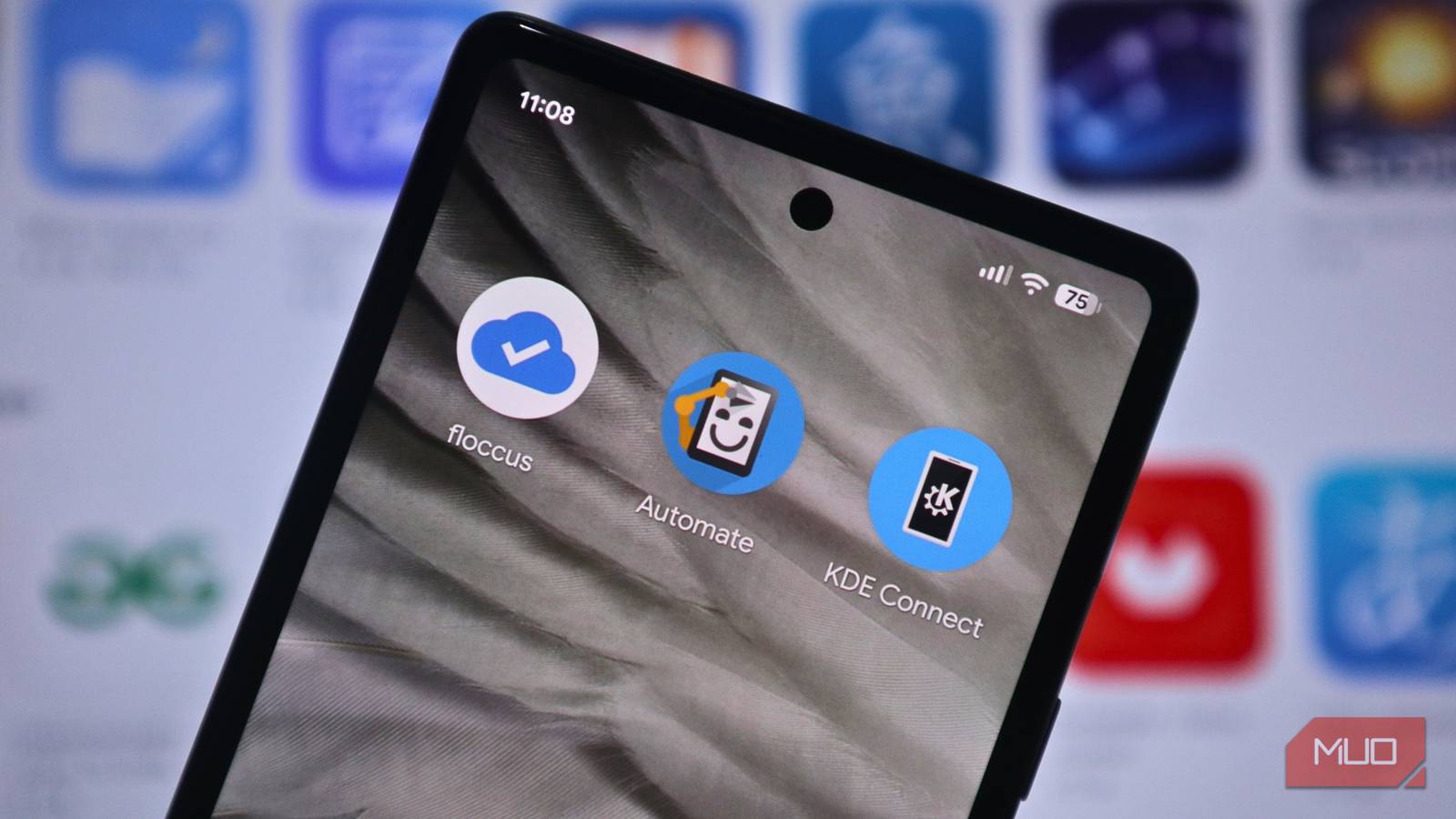
Automate: No-Code Automation for Everyone
Imagine creating custom actions for your phone without writng a single line of code. Automate makes this a reality. It utilizes visual flowcharts, allowing you to build Android automations intuitively and efficiently.
Here’s what makes Automate stand out:
* Over 410 Building Blocks: Access a vast library of triggers and actions, covering everything from location-based events to Bluetooth control and SMS messaging.
* Visual Flowchart Interface: Design complex automations by simply connecting building blocks – no coding knowledge required.
* Step-by-Step Testing: Ensure your flows work perfectly by testing each step individually.
* Community Sharing: Discover and share pre-built flows wiht a thriving community of users.
Consider this real-world example: a common issue with some phones involves dropped calls. One user discovered a community-created flow that automatically toggles airplane mode on and off hourly. This simple automation keeps the cellular connection fresh, effectively preventing dropped calls.
beyond call stability, Automate can handle a multitude of tasks. You can automatically organize downloaded files,activate Bluetooth when headphones connect,back up photos to the cloud,or silence your phone upon arriving at specific locations. The possibilities are truly endless, and many solutions are readily available within the community.
Beyond the Basics: Expanding Your Automation Toolkit
Automate is a cornerstone, but other apps can further refine your automated experience. These tools address specific pain points, working seamlessly in the background without demanding constant attention.
Here are a few noteworthy options:
* KDE connect: Simplify file transfers between your Android device and computer. It eliminates the need for cumbersome cables or cloud services.
* Floccus: Consolidate all your bookmarks, irrespective of the browser you use. Access your saved links from a single, unified location.
Start Automating Today
these apps aren’t about flashy features or complex setups. Thay’re about quietly resolving everyday frustrations and reclaiming your time. If you manage multiple devices, switch between browsers frequently, or find yourself performing repetitive tasks, these tools are worth exploring.
Ultimately, automation is about making your technology work for you. By embracing these powerful apps, you can create a more streamlined, efficient, and enjoyable digital life. Don’t just use your phone – optimize it.
Keep reading