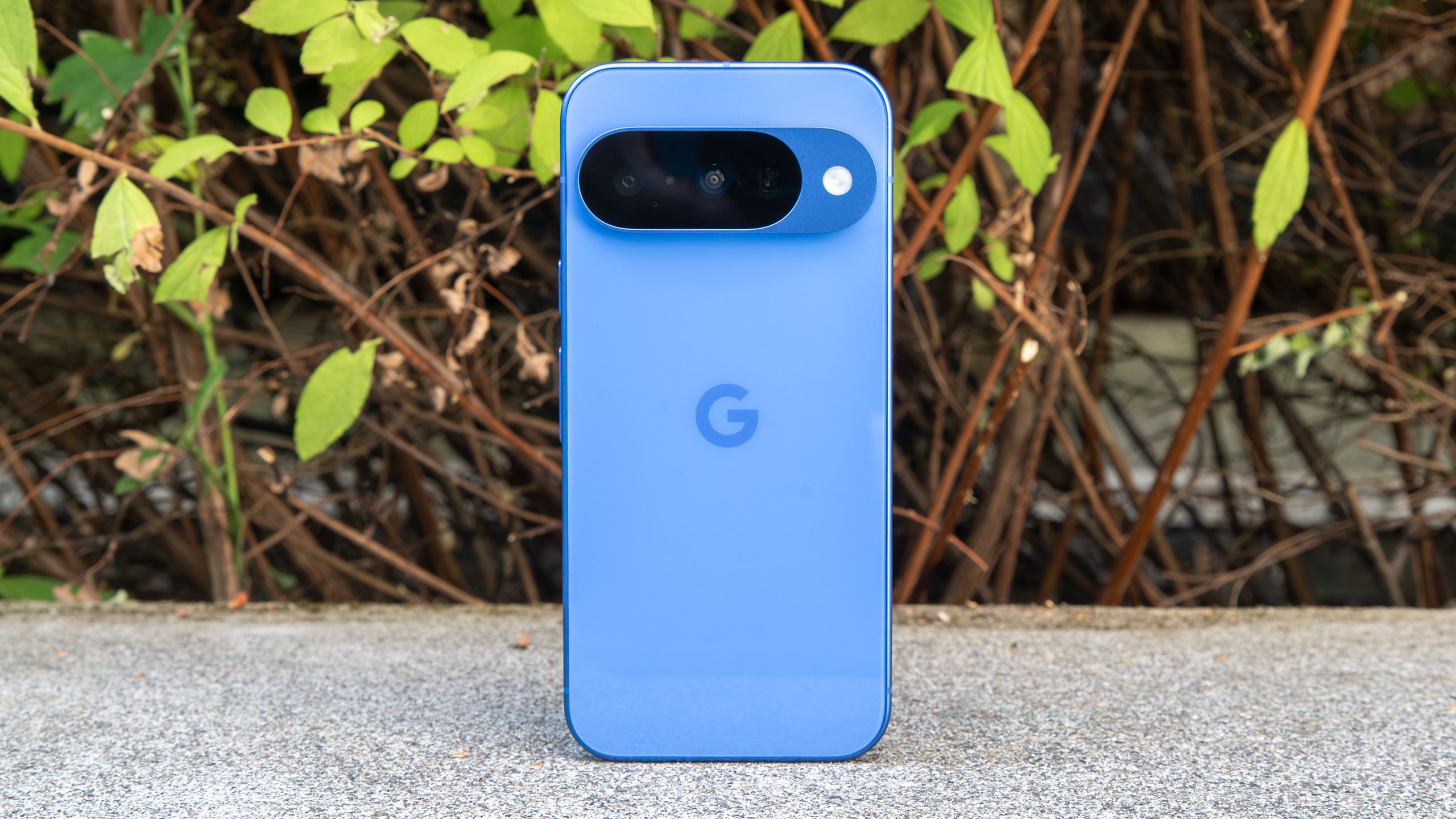
Pixel Stand (2nd Gen) Compatibility Broken with Pixel 10 Series after Android 16 Update
Pixel 10 and Pixel 10 Pro owners are encountering a frustrating issue: their Pixel stand (2nd gen) wireless chargers are no longer functioning correctly following recent software updates.Reports are surfacing that a December update, specifically Android 16 QPR2, has severed compatibility between these devices. This impacts a workaround many users previously enjoyed.
A Previously Functional Workaround
Initially,many Pixel 10 series users discovered that,with precise positioning,their phones could charge on a Pixel stand. Google never officially supported this pairing, but it worked for a significant number of people. However, this unofficial compatibility appears to be a thing of past.
what’s Happening Now?
Users on Reddit and tech sites like PiunikaWeb are reporting a consistent problem. When a Pixel 10 or Pixel 10 Pro is placed on a Pixel Stand after updating to Android 16 QPR2, the charger cycles through orange and white lights.This indicates an error, and charging does not initiate. Essentially, Google’s latest update seems to have intentionally disabled this previously functional workaround.
* The Pixel Stand flashes orange and white.
* Charging attempts consistently fail.
* Users are receiving error messages.
Why This Matters to You
It’s crucial to understand this issue is currently isolated to Pixel 10 series devices. Google has consistently maintained that Pixel Stand is not officially compatible with these phones. While it functioned previously, this update signals a intentional move to enforce that limitation.
This situation highlights a common challenge with wireless charging and device compatibility. Software updates can sometimes introduce unforeseen consequences, even impacting accessories.
What Are Your Options?
If you rely on wireless charging for your Pixel 10, you have a few options:
- Consider a New Wireless Charger: Explore alternatives designed for your device.
- Invest in Qi2 Technology: Newer Qi2 wireless chargers offer improved efficiency and broader compatibility. They are designed to deliver maximum charging speeds and reliable performance.
- stay Updated: Monitor Google’s official channels for any potential fixes or statements regarding this issue.
Ultimately, this situation underscores importance of choosing wireless chargers specifically designed for your phone model.While workarounds can sometimes be prosperous,they are often subject to disruption with future software updates.
Looking for a reliable wireless charging solution? Check out our guide to best Qi2 wireless chargers to ensure optimal charging for your device.
Related reading
- The Bear at the Campsite: A New Perspective on Understanding the Big Picture
- James Webb Telescope: Are Dyson Spheres Real? New Findings Explained
- Google Pixel 11 Pro Teased: New Design and Pixel Glow Feature Revealed (archyde.com)
- Google Pixel 11 Pro Teaser Confirms New Dynamic Pixel Glow Lighting System (time.news)