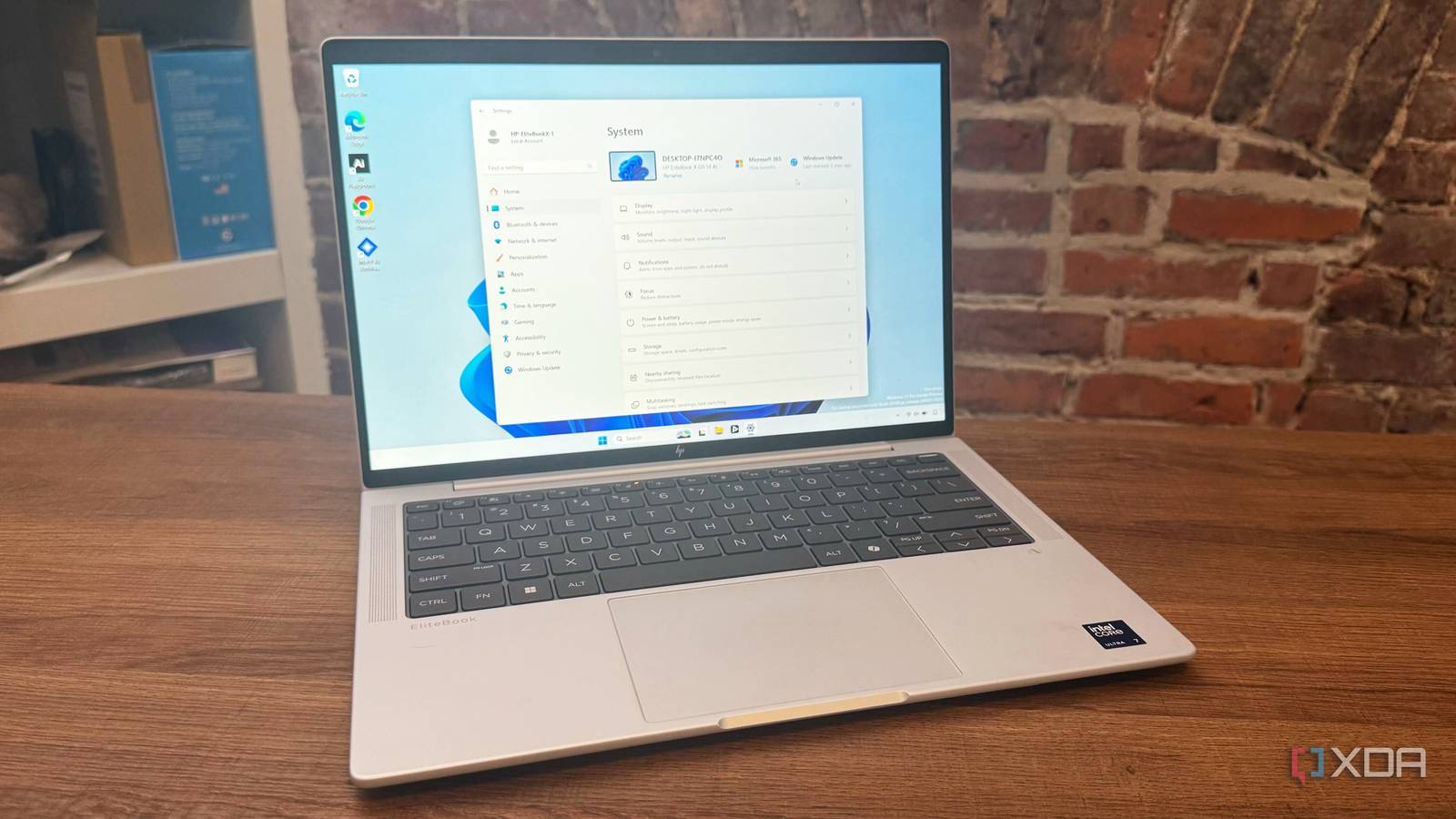
Extending the Life of Your PC: Running Windows 11 on Older Hardware
Many users wonder if their existing computers can handle the latest operating system. You might be hesitant to upgrade, fearing incompatibility or performance issues. Fortunately, Windows 11 can run on older hardware, and often surprisingly well.Let’s explore what this means for you and your tech.
The Reality of Support & Updates
Microsoft has established minimum system requirements for Windows 11. Though, running the OS on unsupported hardware doesn’t automatically brick your machine. It does mean official updates aren’t guaranteed. This is a crucial point to understand.
While you might still be able to install updates manually via ISO files, this isn’t a practical solution for most users. Consider this when deciding if running on unsupported hardware is right for you. You’ll need to proactively think about security.
Staying Secure When Updates Are Limited
If you choose to run Windows 11 on an older system,prioritizing security becomes paramount. Here’s how to protect yourself:
* Invest in a reputable antivirus solution. This is your first line of defence against malware and threats.
* Practice good cyber hygiene. Be cautious about the links you click and the files you download.
* Stay informed about potential vulnerabilities. Regularly research security best practices.
Remember, many people still successfully use older operating systems like Windows XP and Windows 7. A proactive approach to security can keep your system safe.
Performance: What to Expect
I’ve personally tested Windows 11 on older, unsupported laptops. The biggest impact you’ll likely notice is a slight reduction in performance. however, this varies substantially based on your hardware and how you use your computer.
For everyday tasks like browsing, email, and document editing, Windows 11 performs admirably even on older systems. If your current PC already meets your needs, upgrading solely for the OS version might not be necessary. Understand the limitations, and you might be pleasantly surprised.
Ultimately, the decision of whether or not to run Windows 11 on older hardware is a personal one. Weigh the benefits against the potential drawbacks, and prioritize security if you choose to proceed. You might find that extending the life of your current PC is a smart and cost-effective solution.
Worth a look