
As the demand for high-efficiency multitasking grows among gamers and content creators, the hardware landscape is shifting toward specialized utility displays. Asus is now addressing this niche with the introduction of the ROG Strix XG129C, a dedicated secondary touchscreen display designed to sit alongside a primary monitor to streamline system management and communication.
The ROG Strix XG129C is not a traditional monitor but rather a “sidekick” device aimed at reducing the need to toggle between active games and background applications. By providing a dedicated physical space for system telemetry and chat interfaces, the device targets the professional streaming and enthusiast gaming markets where real-time data visibility is a competitive advantage.
Equipped with a 12.3-inch IPS panel, the display utilizes a unique 24:9 aspect ratio and a resolution of 1920 x 720. This specific geometry is intended to offer more vertical viewing area than typical ultra-wide utility displays, effectively reducing black bars when viewing 16:9 video content or managing vertical chat feeds in platforms like Discord.
A Specialized Form Factor for Modern Workflows
The design of the ROG Strix XG129C focuses on ergonomic integration into existing desk setups. Its slim form factor allows it to fit comfortably underneath a primary monitor, maximizing desk real estate while keeping essential information within the user’s peripheral vision. To ensure stability and flexibility, the unit includes an ergonomic kickstand and a tripod socket, allowing users to mount the display in various configurations depending on their workspace needs.
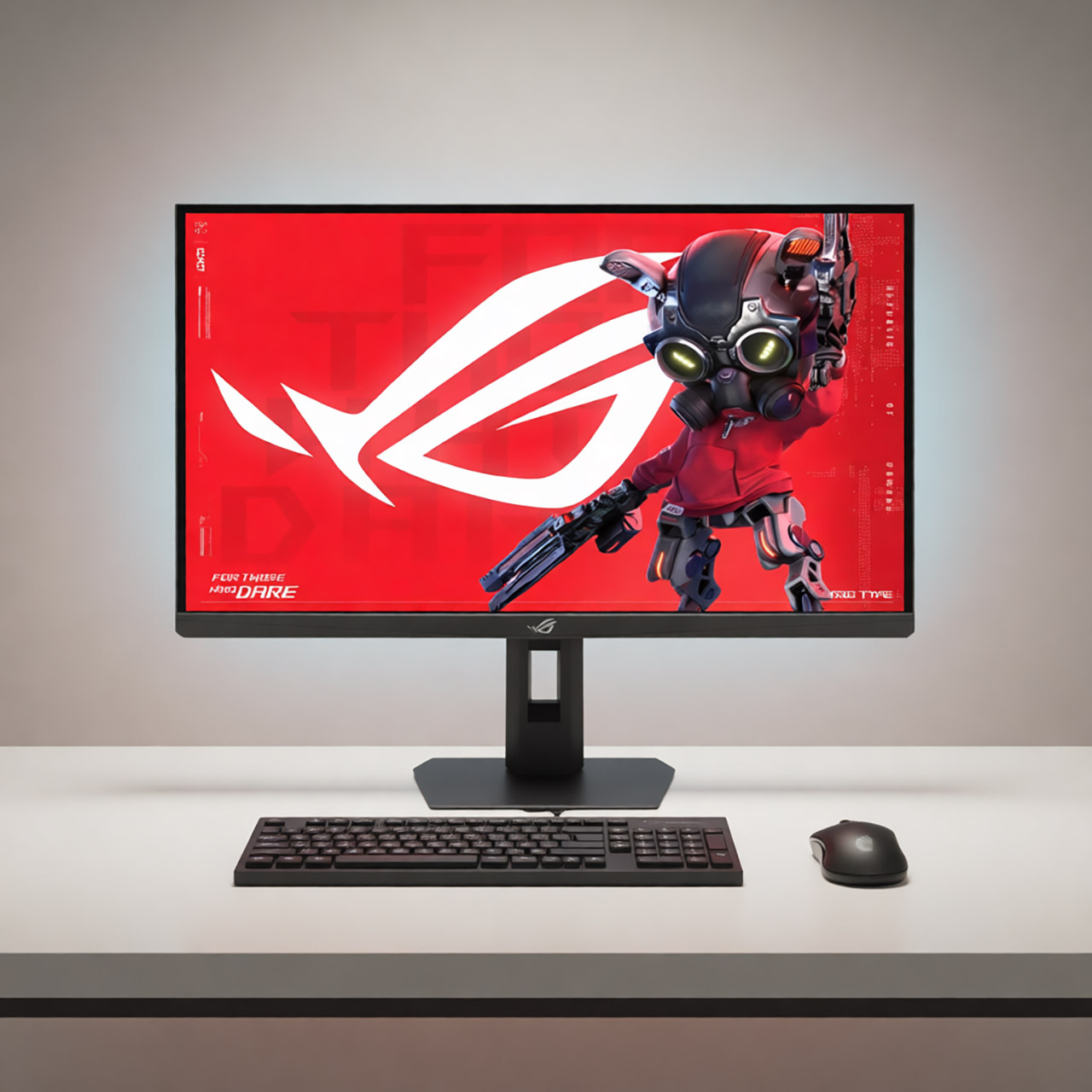
Visual fidelity is maintained through an IPS panel that supports a 75Hz refresh rate. For users who require color accuracy for creative tasks or consistent visuals across multiple screens, the display covers 125% of the sRGB color gamut and 90% of the DCI-P3 color gamut. This ensures that the secondary screen remains vibrant and consistent with high-end primary gaming monitors.
Interaction is handled via a responsive 10-point multi-touch interface. This functionality allows users to perform fluid zooming, swiping, and precise actuation of in-game overlays or macros. Beyond gameplay, the touch interface enables seamless navigation of the Windows operating system and direct adjustment of the monitor’s On-Screen Display (OSD) settings, removing the need for physical buttons.
Real-Time Intelligence and System Monitoring
One of the primary value propositions of the ROG Strix XG129C is its deep integration with system monitoring software. The display comes bundled with a one-year subscription to AIDA64 Extreme, a professional-grade hardware monitoring tool. This integration allows the monitor to function as a dedicated hardware dashboard, tracking critical metrics such as temperatures, voltages, and clock speeds in real-time.
To enhance this experience, Asus has provided exclusive ROG SensorPanel themes, allowing users to customize the visual presentation of their hardware stats. This transforms the secondary screen into a pro-grade intelligence hub, which is particularly useful for overclockers and streamers who need to monitor system stability without interrupting their primary broadcast or gameplay.
Further software control is provided through the ASUS DisplayWidget Center and the ASUS Control Panel. These tools allow for easy adjustment of monitor settings and streamlined app control, ensuring the secondary display integrates logically into the broader ASUS ecosystem.
Connectivity and Power Integration
To maintain a clean cable management profile, the ROG Strix XG129C features flexible connectivity options. The device includes dual USB-C ports, one of which supports 20W Power Delivery (PD). This allows the monitor to be powered and transmit data through a single connection, reducing the clutter often associated with multi-monitor setups.
In addition to USB-C, the display includes an HDMI 1.2 port, ensuring compatibility with a wide range of hardware configurations. This versatility makes it accessible for users who may not have available USB-C ports on their GPUs or motherboards but still require a dedicated utility screen.
The combination of 10-point touch, specialized aspect ratios, and bundled monitoring software positions the XG129C as a utility tool rather than a simple peripheral. By focusing on the specific pain points of the “power user”—such as the constant switching between tabs for guides, chats, and system health—Asus is expanding its footprint in the secondary display market.
As this product becomes more widely available, the next checkpoint for users will be the official rollout of regional pricing and availability updates via the ASUS ROG storefront.
Do you use a secondary display for your system stats or streaming? Share your setup in the comments below or share this article with your gaming community.