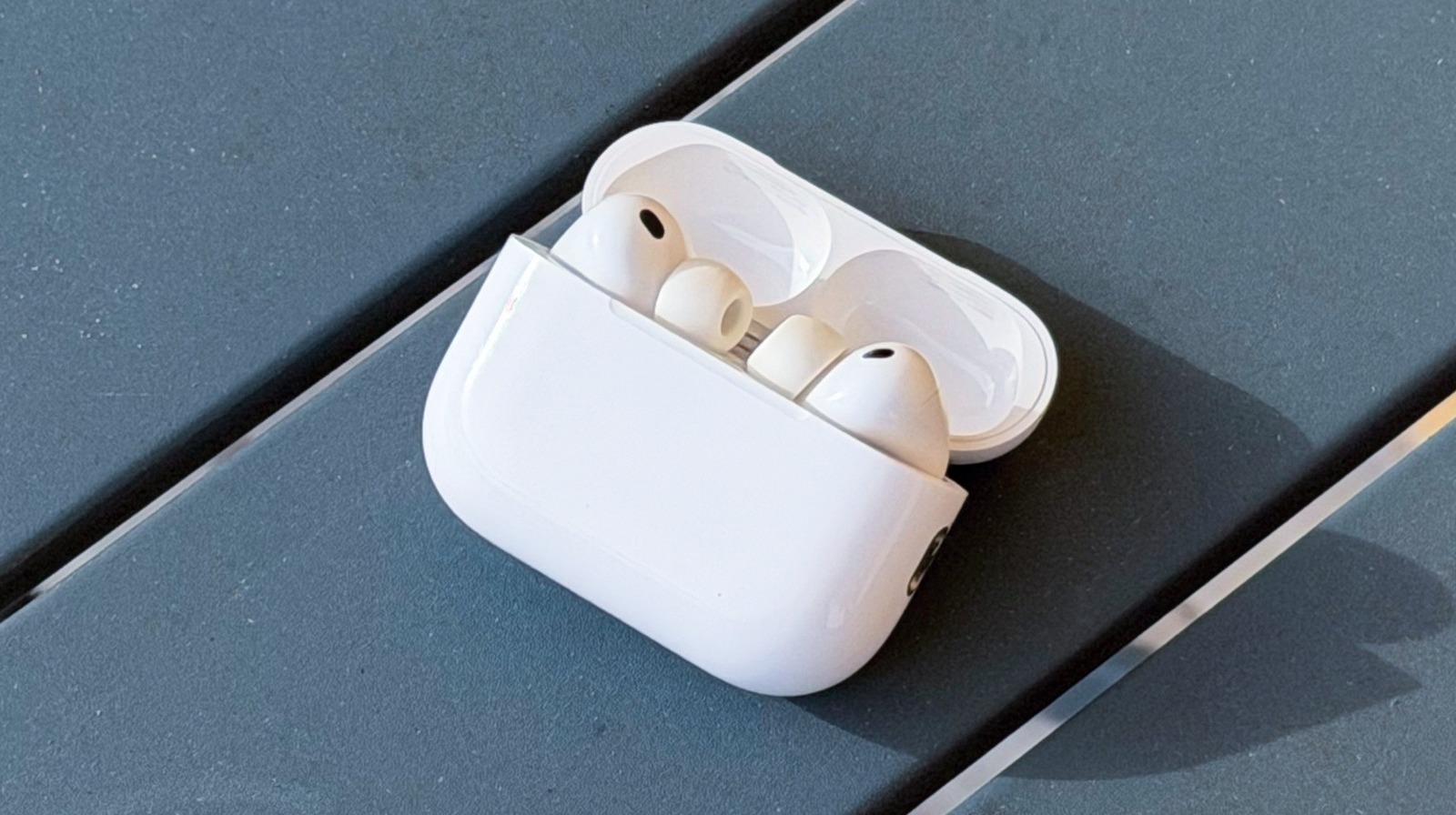
AirPods Pro 3: Addressing Reports of In-Flight Noise issues
Several users are reporting unusual high-pitched noises and wind-like sounds when using their new AirPods pro 3, particularly during air travel. These reports have surfaced across online forums, prompting questions about the cause and potential solutions. Let’s dive into what’s happening and what you can do.
What Users Are Experiencing
Reports indicate the issue manifests as a whistling or whooshing sound, often noticeable in Active Noise Cancellation (ANC) mode.I’ve found that while some users experience this in the left earbud, others are hearing it in the right, or even intermittently in both.
Here’s a breakdown of common observations:
* Sound Type: Primarily described as a high-pitched whistle or a wind-like whooshing.
* Occurrence: Most frequently reported during flights, but some users can reproduce it manually.
* Earbud Specificity: Affects both left and right earbuds for different individuals.
* ANC Mode: The issue seems most prominent when using the Active Noise Cancellation feature.
Investigating the Cause
Currently, the root cause remains unclear. It’s uncertain whether this is a hardware issue,a software glitch,or a sensitivity to cabin pressure changes during flights. Interestingly, reproducing the sound can sometimes be achieved by applying pressure to the earbud foam.however, this doesn’t perfectly replicate the experience reported by those on airplanes.
What’s Being Done?
Apple is actively testing a new firmware update for the airpods Pro 3. It’s possible this update will address the reported noise issue. Here’s what you should know:
* Firmware Updates: Regularly check for and install the latest firmware updates for your airpods Pro 3.These updates often include bug fixes and performance improvements.
* Ongoing Testing: Apple is aware of the reports and is likely investigating the issue thoroughly.
* Reproducibility: While not all users are affected, the consistency of reports suggests a legitimate concern.
What You Can Do Now
While we await a potential fix from Apple, here are a few things you can try:
- Ensure Firmware is Up-to-Date: connect your AirPods Pro 3 to your iPhone and check for available updates in Bluetooth settings.
- Experiment with fit: Try adjusting the fit of your AirPods Pro 3. Ensure a secure and cozy seal within your ear canal.
- Toggle ANC: If you experience the noise during a flight, try switching between ANC, Openness mode, and off to see if it alleviates the issue.
- Monitor Forums: Keep an eye on online forums and communities for updates from other users and potential workarounds.
I’ll continue to monitor the situation and provide updates as more information becomes available. Hopefully, a swift resolution is on the horizon for those experiencing this issue.