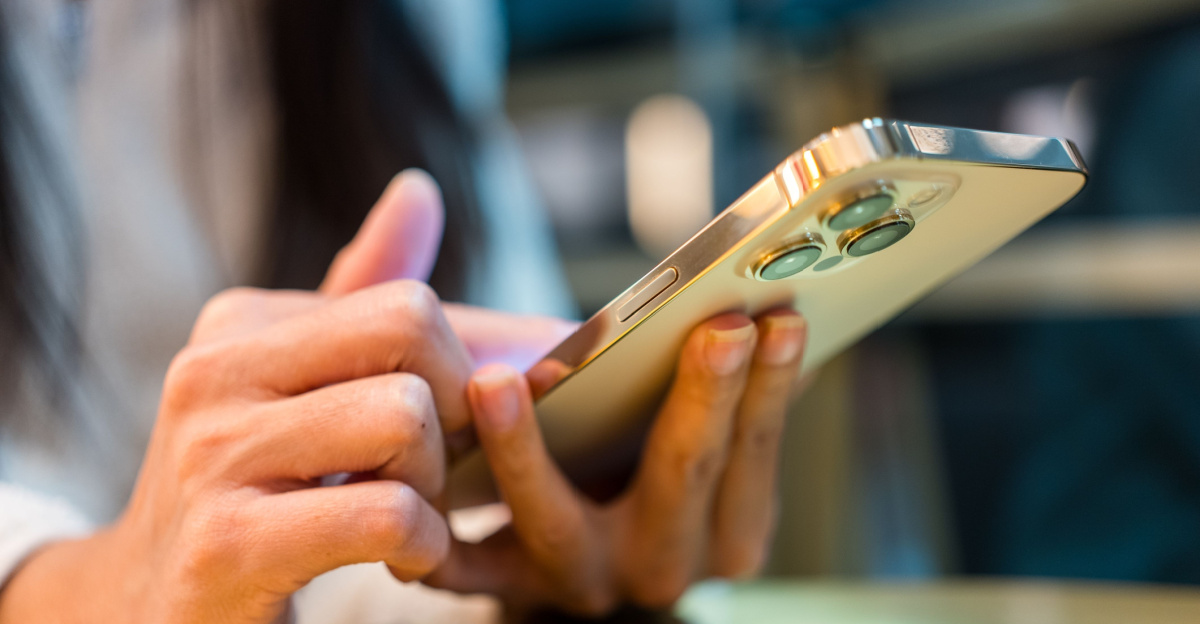
In the rapidly evolving landscape of mobile technology, many users are surprised to discover that their smartphones possess sophisticated features that remain hidden in plain sight. One such utility, known as Back Tap, has recently garnered attention for its ability to transform the rear chassis of an iPhone into a functional, customizable shortcut button. By leveraging internal sensors, this feature allows users to trigger specific actions with a simple physical gesture, streamlining everyday tasks without the need to navigate through complex software menus.
As a technology editor, I often emphasize that the most powerful tools are frequently those integrated directly into the operating system, waiting for the user to activate them. Back Tap is a prime example of Apple’s commitment to accessibility and interface efficiency. First introduced in iOS 14, this feature has remained a staple for users of modern iPhone hardware, providing a seamless way to interact with the device through haptic feedback and motion sensing rather than traditional touchscreen input. According to official Apple documentation, the feature is designed to recognize double or triple taps on the back of the device, which can then be mapped to a wide variety of system-level commands.
How Back Tap Enhances Device Accessibility
The core utility of Back Tap lies in its versatility. It is not merely a gimmick; for many, it serves as a crucial accessibility tool that simplifies the use of the device for those who may find standard navigation challenging. By navigating to Settings > Accessibility > Touch > Back Tap, users can configure their device to respond to specific physical patterns. The system is designed to work effectively even when a protective case is installed, as the internal accelerometers are sensitive enough to detect the vibration and impact of a tap through most standard materials.

Common applications for this feature include:
- Quick Access: Instantly toggling the flashlight, taking a screenshot, or launching the camera app.
- System Control: Adjusting volume, locking the screen, or muting the device without touching the display.
- Custom Automation: Triggering complex “Shortcuts” created within the Shortcuts app, allowing for virtually limitless customization of the device’s behavior.
This functionality is supported on iPhone 8 and all subsequent models running iOS 14 or later. For a comprehensive overview of accessibility features across the Apple ecosystem, users are encouraged to visit the Apple Accessibility portal, which provides detailed guidance on how hardware and software integrations can assist users with diverse needs.
Understanding the Technology Behind the Gesture
From a software engineering perspective, the implementation of Back Tap is a fascinating study in sensor fusion. The device utilizes its onboard accelerometer—the same component responsible for rotating your screen when you turn your phone—to interpret the physical tap. By analyzing the specific signature of the impact against the back glass, the operating system can distinguish between accidental handling and an intentional, deliberate tap command.
Because the feature relies on motion detection rather than a capacitive surface on the back of the phone, it is largely immune to the interference that might be caused by screen protectors or heavy-duty cases. This technical design choice ensures that a broader range of users can benefit from the functionality regardless of how they choose to protect their hardware. As mobile operating systems continue to mature, we are likely to see more of these “invisible” interfaces that prioritize user intent and physical ergonomics over traditional menu-based navigation.
Why It Matters for the Modern User
In our current digital environment, where efficiency is paramount, these hidden shortcuts represent a shift toward more intuitive computing. By reducing the number of taps required to perform a common action, users can save time and reduce the cognitive load associated with managing a smartphone. Whether it is quickly capturing a moment with the camera or toggling smart home scenes through an automated shortcut, features like Back Tap empower the user to define how their hardware behaves.

For those interested in exploring further, Apple provides regular updates to its iOS platform, often introducing new capabilities to existing tools. Staying informed about these updates through the Apple Newsroom ensures that you are getting the most out of your device as it evolves. As always, the best way to understand the potential of your iPhone is to experiment with the settings and customize the experience to fit your personal workflow.
Have you experimented with the Back Tap feature on your device? It remains one of the most underrated tools in the iOS toolkit. If you found this overview helpful, feel free to share your favorite shortcut configurations in the comments below or pass this guide along to a friend who might benefit from a more efficient mobile experience. We look forward to hearing how you are optimizing your digital life.
Related reading