
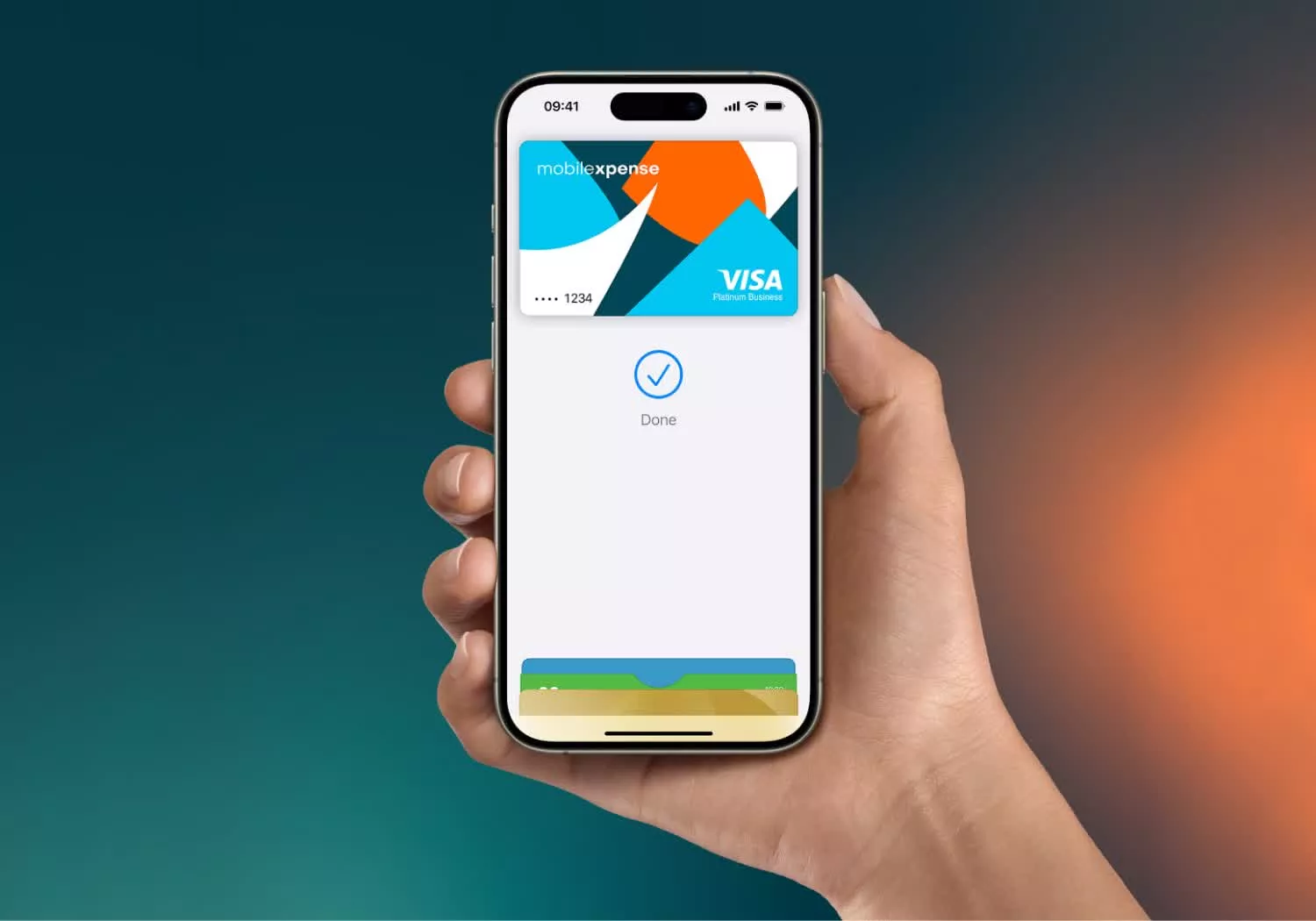
For most users, the experience of using Apple Pay is almost invisible. A double-click of a side button, a quick glance at the camera for Face ID, and a brief tap against a payment terminal. In less than two seconds, a transaction is complete, and a green checkmark confirms the purchase. It feels like magic, but the reality is a highly coordinated sequence of hardware-level security and complex cryptographic protocols.
Underneath the sleek interface lies a sophisticated architecture designed to solve a fundamental problem of digital commerce: how to transmit payment information without actually transmitting the payment information itself. By decoupling the user’s actual credit card details from the transaction process, Apple has created a system that is, in many ways, significantly more secure than the physical plastic cards we have used for decades.
Understanding how Apple Pay works requires looking past the software and into the specialized hardware integrated into iPhones, Apple Watches, and iPads. The system relies on three primary pillars: the Secure Element, Near Field Communication (NFC), and a process known as tokenization. Together, these components ensure that sensitive financial data never leaves the device and is never shared with the merchant.
As a technology editor who has spent nearly a decade analyzing software architecture, I find the elegance of Apple Pay’s design to be a masterclass in “security by design.” It doesn’t just add a layer of protection on top of a legacy system; it replaces the legacy vulnerability with a modern, encrypted alternative.
The Hardware Vault: The Secure Element
The foundation of Apple Pay is not the main processor of the device, but a dedicated, isolated chip called the Secure Element (SE). While the main CPU handles the operating system and apps, the Secure Element acts as a digital vault. It is a tamper-resistant chip designed specifically to store highly sensitive data, such as payment credentials, in a way that is physically and logically separated from the rest of the system.
Because the Secure Element is isolated, even if a device is compromised by sophisticated malware or a jailbreak, the attacker cannot simply “read” the payment data from the chip. The SE manages its own encrypted memory and only communicates with the rest of the device through a very narrow, strictly controlled interface. When you authorize a payment via Face ID or Touch ID, the system isn’t sending your password to the chip; it is sending a secure signal that tells the Secure Element it is permitted to release a one-time use token for the transaction.
The Magic of Tokenization: Hiding the Card Number
The most critical security feature of Apple Pay is tokenization. In a traditional credit card transaction, your Primary Account Number (PAN)—the 16-digit number on your card—is transmitted to the merchant and then to the bank. If a merchant’s database is hacked, your actual card number is exposed.

Apple Pay eliminates this risk by replacing the PAN with a Device Account Number (DAN). When you first add a card to your Apple Wallet, Apple communicates with your bank and the payment network (such as Visa or Mastercard) to create a unique “token” or DAN for that specific device. This token is stored in the Secure Element, while the actual card number is discarded from the device’s active memory.
During a transaction, Apple Pay does not send your credit card number to the merchant. Instead, it sends the DAN along with a dynamic, one-time security code. In other words that if a hacker were to intercept the data from a payment terminal, they would only find a token that is useless outside the context of that specific transaction and device. According to Apple’s official security documentation, this ensures that your actual card number is never stored on Apple servers or shared with merchants.
The Transaction Flow: From Tap to Approval
To understand the full cycle of an Apple Pay transaction, it is helpful to break it down into a step-by-step sequence of events that occurs in milliseconds.
First, the user initiates the payment. This requires biometric authentication (Face ID, Touch ID) or a passcode. This step is crucial because it ensures that the person holding the device is the authorized owner, preventing unauthorized use if a device is stolen.
Once authenticated, the device uses Near Field Communication (NFC) to communicate with the payment terminal. NFC is a short-range wireless technology that allows two devices to exchange data when they are within a few centimeters of each other. This physical proximity requirement acts as a natural barrier against remote “skimming” attacks.
The NFC controller then asks the Secure Element for the payment token (the DAN) and a unique, one-time dynamic security code. These two pieces of information are beamed to the merchant’s terminal. The terminal sends this encrypted package to the payment gateway, which forwards it to the payment network (e.g., Visa, Mastercard).
The payment network recognizes the token and uses a secure “vault” to map that token back to the original credit card number. It then forwards the transaction request to the issuing bank for authorization. The bank checks for sufficient funds and approves or denies the request. This approval travels back through the network, to the merchant, and finally to the user’s device as a confirmation.
Comparing Security: Physical Cards vs. Apple Pay
Many users wonder if a physical card is “safer” because it is tangible. However, from a technical standpoint, Apple Pay addresses several inherent flaws in physical card technology.
| Feature | Physical Plastic Card | Apple Pay |
|---|---|---|
| Data Transmitted | Actual Card Number (PAN) | Device Account Number (Token) |
| Authentication | Signature or PIN (often optional) | Biometric (Face ID/Touch ID) |
| Merchant Risk | High (stores PAN in databases) | Low (never sees PAN) |
| Theft Impact | Card can be used until cancelled | Device locked by biometrics |
Privacy and the Ecosystem
Beyond the cryptography, there is the question of privacy. A common misconception is that Apple tracks every single purchase you make to build a consumer profile. Because of the way the tokenization system is structured, Apple does not maintain a transaction history of what you bought, where you bought it, or how much you spent.
The transaction record exists between the merchant, the payment network, and your bank. Apple acts as the secure conduit for the token, but it does not “see” the contents of the transaction in a way that allows for individual item tracking. This distinction is a key part of the company’s broader privacy strategy, shifting the role of the device from a data collector to a secure facilitator.
Common Questions About Apple Pay Tech
Can someone “steal” my money by walking past me with an NFC reader?
While NFC is wireless, it requires extreme proximity (usually under 4cm). More importantly, the Secure Element will not release a payment token unless the user has explicitly authenticated the transaction via Face ID, Touch ID, or a passcode. A passive reader cannot trigger a payment without the user’s active authorization.
What happens if I lose my iPhone?
Because the payment data is tied to the device’s Secure Element and protected by biometrics, a thief cannot use Apple Pay without your face or fingerprint. Using the “Find My” network, owners can remotely wipe their devices or suspend Apple Pay functionality immediately, rendering the tokens useless.
Does Apple Pay work differently for different cards?
The core process of tokenization is standardized across the major payment networks. Whether you use a credit card, a debit card, or a transit card, the flow remains the same: the network issues a token, the Secure Element stores it, and NFC transmits it.
The Future of Contactless Payments
The technology powering Apple Pay is paving the way for a “card-less” future. We are already seeing the integration of digital IDs, driver’s licenses, and keys into the same Secure Element architecture. The transition from physical tokens (plastic cards) to digital tokens (DANs) is not just a convenience; it is a fundamental shift in how we handle identity and value in the digital age.
As payment terminals evolve to support more advanced standards and as biometric authentication becomes even more seamless, the “two-second tap” will likely become the global standard for all secure exchanges, extending far beyond simple retail purchases.
For those looking to manage their payment settings or review their security configurations, the official Apple Pay Support page provides the most current guidance on adding cards and managing device security.
Do you prefer the security of digital wallets over physical cards, or do you still keep a backup in your pocket? Share your thoughts in the comments below.