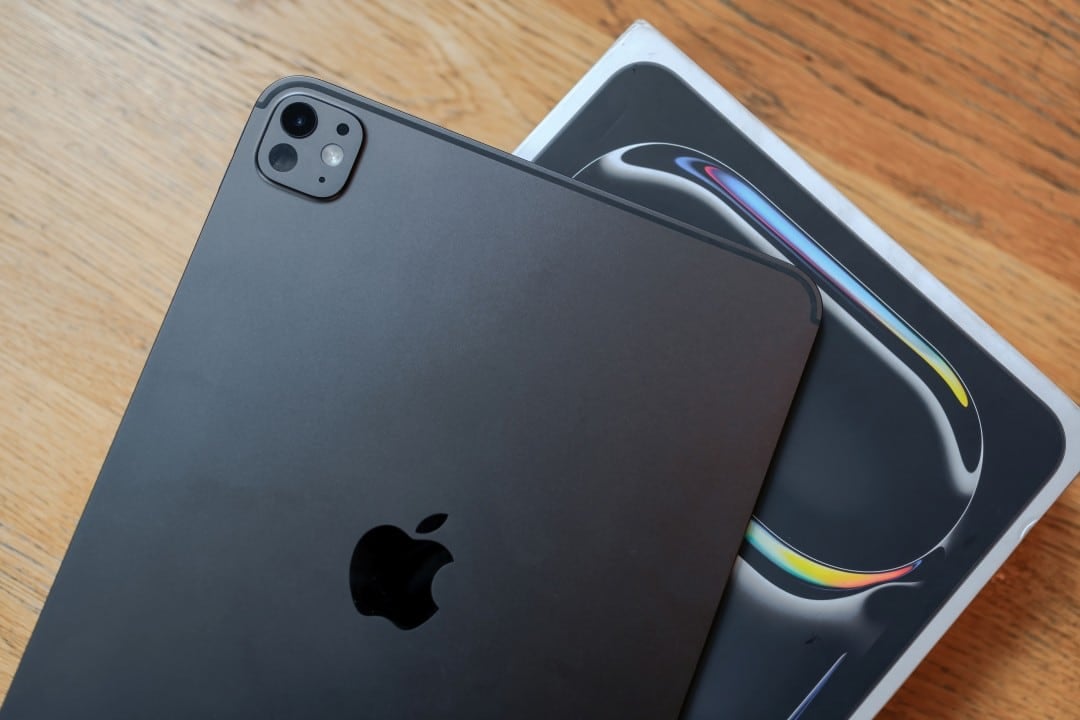
Apple’s latest iteration of its tablet operating system, iPadOS 18, introduces significant multitasking enhancements that fundamentally alter how users manage workflows on devices like the iPad Pro and iPad Air. By leveraging advanced window management and hardware-specific triggers, the system allows for more granular control over app placement and workspace configuration, according to the official Apple iPadOS 18 feature documentation. These updates mark a strategic shift toward making the tablet a more viable primary workstation for power users who rely on external peripherals like the Magic Keyboard.
The core of these improvements centers on the refinement of Stage Manager and the implementation of more intuitive window-snapping behaviors. While previous versions of the software restricted users to rigid split-view configurations, the current release provides greater flexibility in how applications occupy screen real estate. This update is available for a wide range of iPad models, including those equipped with M-series chips and the A12Z Bionic and later processors, as detailed in the Apple support compatibility list.
Maximizing Workflow with Automatic App Triggering
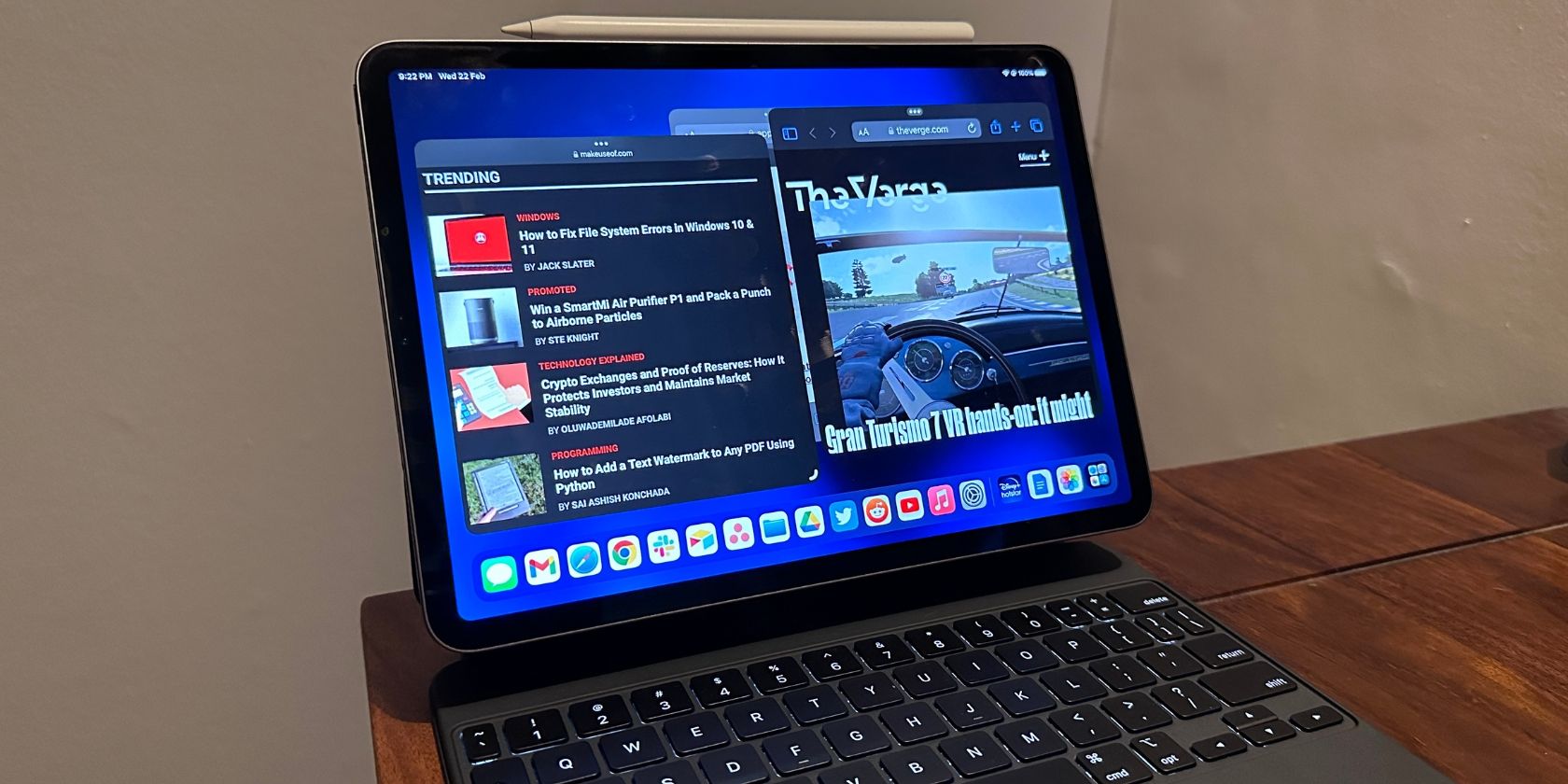
A primary feature of the updated OS involves the ability to define specific workspace states that engage when hardware is connected. Users can now establish preferences so that docking an iPad into a Magic Keyboard or connecting it to an external display triggers a predetermined layout. For instance, a user can configure the device to automatically launch a video streaming application on one side of the display while keeping productivity tools or communication apps open in a secondary window, streamlining the transition from tablet mode to a desktop-like environment.
This functionality relies on the refined Stage Manager interface, which Apple introduced to provide a more traditional windowing experience. According to the company’s official press release from June 2024, these improvements were designed to address long-standing user requests for better multitasking efficiency. By allowing apps to overlap and resize with greater fluidity, the operating system reduces the friction typically associated with mobile-first window management.
Hardware Integration and Performance Requirements
The efficacy of these multitasking features is closely tied to the underlying hardware. While the basic window management tools are available across most modern iPads, the most advanced features—such as external display support with full resolution scaling—remain exclusive to iPads powered by Apple Silicon. This architectural requirement ensures that the device can handle multiple high-demand applications simultaneously without significant performance degradation.

Technical benchmarks from industry analysts indicate that the integration of iPadOS 18 with high-speed peripherals significantly improves throughput for multitasking tasks. As reported by The Verge in their September 2024 review, the ability to maintain stable window states even when disconnecting and reconnecting the Magic Keyboard is a notable improvement over previous iterations. This consistency is essential for users who frequently move between mobile and stationary work environments.
What This Means for the Future of iPad Computing
The progression of iPadOS suggests a long-term strategy to bridge the gap between tablet portability and desktop-grade productivity. By focusing on window management and peripheral-based automation, Apple is positioning the iPad not just as a content consumption device, but as a specialized tool for creative and professional tasks. This shift is consistent with the company’s broader efforts to unify the user experience across its hardware ecosystem, including macOS and iOS.
For users, the primary benefit is a reduction in the time spent manually rearranging windows or switching between apps. By automating the setup process via hardware triggers, the system creates a more personalized computing environment. Looking ahead, industry observers expect further refinements in AI-driven task management, which may eventually allow the OS to predictively open apps based on user habits and time of day, as discussed in recent Bloomberg reports on Apple’s software roadmap.
Getting Started with New Multitasking Features
To begin using these features, users must ensure their device is updated to the latest version of iPadOS 18 via the Settings app. Once updated, users can access multitasking settings by navigating to “Multitasking & Gestures” within the Settings menu. From there, enabling “Stage Manager” is the prerequisite for accessing the more advanced window-snapping and layout-saving capabilities.
Apple periodically releases incremental updates to address bugs and refine system performance. Users are encouraged to monitor the official Apple security updates page for information on upcoming patches that may include further stability improvements for multitasking features. Readers are invited to share their experiences with these new features in the comments section below.