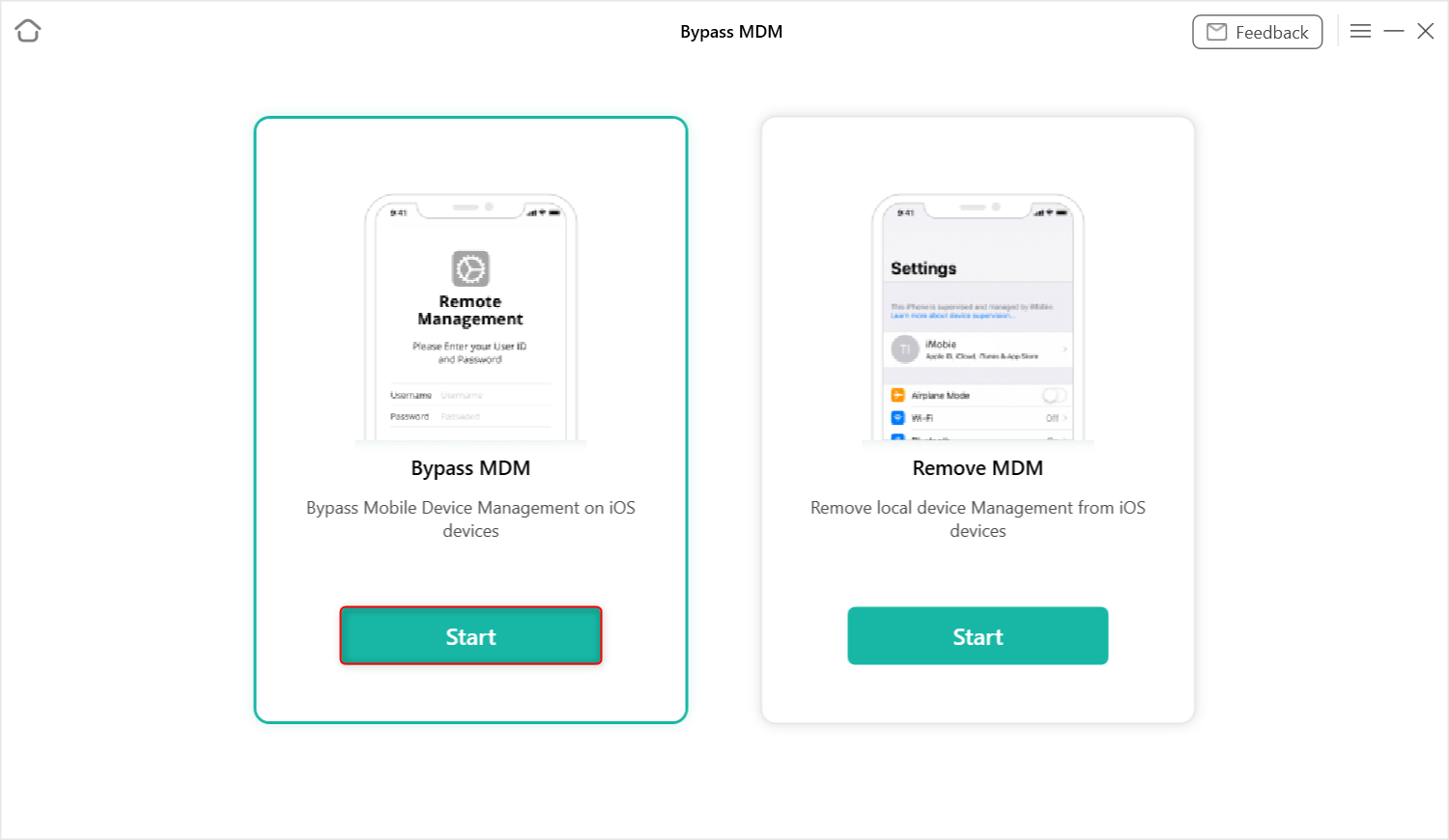
Apple’s Mobile Device Management (MDM) system allows organizations to remotely configure and control iOS devices like iPhones and iPads, enforcing security policies and restricting certain functionalities. While designed for legitimate use in educational and corporate environments, MDM locks can sometimes create barriers for legitimate device owners, particularly when devices are transferred or sold without proper deprovisioning. This has led to increased interest in methods to bypass or remove these restrictions, though such actions carry significant legal and ethical considerations.
The process of removing MDM profiles typically involves either administrative clearance through the managing organization or technical procedures that may violate terms of service. Apple’s official support documentation emphasizes that MDM removal should only be performed with proper authorization, as unauthorized circumvention could compromise device security and violate organizational policies. Recent discussions on social media platforms have highlighted user frustrations with persistent MDM locks, particularly on secondhand devices acquired through informal channels.
According to verified technical resources, legitimate MDM removal requires either the organization’s management console credentials or direct intervention from the entity that installed the profile. For educational institutions, this often means contacting the school’s IT department with proof of ownership or graduation status. Corporate users must typically work through their employer’s device management portal or IT support team to request profile removal.
Independent verification from reputable technology sources confirms that no legitimate, universally applicable bypass method exists for MDM locks without organizational cooperation. Claims suggesting simple software solutions or one-click tools to circumvent MDM restrictions should be approached with extreme caution, as these may involve security risks, violate Apple’s terms of service, or potentially breach computer fraud statutes depending on jurisdiction.
Understanding MDM and Its Legitimate Uses
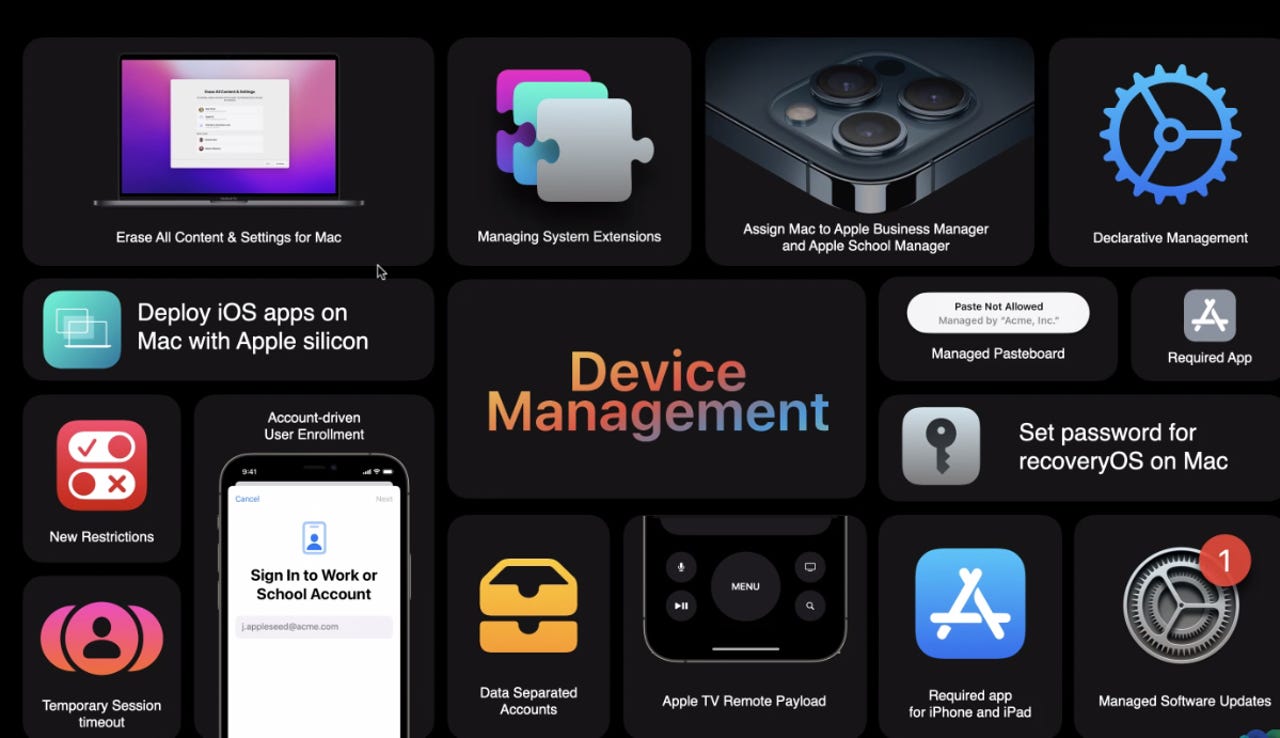
Mobile Device Management represents a standard enterprise mobility management approach that enables IT administrators to oversee fleets of Apple devices. Through MDM, organizations can enforce passcode requirements, configure Wi-Fi and email settings, deploy approved applications and remotely wipe data if a device is lost or stolen. In educational settings, MDM helps ensure devices are used appropriately for learning purposes while protecting school networks from potential security threats.
The technology operates through configuration profiles installed on the device, which communicate with a central management server. These profiles persist through factory resets unless explicitly removed by the managing entity, which explains why users sometimes encounter persistent restrictions even after attempting standard troubleshooting steps. Apple designs MDM to be tamper-resistant precisely to prevent unauthorized removal that could undermine organizational security policies.
Legitimate reasons for MDM implementation include regulatory compliance (such as FERPA in educational contexts), data protection requirements, and efficient device lifecycle management. When properly implemented, MDM benefits both organizations—which gain centralized control and security—and users, who receive pre-configured devices ready for immediate productive use.
Official Channels for MDM Resolution
For individuals facing MDM restrictions on devices they rightfully own, the first and most reliable course of action is contacting the original managing organization. Educational institutions typically maintain device inventory systems and can verify graduation or transfer status before removing management profiles. Many schools publish specific procedures for device release on their official websites or through alumni portals.
Corporate employees departing an organization should ensure MDM removal is part of their offboarding checklist, typically handled by returning the device to IT or receiving clearance through HR systems. For devices purchased through authorized refurbishers or reputable resellers, MDM removal should be verified as part of the quality assurance process before sale.
Apple Support can assist with general MDM inquiries but cannot bypass organizational locks without proper authorization, as this would violate the security model upon which MDM depends. Users are advised to have proof of purchase and ownership documentation ready when seeking assistance, whether from the managing organization or Apple’s support channels.
Risks Associated with Unauthorized Bypass Attempts
Attempting to remove MDM profiles through unofficial means carries several significant risks. From a security perspective, bypass techniques may exploit vulnerabilities that could leave devices exposed to malware or unauthorized access. Some methods circulating online require installing unverified software that could compromise personal data or device integrity.
Legally, unauthorized circumvention of access controls may violate provisions of the Digital Millennium Copyright Act (DMCA) in the United States or similar legislation in other jurisdictions, particularly if it involves circumventing technological protection measures. Violating an organization’s acceptable use policies through unauthorized MDM removal could result in civil or disciplinary actions, especially if the device remains property of the institution.
Functionally, improper MDM removal attempts can lead to device instability, loss of certain features, or complications with future software updates. Apple’s ecosystem relies on a chain of trust that includes MDM as a security component; interfering with this mechanism may have unintended consequences for device reliability and security posture.
Best Practices for Device Acquisition and Transfer
To avoid MDM-related issues when acquiring secondhand iOS devices, buyers should always verify management status before completing a transaction. This can be done by checking Settings > General > Device Management (if present) or attempting to erase the device through Settings > General > Transfer or Reset iPhone > Erase All Content and Settings. If an MDM profile persists after erasure, the device remains under organizational control.
Sellers bear responsibility for ensuring proper deprovisioning before transfer. This includes removing the device from Apple School Manager or Apple Business Manager, disassociating it from any MDM server, and confirming that no configuration profiles remain installed. Organizations should establish clear procedures for device retirement that include MDM removal as a standard step.
For educational institutions specifically, implementing automated device release workflows tied to graduation or withdrawal processes can support prevent lingering MDM locks. Similarly, corporations should integrate device deprovisioning into standard offboarding procedures to protect both corporate data and user rights upon departure.
As device management technologies continue to evolve, maintaining clear communication channels between organizations and end-users remains essential for balancing security needs with legitimate ownership rights. Users encountering persistent MDM locks are encouraged to pursue official resolution paths rather than risking security or legal complications through unverified bypass methods.