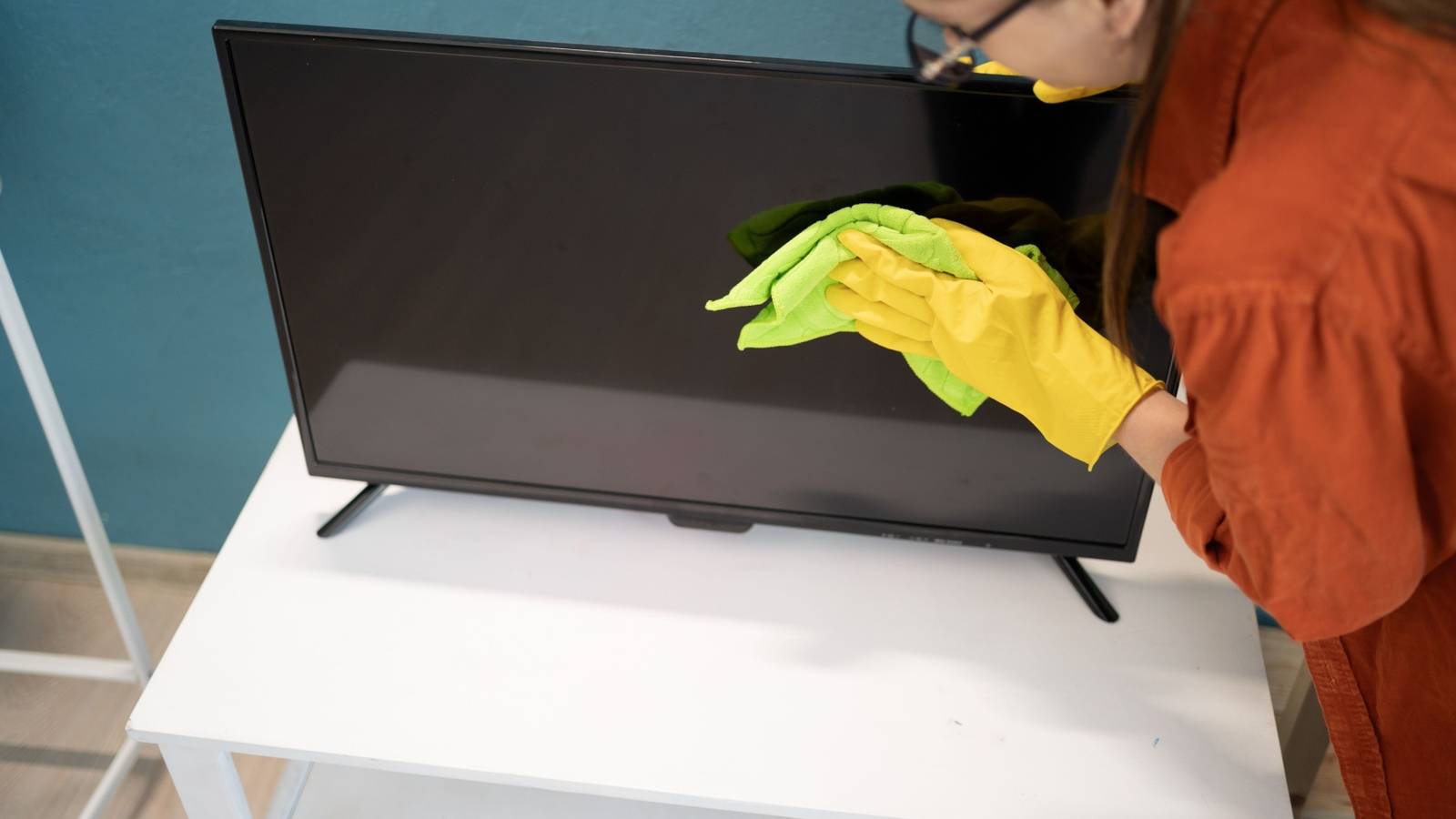
Keeping Your TV Screen Sparkling Clean: A Extensive Guide
Maintaining a pristine television screen is essential for optimal viewing enjoyment. Dust, fingerprints, and smudges can significantly diminish picture quality.Fortunately, with the right techniques and a little regular care, you can keep your TV looking its best for years to come.
Preparing for a Gentle Clean
first, always ensure your television is turned off and unplugged. This is a crucial safety step and prevents potential damage to the screen. Let the screen cool completely before you begin cleaning. I’ve found that a cool screen is much easier to work with and less prone to streaking.
Gathering Your Cleaning Supplies
You don’t need harsh chemicals or specialized products. Here’s what you’ll need:
* Microfiber cloths: These are the gold standard for screen cleaning. They’re soft, lint-free, and won’t scratch the delicate surface.
* Distilled water: Tap water contains minerals that can leave residue.Distilled water ensures a clean, streak-free finish.
* Optional: LCD cleaning solution: If distilled water isn’t enough, a dedicated LCD cleaning solution can help tackle stubborn grime. Ensure it’s specifically designed for your screen type.
The Cleaning Process: Step-by-Step
Now, let’s get to the cleaning.
- Dust First: Gently wipe the screen with a dry microfiber cloth to remove loose dust and debris. Always move in one direction, avoiding circular motions.
- Lightly Dampen the Cloth: If dusting isn’t enough, lightly dampen a clean microfiber cloth with distilled water. It should be barely wet – you don’t want any liquid dripping.
- Gentle Wiping: Carefully wipe the screen with the dampened cloth, again moving in one direction. Avoid applying excessive pressure.
- Dry with a Clean Cloth: Immediately follow up with a dry microfiber cloth to remove any remaining moisture. This prevents streaks and water spots.
- Stubborn Marks: For fingerprints or smudges, a small amount of LCD cleaning solution on a microfiber cloth can be effective. Always apply the solution to the cloth, never directly to the screen.
Re-Positioning and powering On
Now you can turn your TV back on after carefully returning it to its normal position. Take a moment to admire the clarity!
Maintenance Schedule and Quick Fixes
If your TV is regularly dusted with a clean microfiber cloth, a weekly light cleaning should suffice. This prevents buildup and keeps your screen looking its best.
Here’s a quick schedule to follow:
* Daily: Light dusting with a dry microfiber cloth.
* Weekly: Gentle wipe down with a lightly dampened microfiber cloth.
* As Needed: Address fingerprints or smudges with LCD cleaning solution.
Addressing Persistent issues
Sometimes, despite your best efforts, stains or imperfections remain. If you can’t remove them with distilled water or LCD cleaning solution, you might be dealing with a damaged screen coating. In these cases, contacting the manufacturer’s customer support is your best bet. While a fix isn’t always possible, they can offer valuable advice. Learning to live with minor imperfections might be the most practical solution.
Taking a proactive approach to TV screen cleaning will ensure a vibrant and enjoyable viewing experience for years to come.Remember, gentle care and the right tools are key to preserving the quality of your investment.
Keep reading