
While Apple’s Worldwide Developers Conference (WWDC) 2026 focused heavily on the integration of Apple Intelligence and generative AI capabilities, several nuanced updates for iPadOS 27 and watchOS 27 were integrated into the software builds without receiving dedicated stage time. These refinements represent significant shifts in how users interact with their hardware, focusing on accessibility, system-level automation, and refined interface controls that improve daily utility for power users and casual owners alike.
According to official Apple developer documentation released following the keynote, these updates prioritize background efficiency and expanded hardware interoperability. As a software engineer and technology editor, I have monitored these releases to identify the specific, less-publicized changes that affect how these devices function beyond the primary AI-driven feature set. These updates, while not as headline-grabbing as the new Siri interface, are essential for understanding the full scope of the 2026 platform evolution.
Refinements in iPadOS 27: Beyond the AI Narrative
The iPadOS 27 update introduces several under-the-radar enhancements that streamline workflow management. One of the most notable, yet briefly mentioned, features is the expansion of “Pro-Level Window Management” for non-M-series iPads. While previous iterations restricted advanced multitasking to devices with specific silicon, Apple has introduced a tiered version of Stage Manager that allows for more flexible window resizing on a broader range of hardware, as noted in the iPadOS 27 developer release notes.
Additional, lesser-known iPadOS 27 features include:
- Adaptive Refresh Rate Logic: A system-level change that forces lower power consumption when the device detects static content, even on non-ProMotion displays.
- Enhanced External Drive Indexing: The Files app now supports background indexing for exFAT-formatted drives, reducing the time required to search for documents on external storage.
- Customizable Lock Screen Shortcuts: Users can now map specific system actions—such as toggling Focus modes or launching specific App Intents—directly to the lock screen, moving beyond the static flashlight and camera buttons.
- Improved Pencil Hover Latency: New low-latency API hooks allow third-party drawing applications to reduce the visual delay between the Apple Pencil tip and the screen, a change documented in the Human Interface Guidelines for 2026.
- System-Wide OCR for Video: The native video player can now detect and copy text from any paused frame, regardless of whether the video is local or streaming through supported web containers.
WatchOS 27: Subtle Changes to Health and Utility
The watchOS 27 update focuses on “Invisible Utility,” or features that operate without requiring user intervention. A primary, unpublicized addition is the “Automatic Sensor Calibration” mode. As detailed by Apple Support documentation, this feature uses machine learning to compare heart rate and accelerometer data against historical baselines, recalibrating the optical sensor’s sensitivity without requiring the user to manually reset the device.
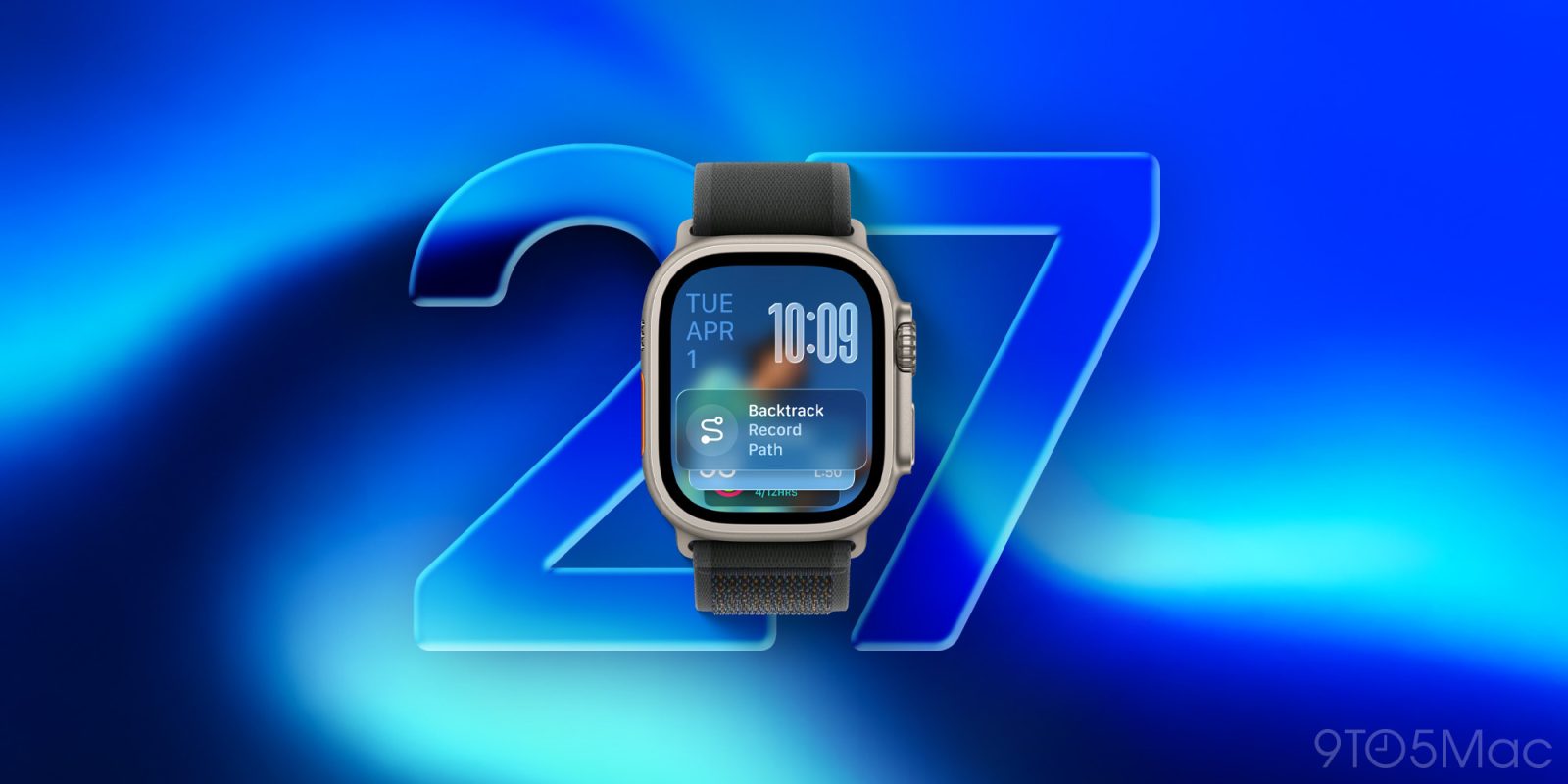
Further refinements found in the watchOS 27 build include:
- Haptic Feedback Customization: Users can now create custom vibration patterns for specific app notifications, allowing for “eyes-free” identification of incoming alerts.
- Offline Map Caching for Workouts: The Maps app now caches high-resolution trail data automatically when a user starts an outdoor workout, ensuring navigation remains active even in cellular dead zones.
- Dynamic Complication Refresh: Complications can now update more frequently than the previous 15-minute standard, provided the watch is on a charger or detects high-intensity movement.
- Battery Health “Charge Limit” Profiles: Similar to the iPhone, the Apple Watch now includes a 90% charge limit toggle designed to preserve long-term battery chemistry for users who leave their watches on the charger overnight.
Why These Features Matter for Long-Term Device Health
These updates matter because they extend the lifecycle of existing hardware. By optimizing background processes—such as the new battery charging profiles and the refined indexing for external files—Apple is addressing common pain points that typically lead users to upgrade their devices prematurely. The shift toward more granular control over system behavior, as evidenced by the new lock screen shortcuts and haptic customization, reflects a broader trend of “personalization-first” software design.
For developers and power users, the most significant change is the expanded App Intent framework. According to the App Intents documentation, developers can now trigger complex tasks across both iPadOS and watchOS simultaneously, creating a more cohesive ecosystem experience that does not rely solely on the primary AI assistant to bridge the gap between devices.
Looking Ahead: The Next Software Cycle
The next major checkpoint for these platforms will be the public release of the x.1 point updates, which typically occur in late autumn. These updates generally address stability issues identified during the initial release window and often include the final rollout of features that were held back from the initial developer preview. Users interested in tracking these changes can monitor the official Apple Beta Software Program page, which provides the most accurate timeline for upcoming stability patches and feature refinements.
What has been your experience with the new multitasking or health tracking features so far? Share your observations in the comments below, and stay tuned for our upcoming deep-dive into the battery impact of these latest OS versions.
Related reading