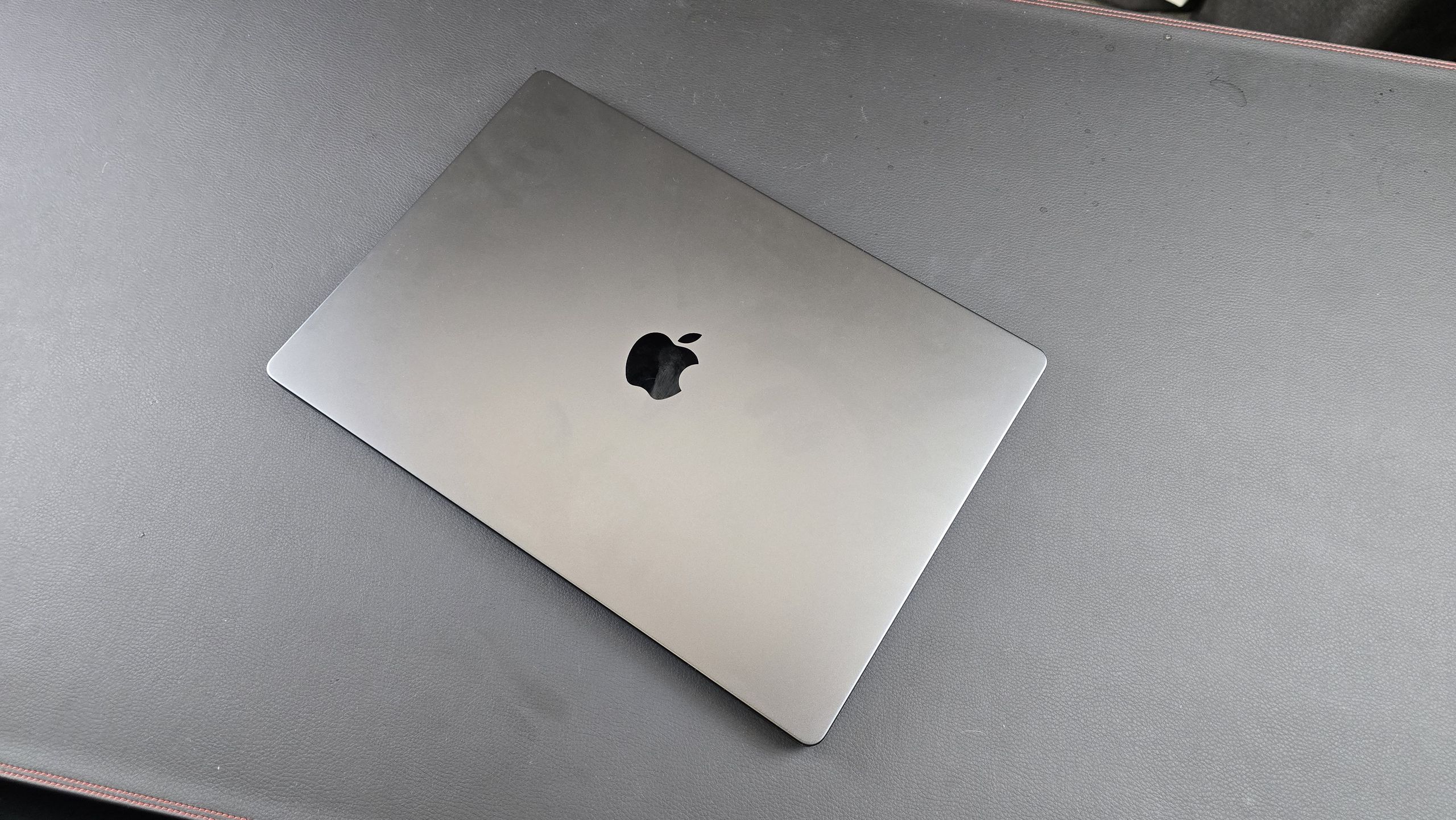
Apple’s naming conventions can be a puzzle for the uninitiated. When a company labels both a portable laptop and a massive desktop tower as Pro
, the distinction isn’t about a badge—it’s about the fundamental nature of the work being performed. For a professional weighing the choice between the latest MacBook Pro M4 and the Mac Pro M2, the decision isn’t just about raw speed; it’s about the trade-off between extreme mobility and industrial-grade expandability.
As a software engineer and tech journalist, I have seen the “Pro” landscape shift dramatically since Apple transitioned to its own silicon. The gap between portable performance and desktop power has shrunk, but it hasn’t disappeared. The MacBook Pro M4 represents the current peak of Apple’s efficiency and integrated AI capabilities, while the Mac Pro M2 Ultra remains the fortress for those who need PCIe expansion and massive thermal headroom.
Choosing the right machine requires understanding that these two devices serve entirely different archetypes of professional use. One is a studio in a backpack; the other is a workstation that anchors a room. To determine which is best for you, we must gaze past the marketing and into the silicon, the thermals, and the physical constraints of your workflow.
The Silicon Divide: M4 Efficiency vs. M2 Ultra Brutality
The core of this comparison lies in the architecture. The MacBook Pro M4 utilizes the latest second-generation 3-nanometer technology, which focuses on higher performance per watt and advanced AI processing. According to Apple’s official announcement, the M4 family—including the M4 Pro and M4 Max—is designed to accelerate pro workloads with a focus on power efficiency and a highly capable Neural Engine for Apple Intelligence.

In contrast, the Mac Pro is powered exclusively by the M2 Ultra. While the M2 is an older generation, the Ultra
designation means it is essentially two M2 Max chips fused together via UltraFusion technology. This allows the Mac Pro to offer a massive 24-core CPU and a GPU with up to 76 cores, providing a level of multi-core throughput that is difficult for any laptop to match without thermal throttling. According to the Mac Pro technical specifications, the M2 Ultra chip supports a memory bandwidth of 800GB/s, which is critical for massive datasets and high-end 3D rendering.
For most users, the M4’s single-core performance will actually feel faster. The M4 architecture delivers higher clock speeds and better efficiency for everyday tasks, coding, and light-to-medium video editing. However, for “brute force” tasks—like simulating complex physics or rendering a feature-length film in 8K—the M2 Ultra’s sheer volume of cores and thermal stability give it the edge.
Mobility and Versatility: The MacBook Pro M4 Advantage
The MacBook Pro M4 is not just a computer; it is a complete workstation. With the integration of a Liquid Retina XDR display, a high-fidelity microphone array, and a precision keyboard, it eliminates the need for peripherals. For the modern developer or creative who moves between a home office, a coffee shop, and a client site, the MacBook Pro is the only viable option.
The M4 series also introduces significant improvements in display technology and connectivity. The fresh models are built to support Apple Intelligence, integrating AI-driven workflows directly into the OS. For those who need the absolute ceiling of portable power, the M4 Max configuration allows for high-end GPU performance that rivals many desktop setups, all while remaining portable.
The Power of Expansion: Why the Mac Pro M2 Still Matters
If the MacBook Pro is so quick, why does the Mac Pro exist? The answer is PCIe expansion. The Mac Pro is the only Mac that allows you to install third-party hardware cards. Whether you need specialized audio DSP cards, high-speed RAID controllers, or additional networking hardware, the Mac Pro’s tower and rack options provide the physical space and electrical overhead to support them.

the Mac Pro’s thermal management is in a different league. A laptop, no matter how well-engineered, must balance heat against a thin chassis. The Mac Pro uses a massive internal cooling system that allows the M2 Ultra to run at peak performance for hours on end without slowing down. If your workflow involves “rendering overnight” or running local LLMs that saturate the GPU for hours, the Mac Pro is the safer, more stable investment.
Pricing also reflects this disparity. While a high-end MacBook Pro M4 Max is a significant investment, the Mac Pro starts at a much higher price point. According to Apple’s store, the Mac Pro tower begins at $6,999, reflecting its status as a specialized piece of industrial equipment rather than a general-purpose computer.
Comparison Summary: At a Glance
To help you decide, I have summarized the primary differences between these two “Pro” machines based on their core architectural strengths.
| Feature | MacBook Pro (M4 Family) | Mac Pro (M2 Ultra) |
|---|---|---|
| Primary Use | Mobile Professional / Creator | Studio Workstation / Server |
| Architecture | 3nm (2nd Gen) / M4, Pro, Max | 5nm (2nd Gen) / M2 Ultra |
| Expandability | None (Internal only) | PCIe Slots for Third-Party Cards |
| Thermal Headroom | Moderate (Active Cooling) | Extreme (Industrial Cooling) |
| Display | Integrated Liquid Retina XDR | External Monitor Required |
| Starting Price | Consumer Pro Pricing | Enterprise Pricing (From $6,999) |
Which Mac is Best for You?
The choice depends entirely on your “bottleneck.” If your bottleneck is location—meaning you need to be able to work from anywhere—the MacBook Pro M4 is the undisputed winner. Its efficiency, new M4 silicon, and integrated display make it the most versatile tool Apple has ever produced.
If your bottleneck is hardware—meaning you require specific PCIe cards, massive amounts of sustained thermal stability, or a machine that functions as a permanent hub for a multi-monitor studio—the Mac Pro M2 remains the gold standard. Despite being on an older chip generation, the “Ultra” architecture provides a level of multi-threaded power and expandability that no laptop can replicate.
Key Takeaways for Buyers:
- Choose the MacBook Pro M4 if: You are a developer, video editor, or designer who needs a high-performance machine that can move with you.
- Choose the Mac Pro M2 if: You run a professional studio, require PCIe expansion, or perform sustained, heavy-duty renders that would overheat a laptop.
- Consider the M4 Max: If you want the closest possible performance to a desktop but cannot sacrifice portability.
As we move further into the era of AI-integrated hardware, the focus is shifting from raw clock speeds to NPU (Neural Processing Unit) performance. The M4’s Neural Engine is a significant leap forward for those utilizing Apple Intelligence and local AI models. For those already owning an M2 Ultra Mac Pro, the performance gains of the M4 may not justify a total system replacement unless PCIe expansion is no longer a requirement for your workflow.
The next major checkpoint for Apple’s professional line will be the eventual update of the Mac Studio and Mac Pro to the M4 family of chips, which would likely bridge the gap between the M4’s efficiency and the Ultra’s power. Until then, the choice remains a matter of mobility versus expandability.
Do you prioritize the flexibility of a laptop or the raw power of a workstation? Let us know your workflow in the comments below and share this guide with your fellow creatives.