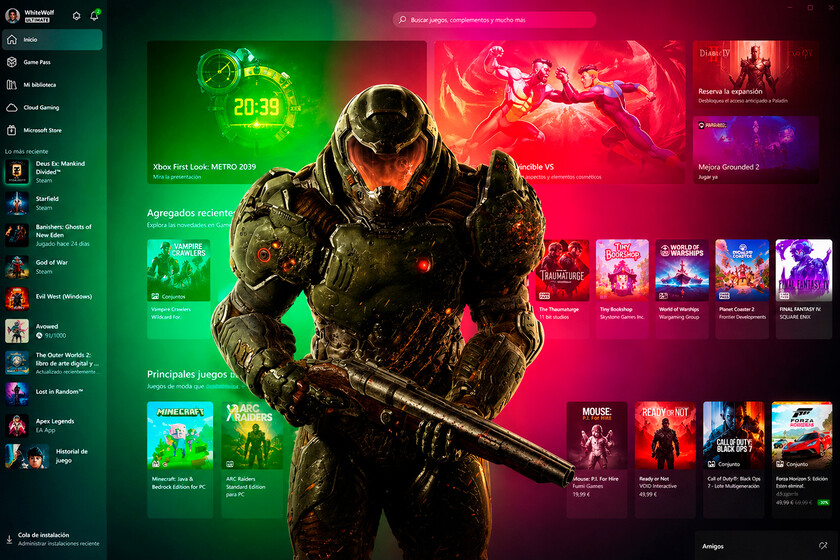
Microsoft has initiated a series of system updates for the Xbox Series X and Series S consoles, primarily targeting energy efficiency and user interface personalization. These changes, currently rolling out to members of the Xbox Insider program, aim to refine the console’s power management protocols and introduce new customization options that allow players to manage their dashboard experience more effectively. According to official communications from the Xbox Wire blog, the company is prioritizing “carbon aware” updates to reduce the environmental footprint of its hardware.
The most significant technical adjustment involves a shift in how the consoles handle power consumption during standby modes. Microsoft has implemented a “Shutdown (energy saving)” mode that, when active, reduces power usage by up to 20 times compared to the “Sleep” mode. This update is part of a broader corporate commitment to sustainability, as detailed in the Microsoft Sustainability Report. By optimizing the power state, the company intends to lower the electricity draw of the consoles while they are not in active use, without compromising the ability to receive background system updates.
Understanding the Shift in Power Management
For the average user, the distinction between “Sleep” and “Shutdown” modes has historically been about startup speed. In previous iterations, Sleep mode kept the console in a low-power state to allow for near-instant booting. However, the latest system update introduces a more granular approach to power management. The official Xbox support documentation notes that users can now choose between these modes manually, providing better control over daily energy expenditure. While the “Sleep” mode remains an option for those who prioritize rapid startup times, the “Shutdown” mode is now being positioned as the default for new units to align with global energy conservation standards.

This technical shift reflects a growing trend in the consumer electronics industry to address the “vampire power” consumed by devices in standby. By allowing the console to fully power down while still permitting background downloads and updates, Microsoft is attempting to balance user convenience with environmental impact. This approach is particularly relevant for users in regions with high electricity costs, where even minor reductions in baseline power usage can lead to noticeable changes in monthly utility bills.
New Customization and Quality-of-Life Improvements
Beyond power efficiency, the latest Xbox Insider updates focus on dashboard personalization. Users have requested more flexibility in how they organize their home screens and access their gaming libraries. The new interface updates allow for a more streamlined navigation experience, reducing the number of steps required to access frequently used apps and games. These updates are intended to simplify the user experience, particularly for those who maintain large digital libraries and utilize various streaming services.

Personalization options now include the ability to pin specific groups to the home screen and customize the layout of the dashboard to better suit individual preferences. These features, which have been requested by the community through the Xbox Insider Reddit community and other feedback channels, represent a move toward a more user-centric design philosophy. By listening to community feedback, Microsoft is attempting to mitigate the clutter often associated with modern console interfaces, which have become increasingly complex as they integrate social, streaming, and gaming features into a single hub.
What Happens Next for Xbox Users
Currently, these features are restricted to the Xbox Insider program, which allows a subset of users to test new software builds before they are released to the general public. There is no confirmed public release date for when these specific features will reach all Xbox Series X|S consoles globally, though such updates typically follow a multi-week testing phase. Users interested in accessing these features early can register for the program through the Xbox Insider Hub app available on the console’s store.

As Microsoft continues to refine its system software, the focus remains on balancing high-performance gaming with responsible hardware management. The company has stated that it will continue to monitor feedback from the Insider community to adjust these features before a wider rollout. Players are encouraged to check the “System” section in their console settings regularly, as updates are pushed automatically once they move out of the beta testing phase. For those looking to stay informed on future developments, the official Xbox News site remains the primary source for verified release notes and feature announcements.
Have you noticed these changes on your console yet? Share your thoughts on the new power-saving modes and dashboard customization in the comments below.