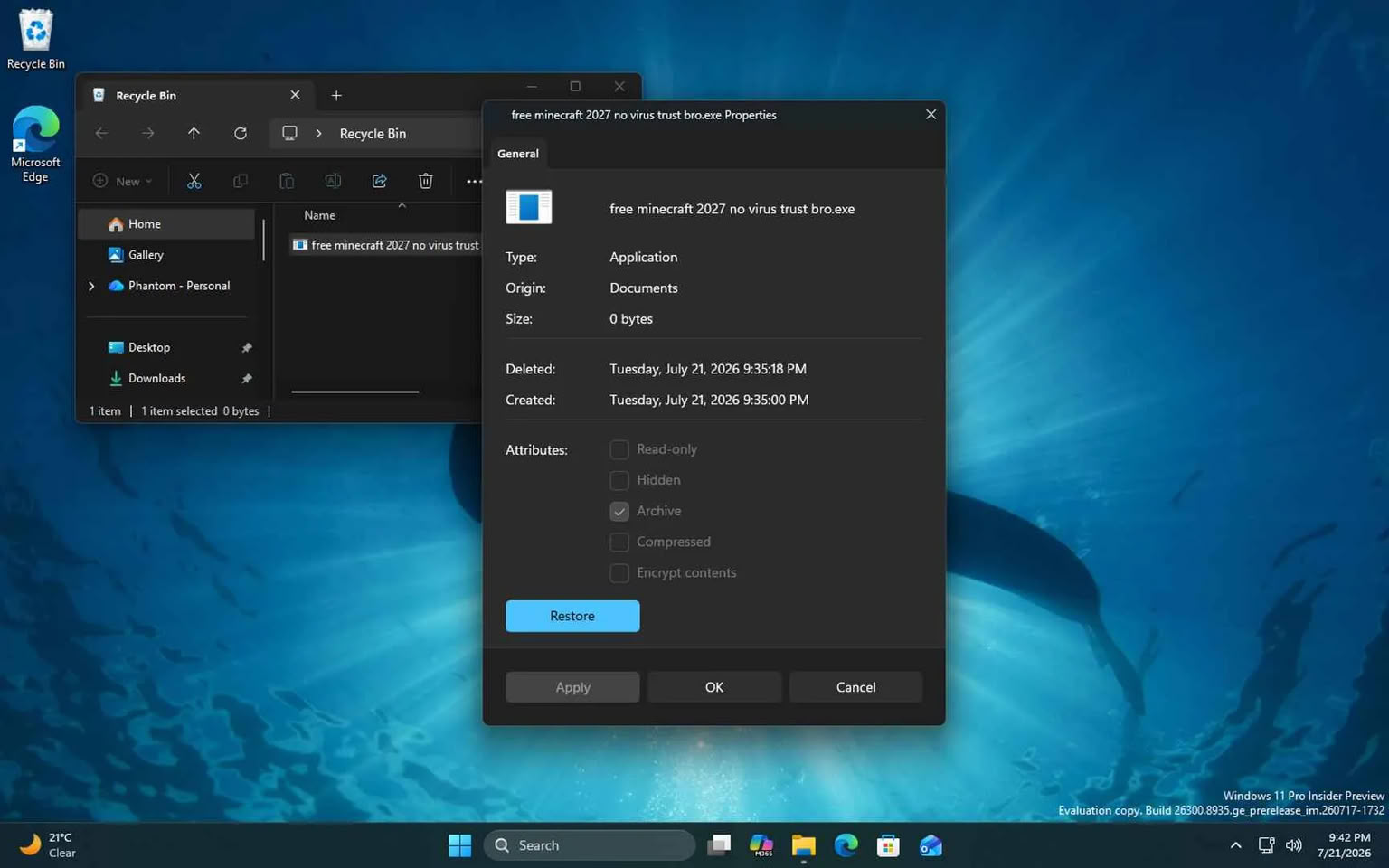
Microsoft has begun replacing the decades-old Windows 11 File Explorer Properties dialog with a modern interface built on the WinUI 3 framework. Currently appearing in select preview builds for Recycle Bin items, the update introduces long-requested features like native dark mode support while aiming to improve visual consistency across the operating system.
Transitioning from Windows 95-Era Controls
The File Explorer Properties dialog has remained largely unchanged since the Windows 95 era, relying on the legacy Win32 Common Controls library (comctl32.dll). While the interface has seen minor visual adjustments over the years, the underlying architecture has consistently utilized the SysTabControl32
component, which historically lacked support for modern design standards like dark mode, according to Windowslatest.
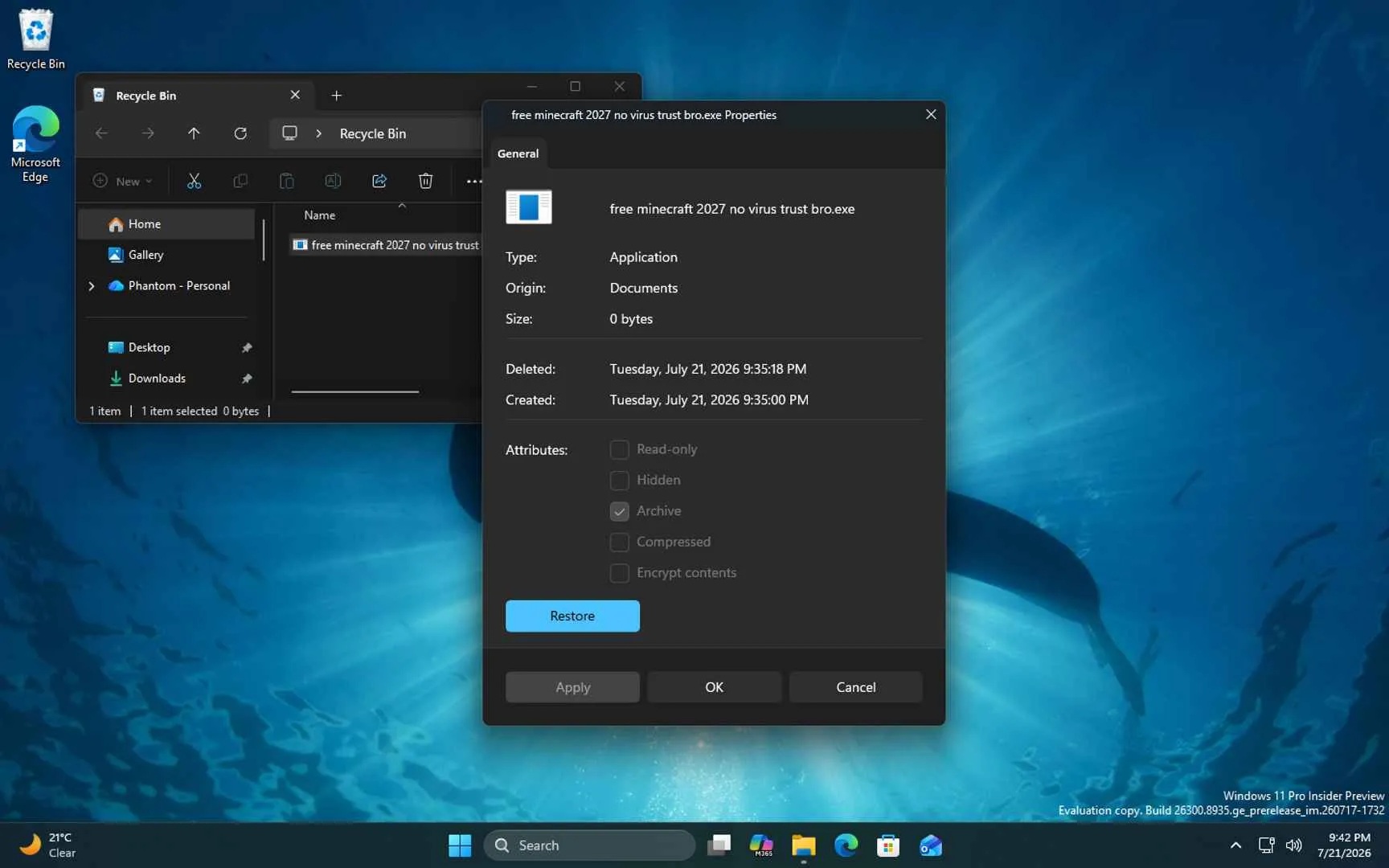
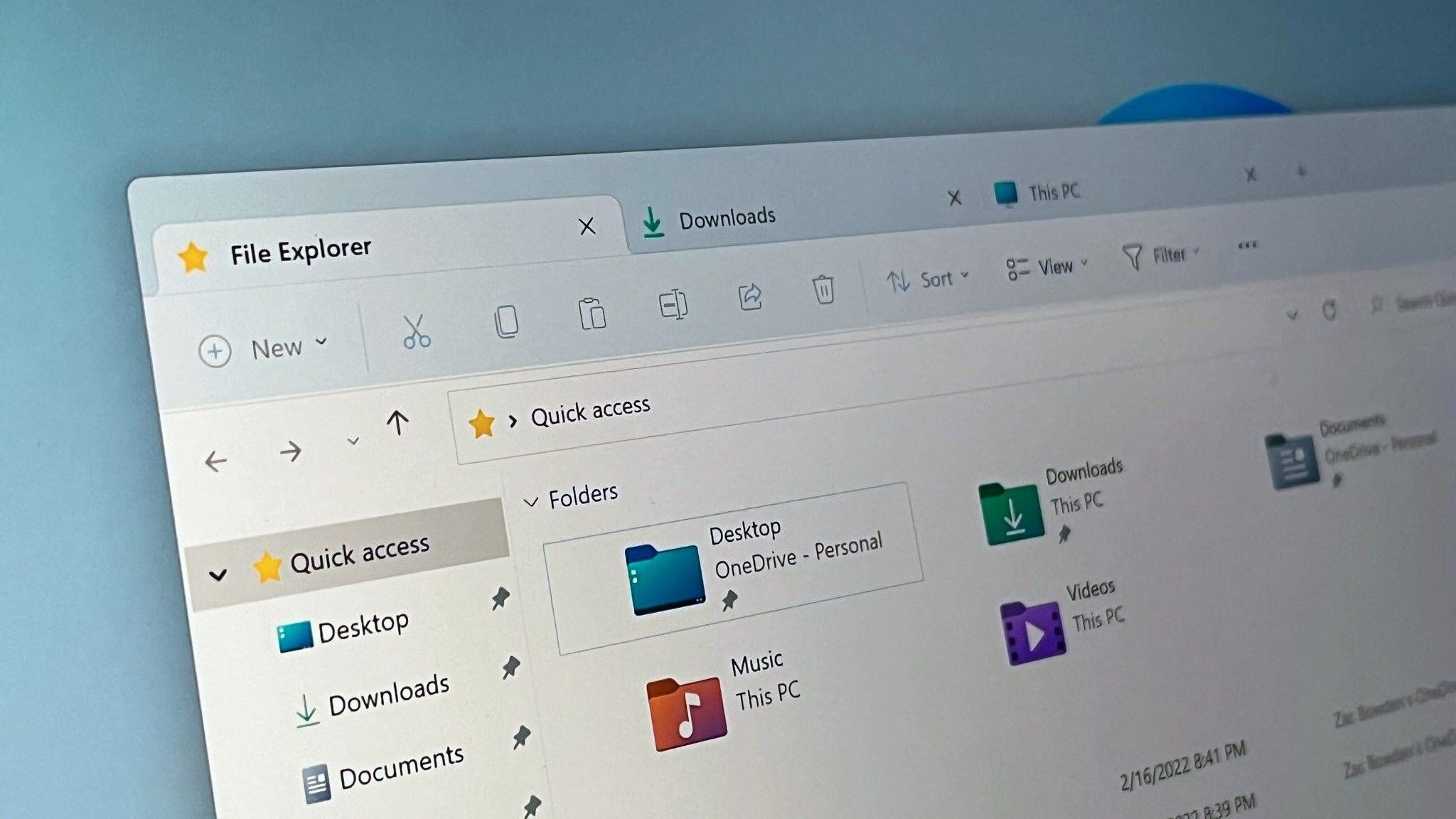
Recent preview builds indicate that Microsoft is finally migrating this component to the WinUI 3 framework. The shift is part of a broader effort to unify the Windows 11 user interface, which has long been criticized for its fragmented design. As Windows Central reports, the company has already modernized the top navigation, Home page, and details pane of File Explorer. The Properties dialog represents one of the final major legacy holdouts within the app.
Technical Challenges of Modernizing Legacy Shells
Modernizing core Windows components is a complex task because the operating system must maintain backward compatibility with decades of third-party software. Many applications, such as 7-Zip, Dropbox, and various antivirus programs, rely on the IShellPropSheetExt
interface to inject custom tabs into the Properties window. These extensions typically return an HWND-based page, which is a fundamental concept in Win32 development.
In Win32, a window object is identified by a value known as a window handle. And the type of a window handle is an HWND (although it surfaces in C# as an IntPtr).
Microsoft, in a technical document cited by Windows Latest
To ensure these third-party extensions do not break during the migration, Microsoft is reportedly developing a reverse-islands path
that allows legacy HWND-based pages to be embedded within the new WinUI-based tab strip.
Performance and Design Consistency Goals
The move to WinUI 3 is tied to Microsoft’s ongoing Windows K2
initiative, which focuses on addressing performance issues and design fragmentation across the Windows 11 shell. By moving more components to native WinUI, Microsoft aims to streamline the interface, ensuring all windows support consistent accent colors and dark mode.
However, the transition is not without potential trade-offs. Microsoft has acknowledged these concerns, confirming plans to optimize the performance of the WinUI framework itself to ensure that the transition to a modernized shell results in a faster, more responsive experience for the end user.
While an official release date for the full rollout of the modernized Properties dialog has not been announced, the appearance of the code in preview builds suggests that a wider deployment is expected soon. Users who wish to explore the current state of Windows 11 updates can typically find these features appearing in the latest Insider preview channels.