Microsoft is rolling out updates to its flagship operating system, Windows 11, that address long-standing feedback from its global user base regarding interface customization. For many power users and those accustomed to the classic Windows layout, the evolution of the taskbar and Start menu has been a point of contention since the initial release of the software. By reintroducing highly requested features, the Redmond-based tech giant is signaling a commitment to balancing modern design aesthetics with the functional flexibility that has defined the Windows experience for decades.
The latest adjustments, which are currently being integrated into the Windows Insider Program, reflect a broader strategy to refine the user experience based on direct telemetry and community sentiment. While Microsoft has pushed toward a more streamlined, centered design language in Windows 11, the company is now acknowledging that providing granular control—specifically regarding how users interact with their taskbar icons—is essential for maintaining productivity and user satisfaction across diverse workflows.
Addressing the Taskbar Customization Gap
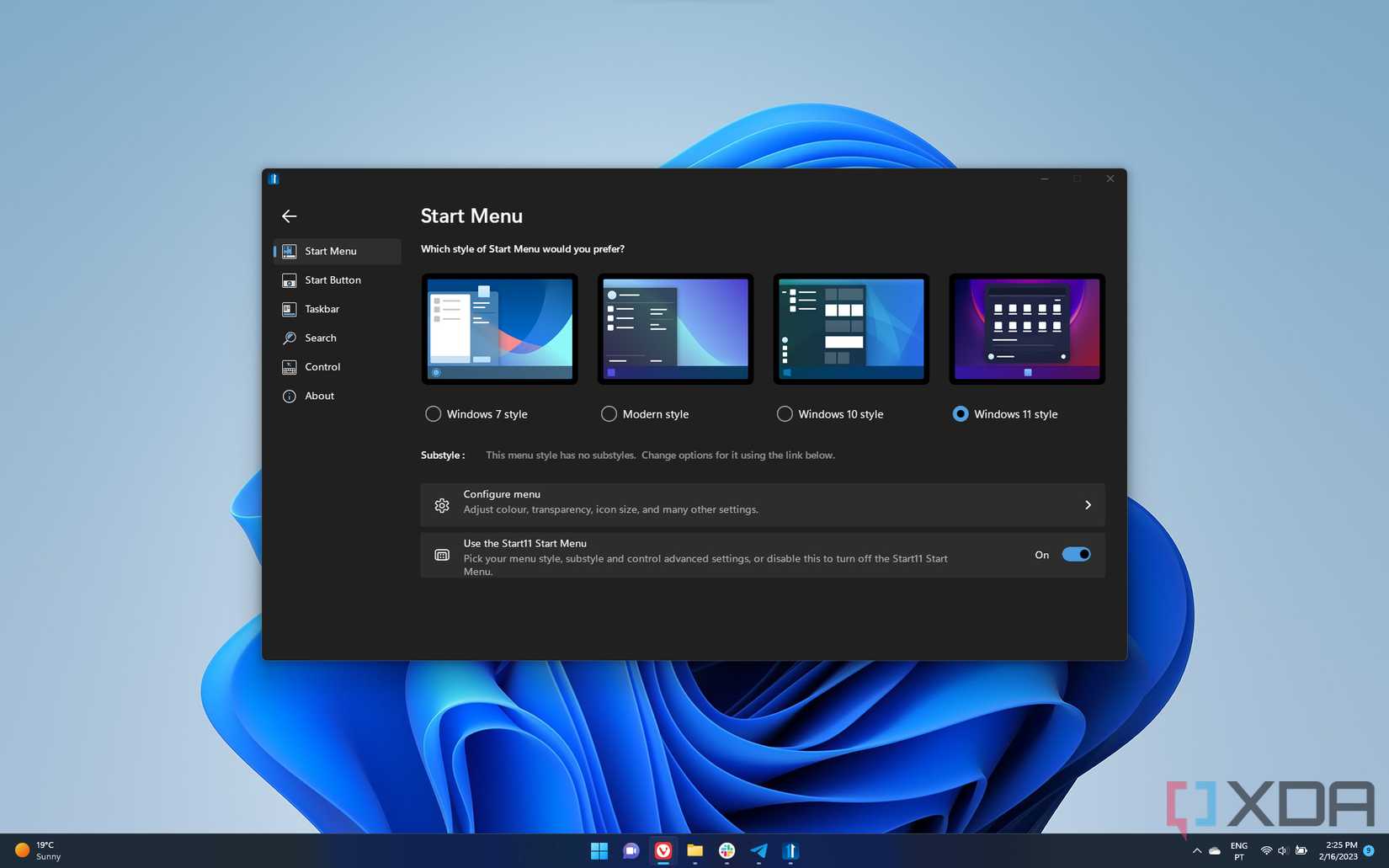
Since the launch of Windows 11, one of the most frequent requests from the community has been the restoration of specific taskbar behaviors that were standard in Windows 10. Users have consistently expressed a desire for more robust control over how applications are grouped and displayed. Microsoft has responded by testing features that allow for more flexible icon management, effectively bridging the gap between the modern, touch-friendly design of the current OS and the efficiency-focused desktop environment that many professionals rely on.

This shift is part of the ongoing development lifecycle of Windows 11, which includes frequent updates aimed at enhancing system performance, security, and accessibility. By listening to the feedback loop established through the Insider channels, the engineering teams are able to iterate on features that might otherwise remain static. For the average user, this means that the OS is becoming more adaptable to individual preferences rather than forcing a “one-size-fits-all” approach to navigation.
Why User Feedback Matters in Software Design
In the world of operating systems, the user interface (UI) is the primary bridge between complex hardware and human intent. When a company changes the fundamental way a user interacts with their device, the friction can be significant. My experience in software development has taught me that even small changes to a taskbar or a Start menu can have an outsized impact on user muscle memory. Microsoft’s decision to revisit these design choices is a testament to the importance of user-centric design in the modern tech industry.
Beyond simple aesthetics, these updates are about utility. Whether it is adding back the ability to ungroup icons or providing more intuitive ways to access system tray settings, these “small” changes often represent the difference between a seamless workflow and a frustrating one. As we look at the trajectory of Windows 11, Microsoft is moving toward a more mature version of the OS that honors the legacy of its predecessors while pushing forward with cloud-integrated productivity tools.
Navigating Recovery and System Stability
While interface customization is vital for the user experience, the stability of the OS remains the foundation of everything Microsoft does. As users explore these new personalization options, it is important to remember that keeping a system stable is a shared responsibility. Windows provides a suite of built-in recovery tools designed to handle everything from minor update errors to more complex system issues. If you ever find your system behaving unexpectedly after a customization change, these tools—including System Restore and the ability to roll back updates—are your first line of defense.

Before diving into deep system modifications or testing experimental features, I always recommend that users perform a full backup of their data. Whether through an external drive or a secure cloud service, ensuring your files are safe is a non-negotiable step for any tech-savvy user. Microsoft’s documentation emphasizes that while recovery options are robust, they are designed to be a safety net, not a replacement for proactive data management.
Key Takeaways for Windows 11 Users
- Active Listening: Microsoft is prioritizing user feedback from the Insider Program to reintroduce classic customization options.
- Flexibility is Priority: Future updates are expected to focus on bridging the gap between modern UI design and traditional desktop efficiency.
- Safety First: Always utilize system recovery tools and maintain backups when experimenting with new OS configurations or preview builds.
- Continued Evolution: Windows 11 is a “living” product, with regular updates providing both feature enhancements and security patches.
Looking Ahead: The Future of the Windows Desktop
As we move further into 2026, the integration of AI and cloud-based productivity remains the primary driver for Microsoft’s ecosystem. However, the core desktop experience—the way we open windows, manage files, and navigate our tasks—remains the heartbeat of the Windows platform. The return of these reclaimed features suggests that Microsoft understands that technical innovation should never come at the expense of user empowerment.
We anticipate further announcements regarding OS refinements at upcoming developer conferences and through official company blog channels. These updates will likely continue to focus on the balance between aesthetic modernization and the functional depth that power users require. As always, the best way to stay informed is to monitor the official Windows release notes and maintain your system’s security through regular updates.
What are your thoughts on these changes? Are there other features from the past that you would like to see return to the Windows taskbar? I look forward to hearing your perspective in the comments section below as we continue to track the evolution of this essential software.